AI Spine Animation Generator — Auto-Rig a 2D Character From One Image
Upload one character image and get 2D skeletal animation — the AI cuts your artwork into layers, rigs the bones for you, and animates it. Download the walk cycle as transparent WebM or GIF, or take the whole rig away as a Spine file — every render exports to all versions from 3.5 to 4.2, so it drops into whichever runtime your project already uses.
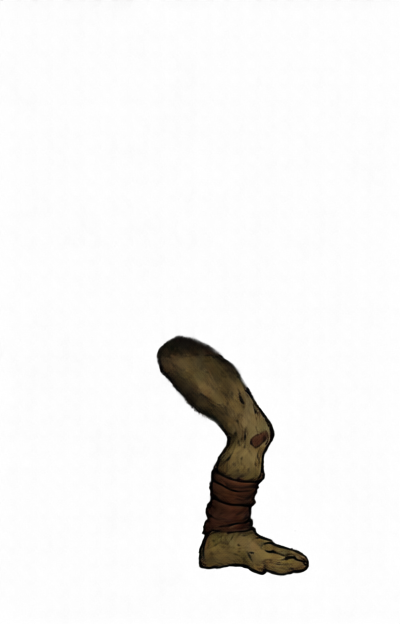
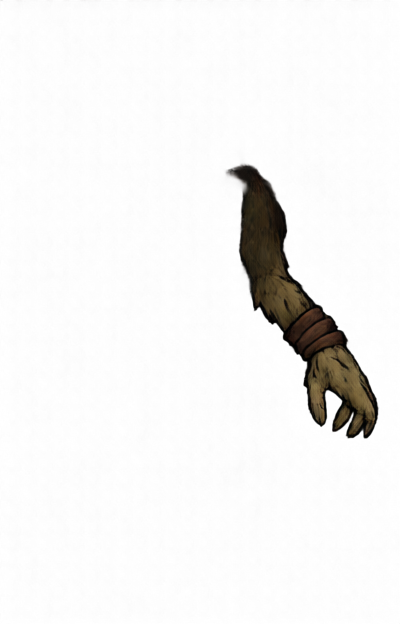
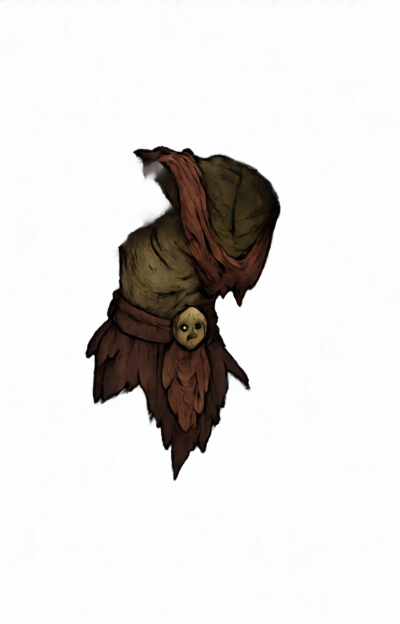
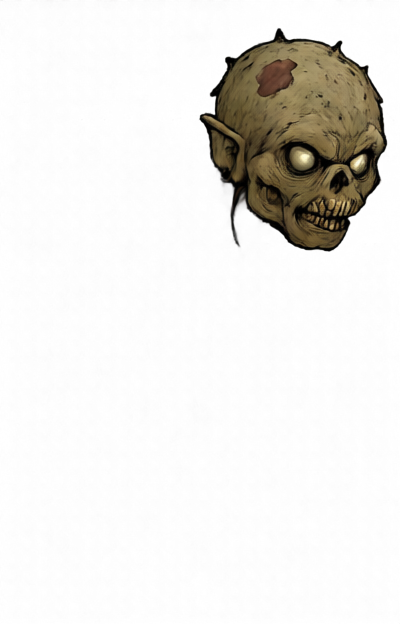
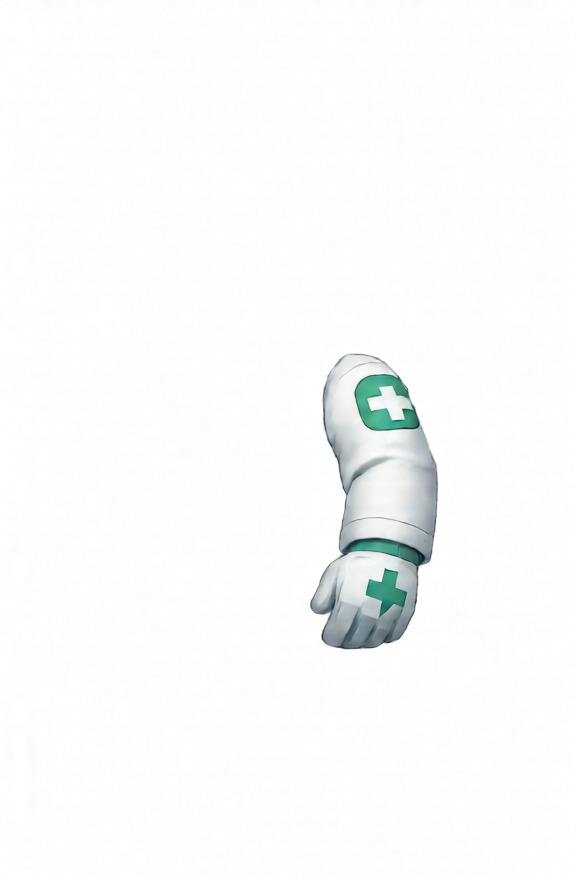
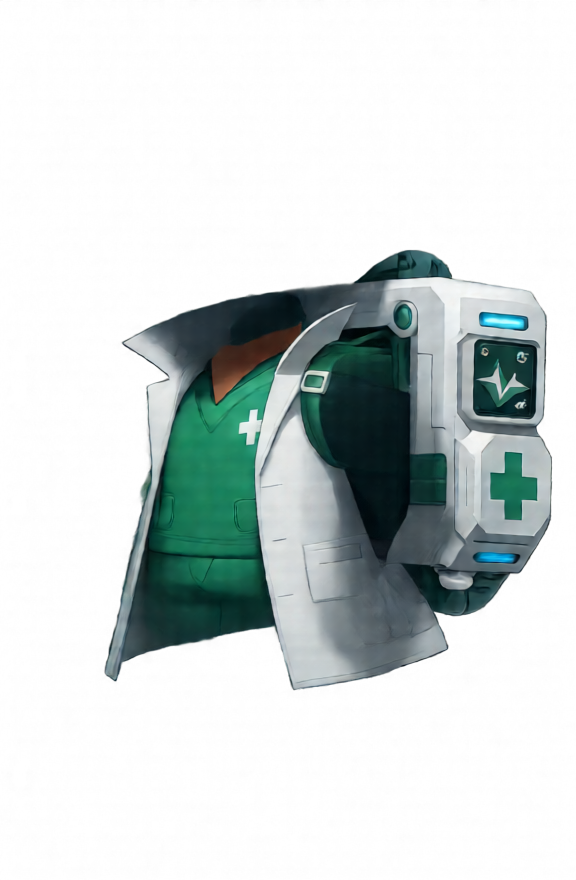
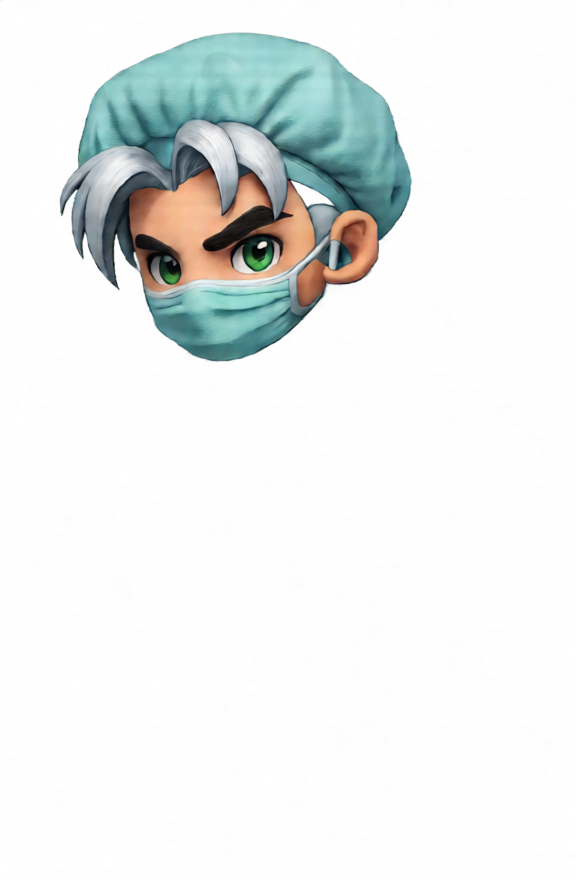
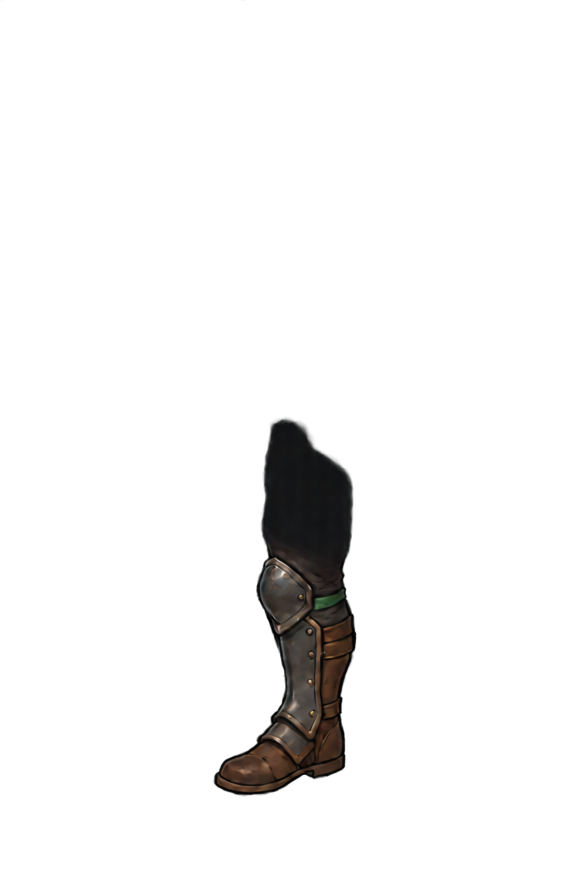
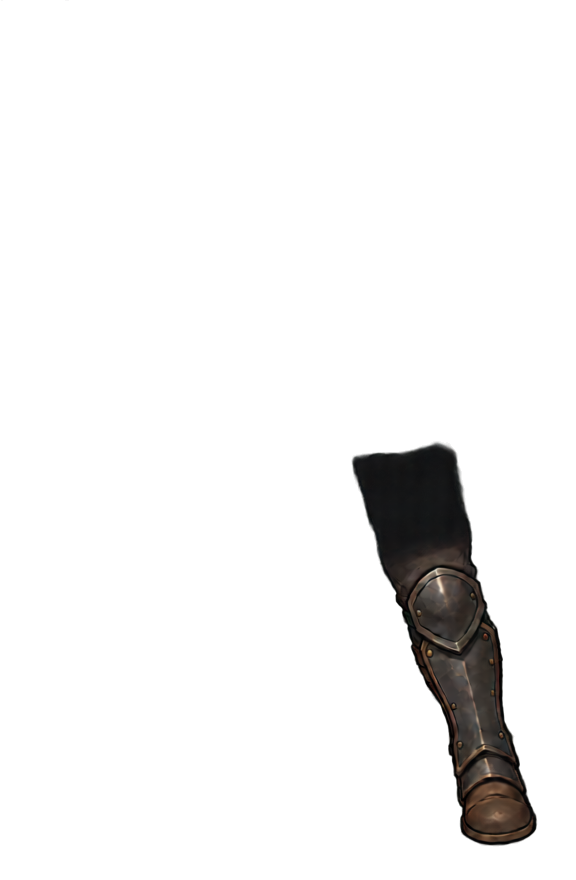
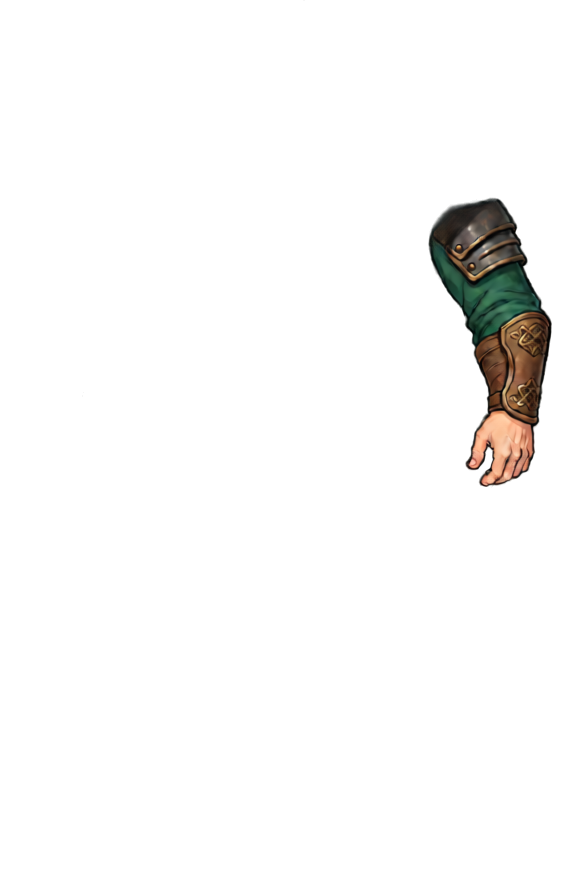
- AI layer splitting — one image becomes head, arms, legs and torso, then anatomically named pieces (upper arm / forearm / hand, thigh / calf / foot, …)
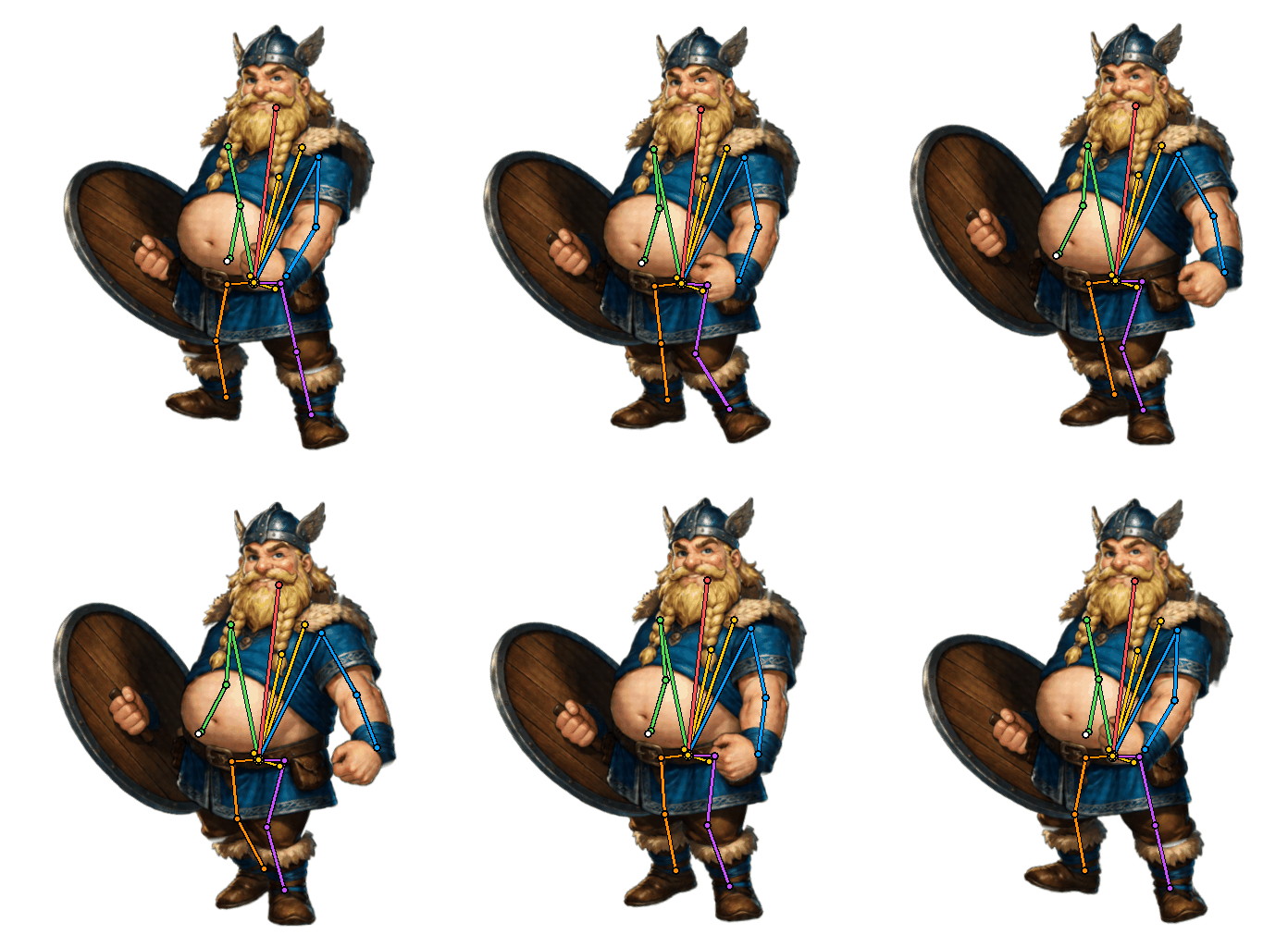
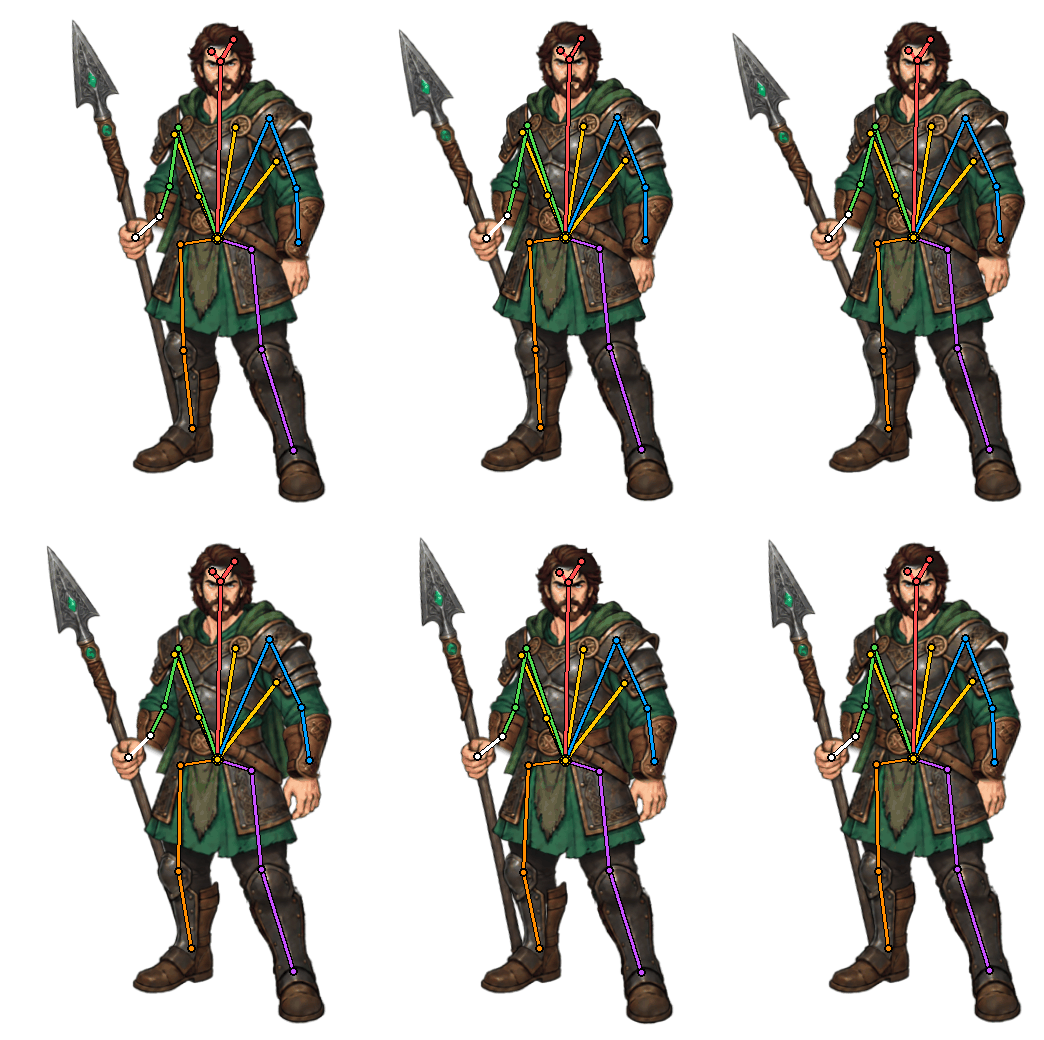
- Automatic 2D rigging — the AI infers how every piece connects, so you place no bones by hand
- One rig, unlimited animations — walk, idle, attack and more, each rendered in seconds
- Thousands of animation templates to retarget — apply them to any view perspective
- Spine export in every version from 3.5 to 4.2 — skeleton.json, the atlas and the packed PNG, or a transparent WebM and GIF
- Your artwork stays pixel-perfect — skeletal motion, not AI-repainted frames
Invite Only
New character uploads are invite-only while we upgrade the service. Join the waitlist and tell us what you want to animate — existing generations below are still here.
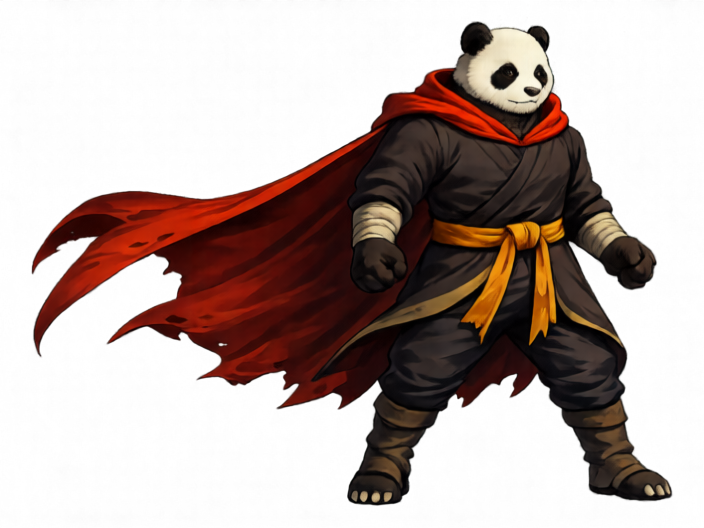




- 1Upload art
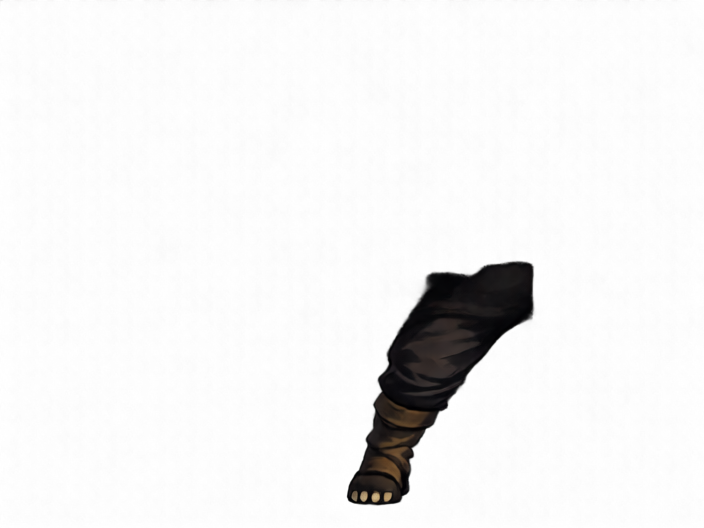
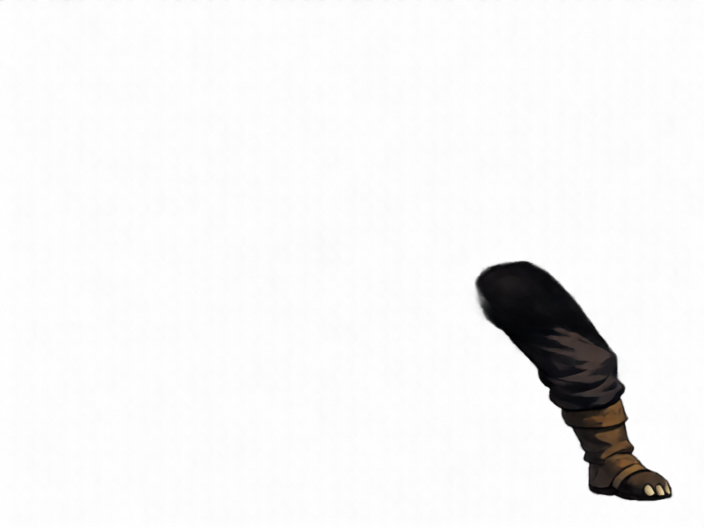
- 2Split layers, infer occlusions
- 3Auto-rig skeleton
- 4Pick animation
Rig once — render unlimited animations in seconds
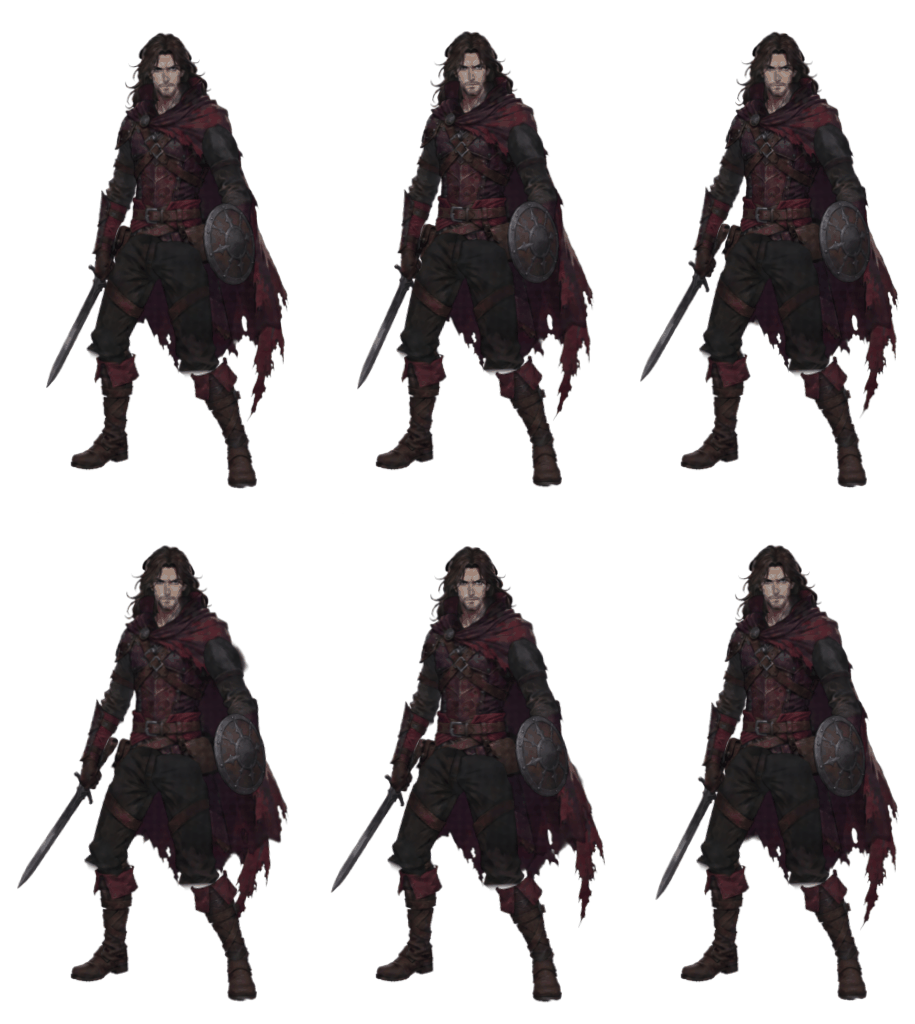
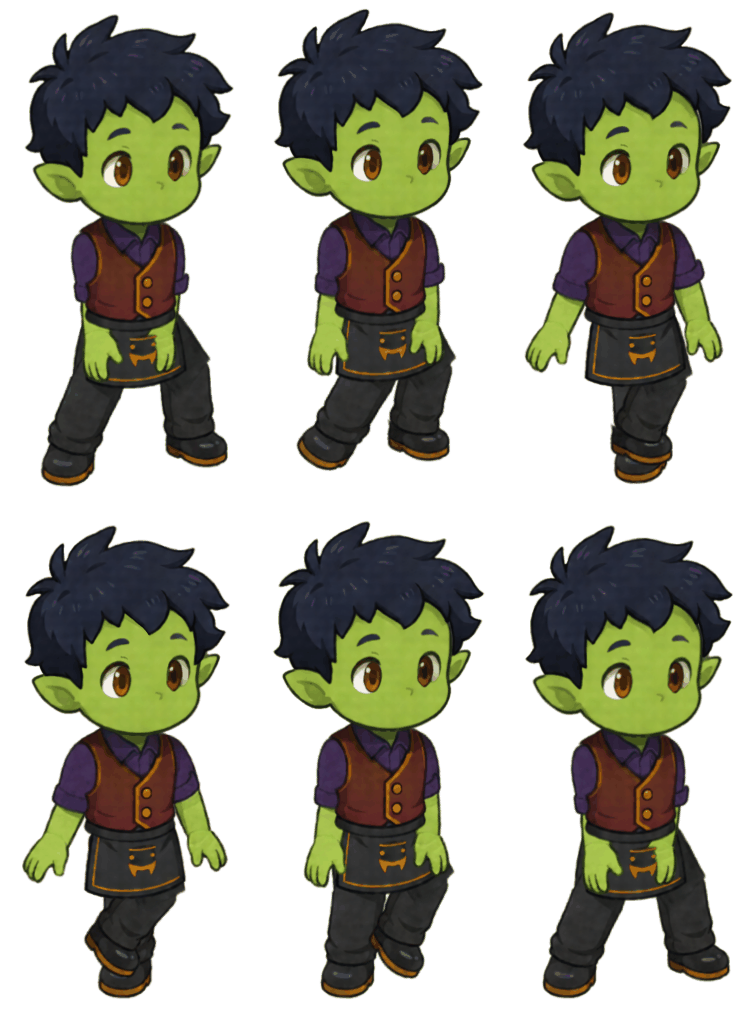
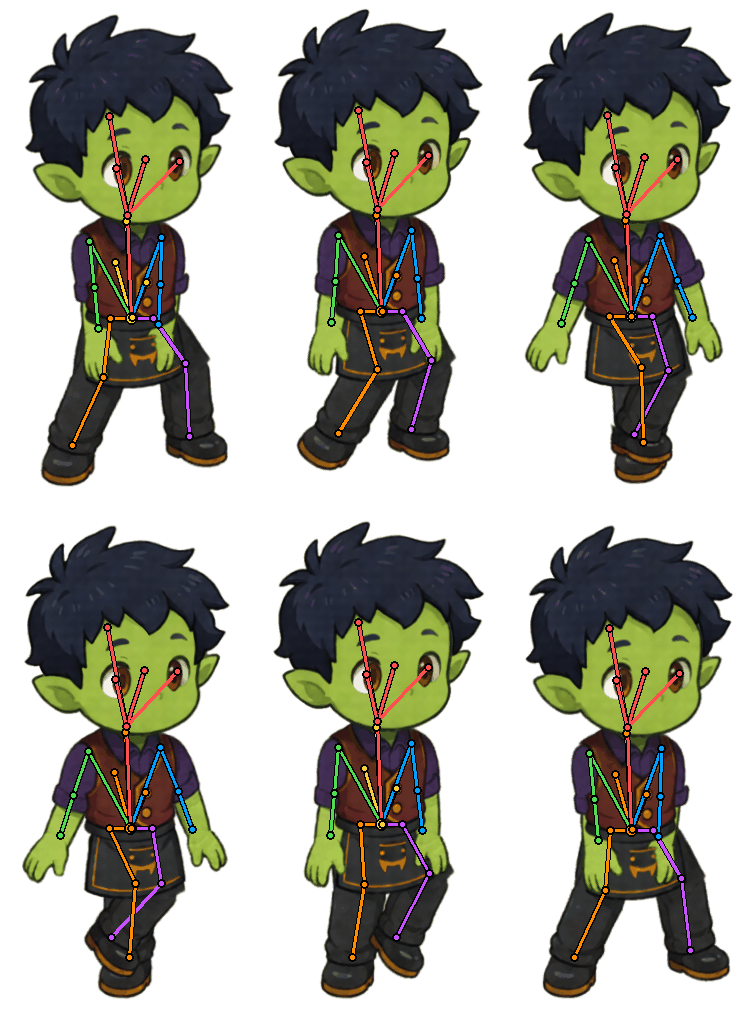
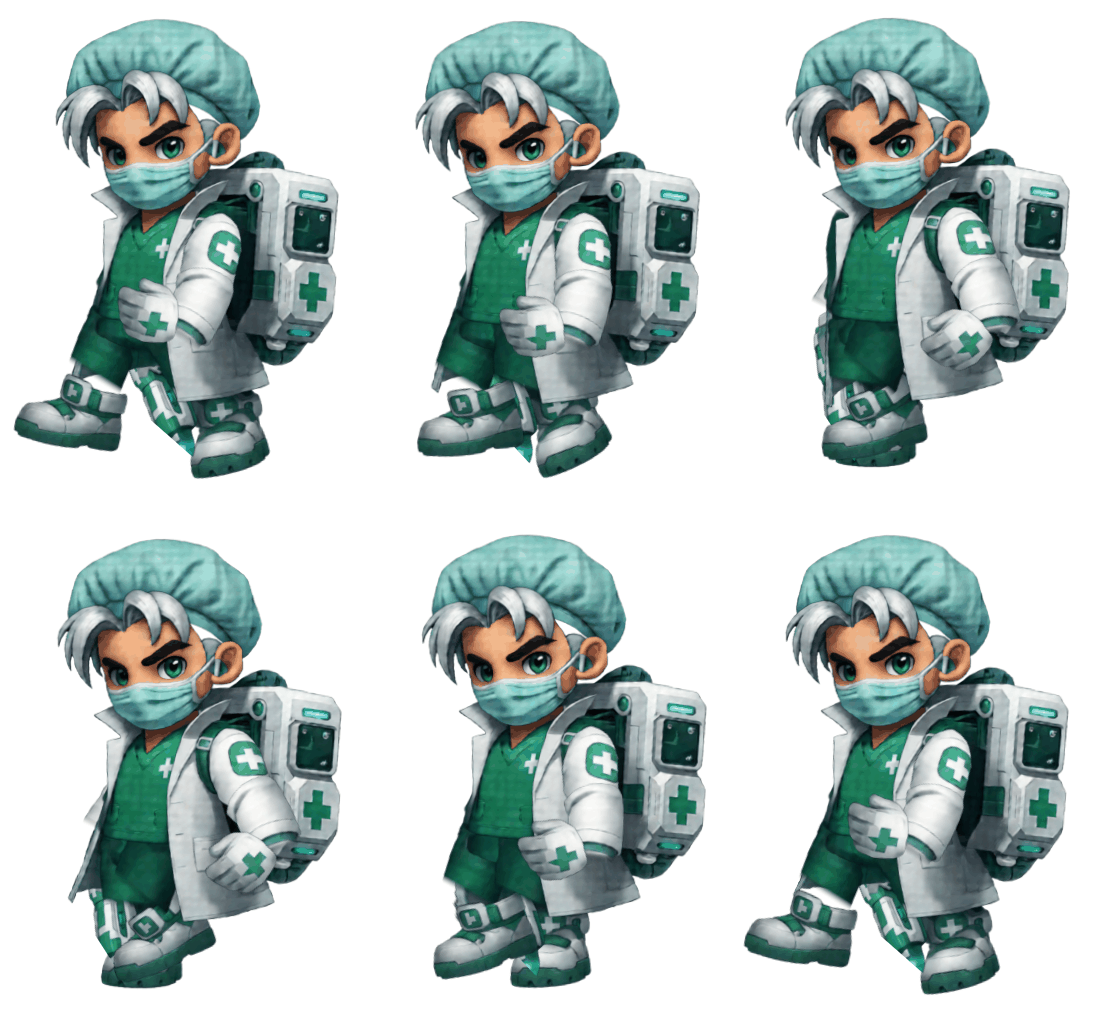
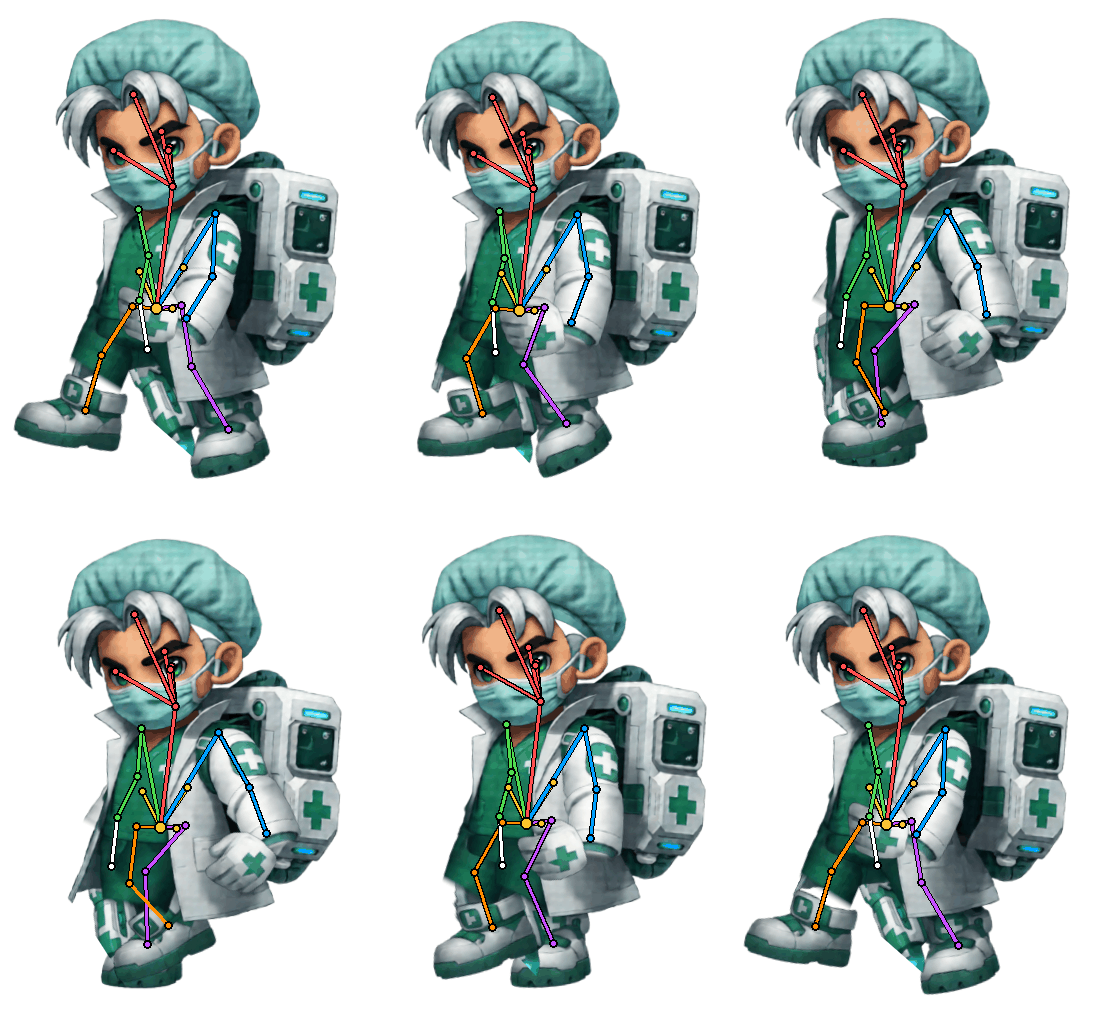
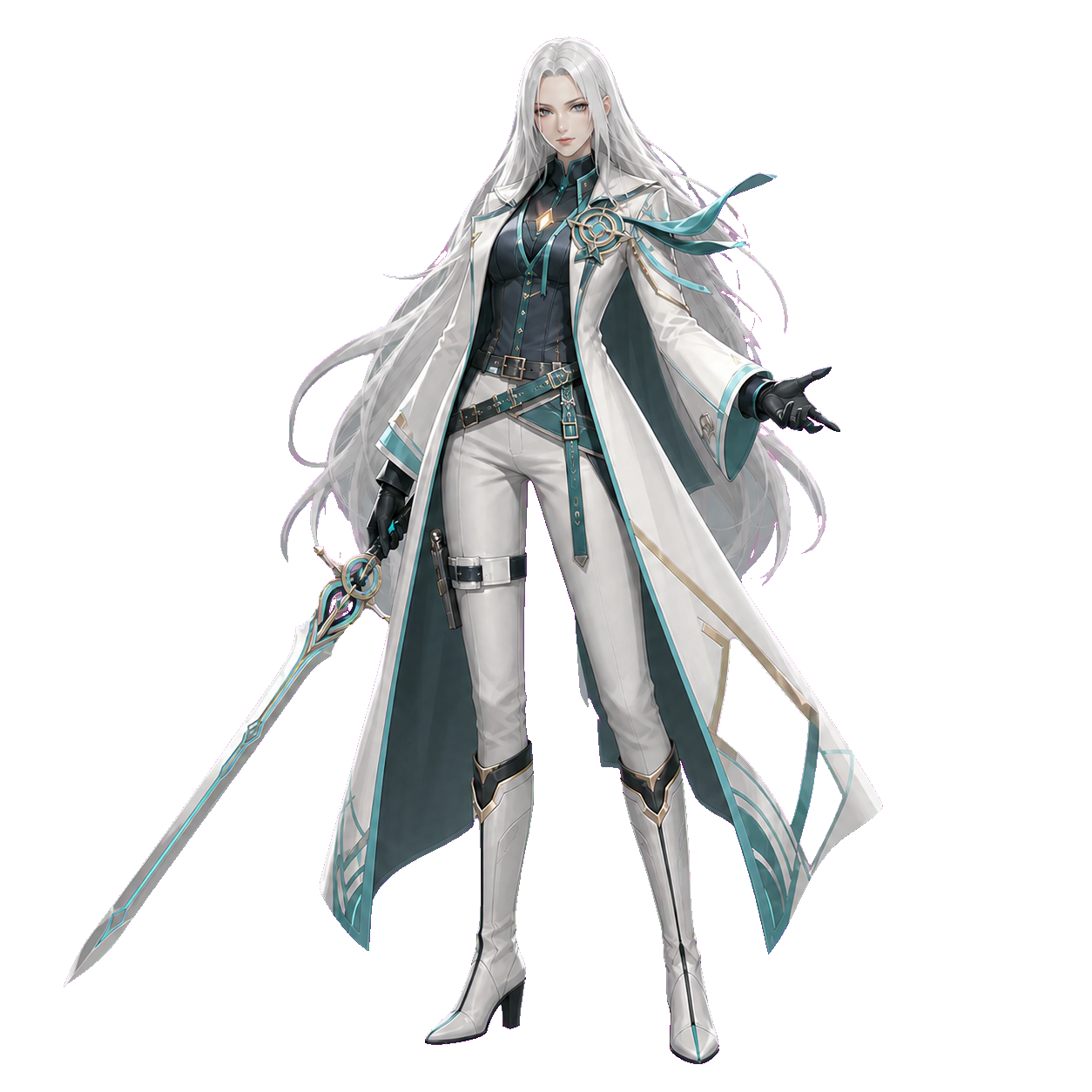
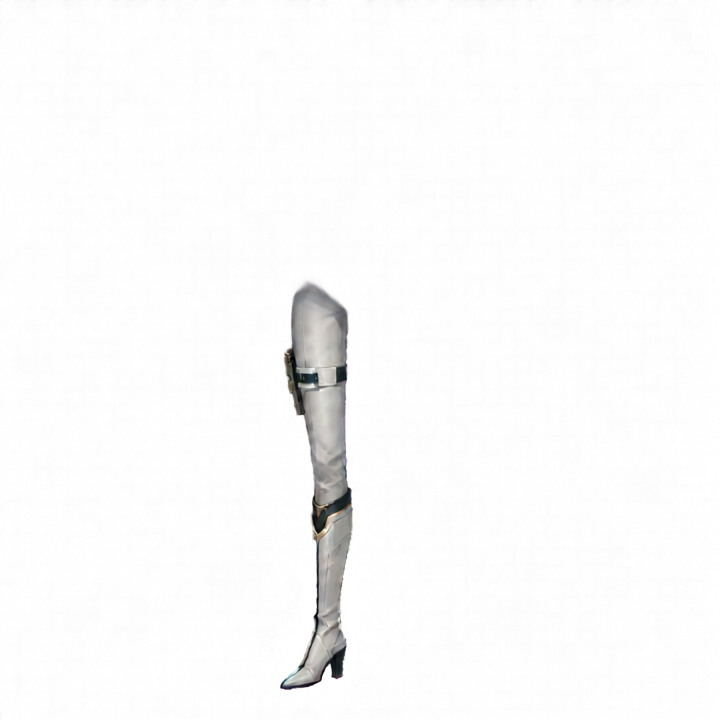
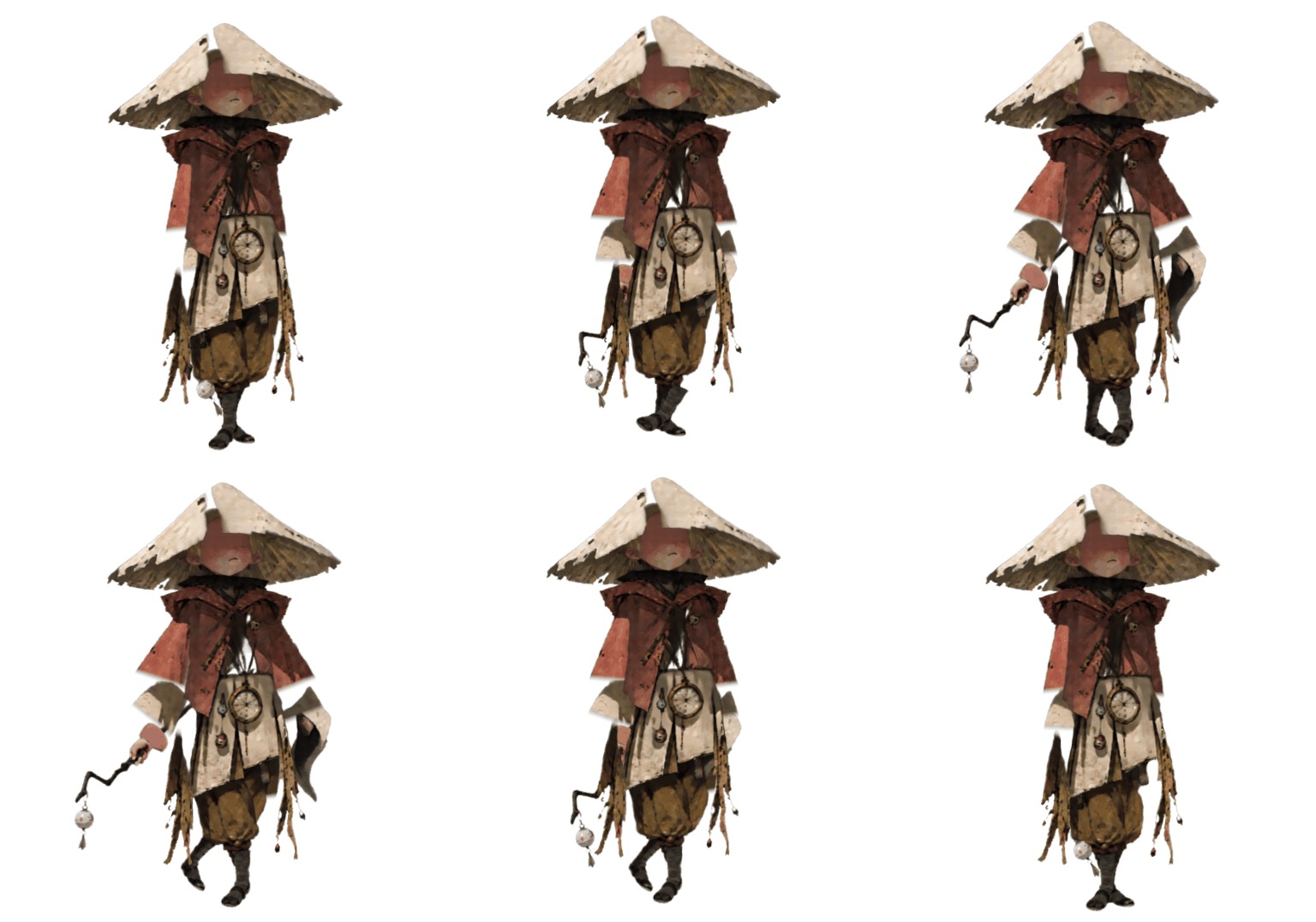
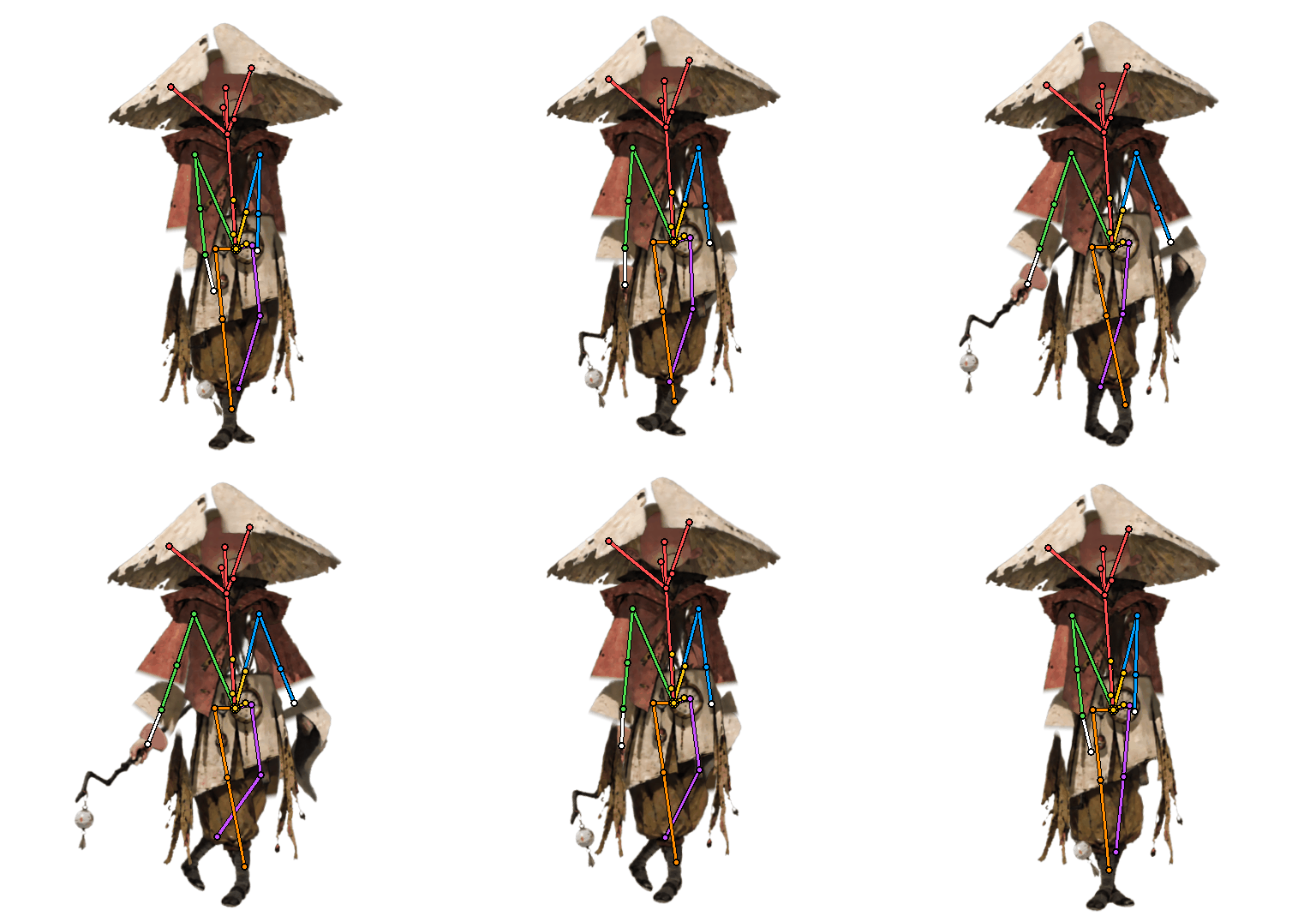
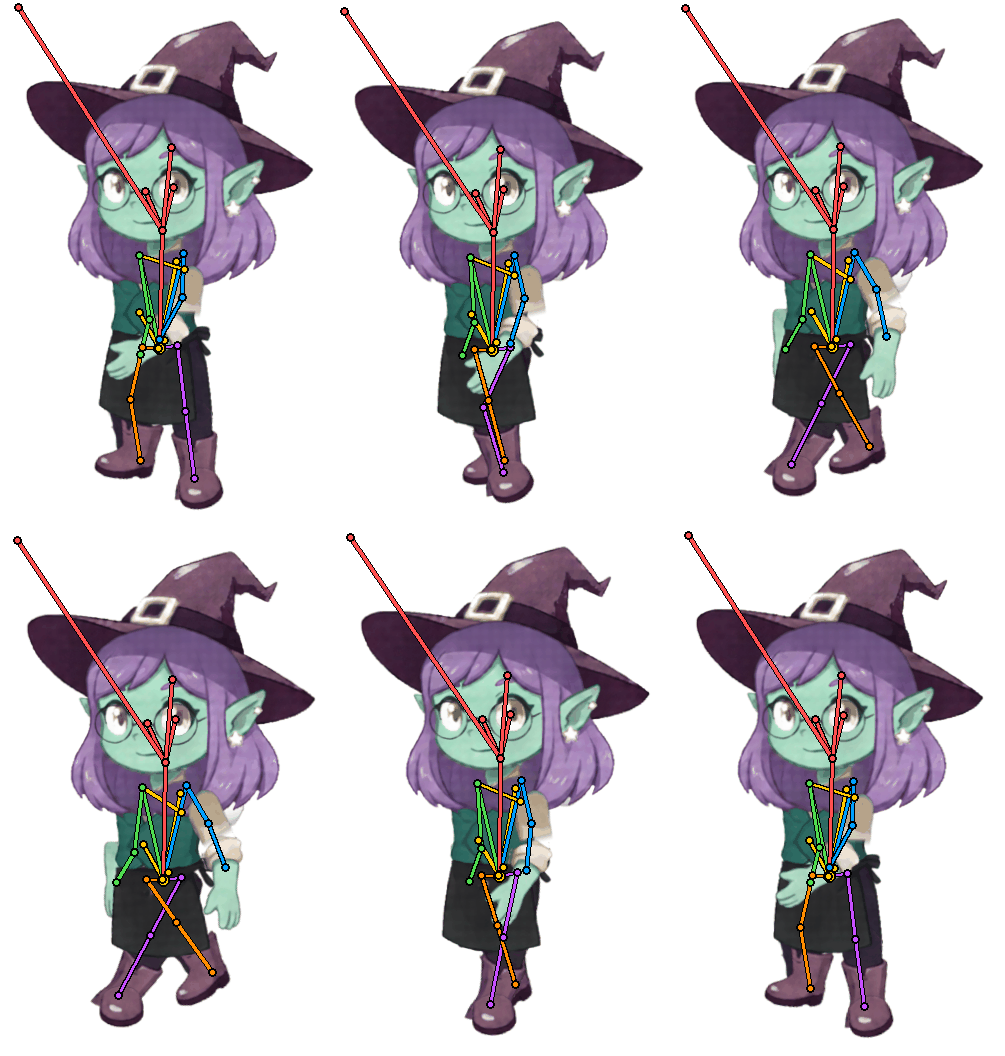
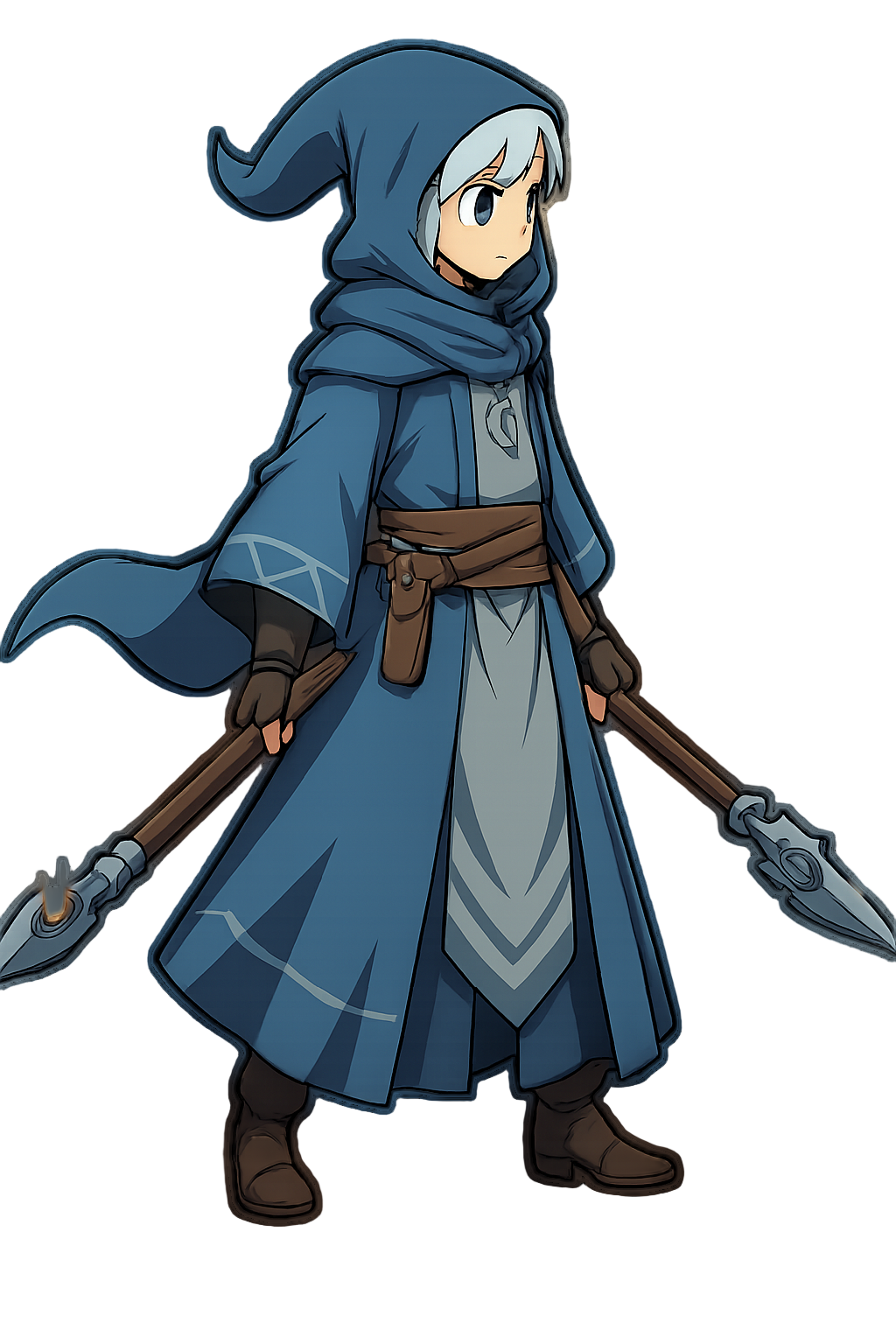
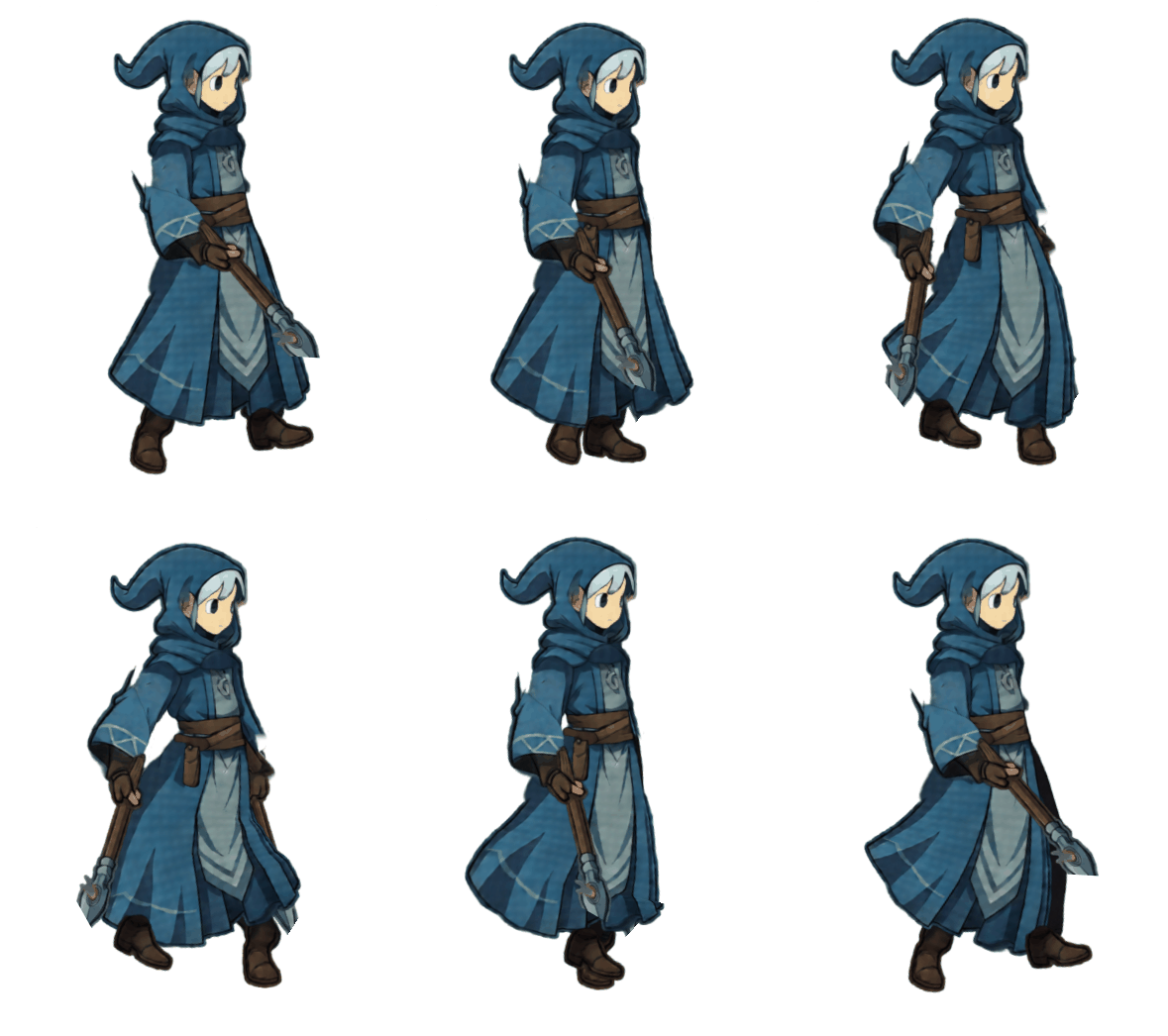
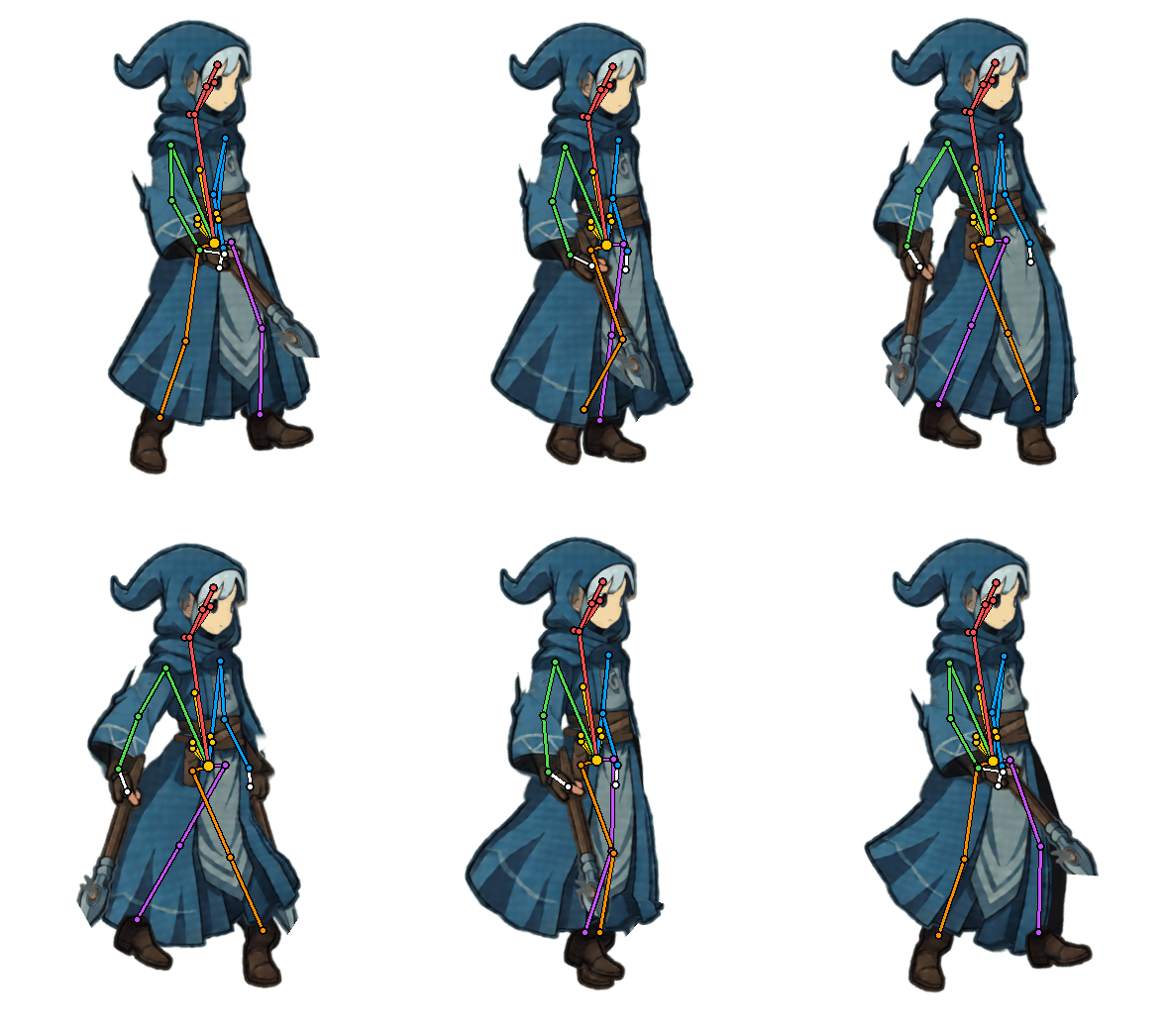
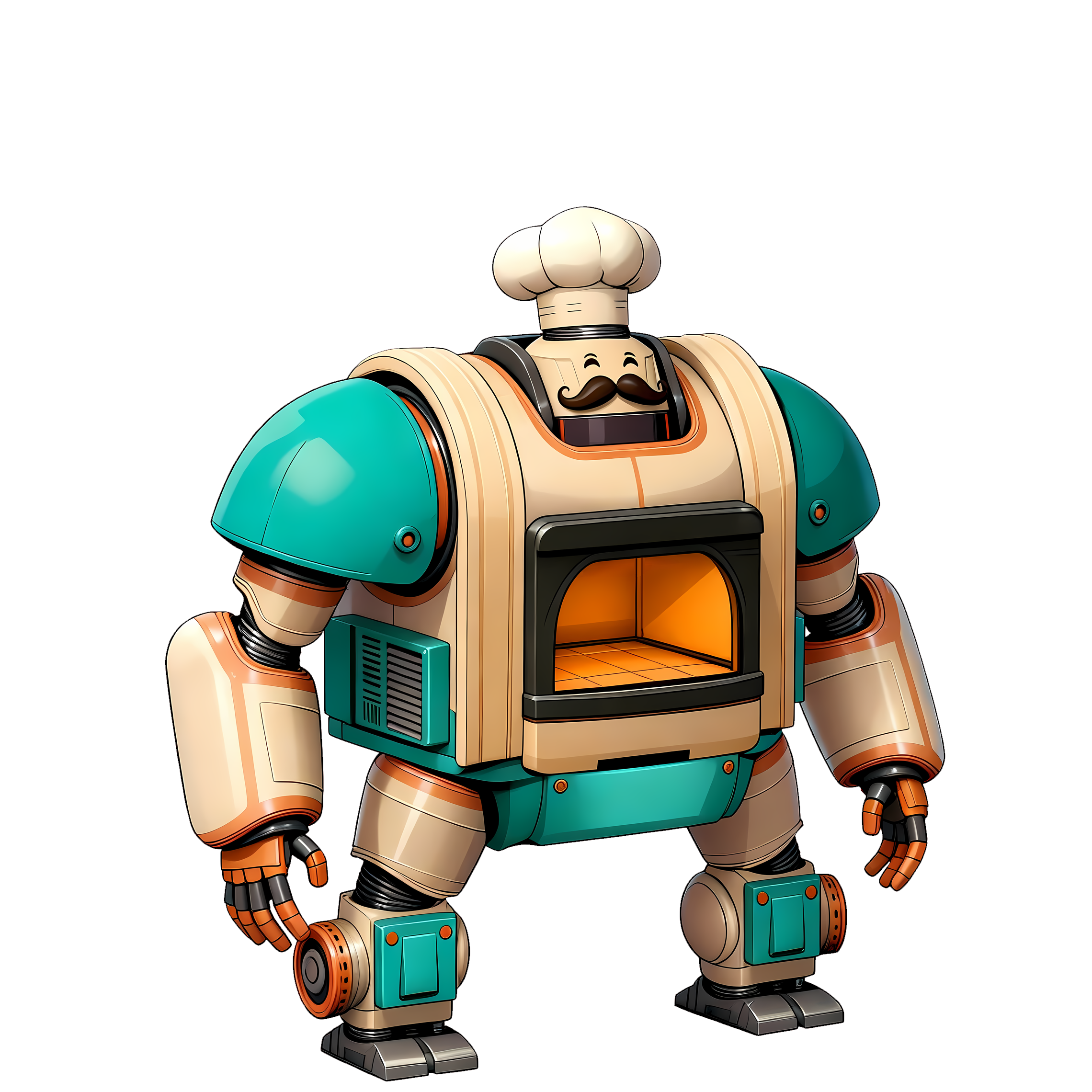
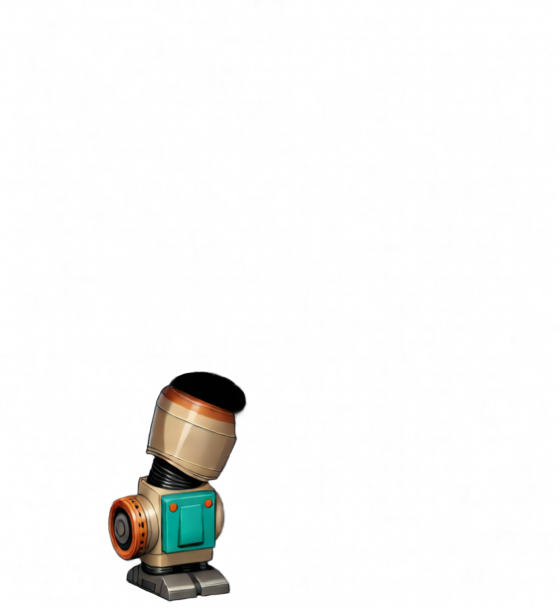
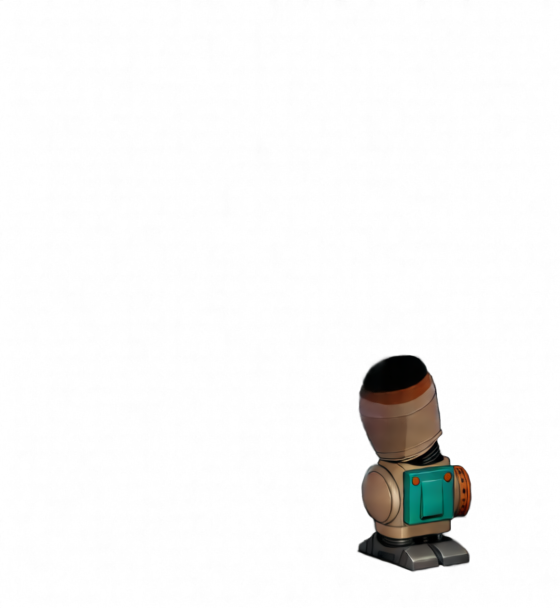
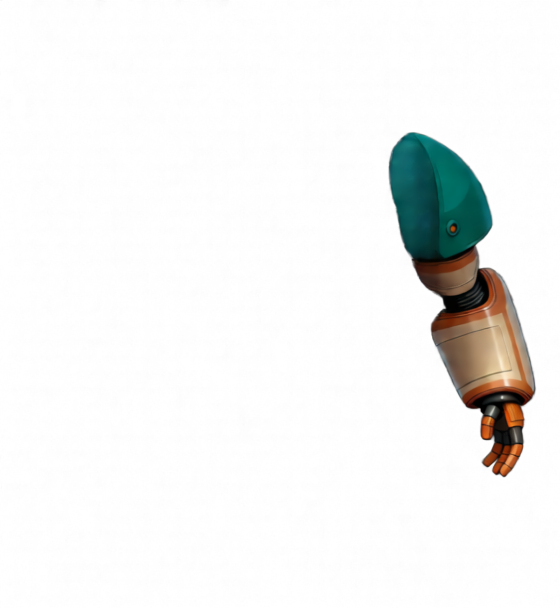
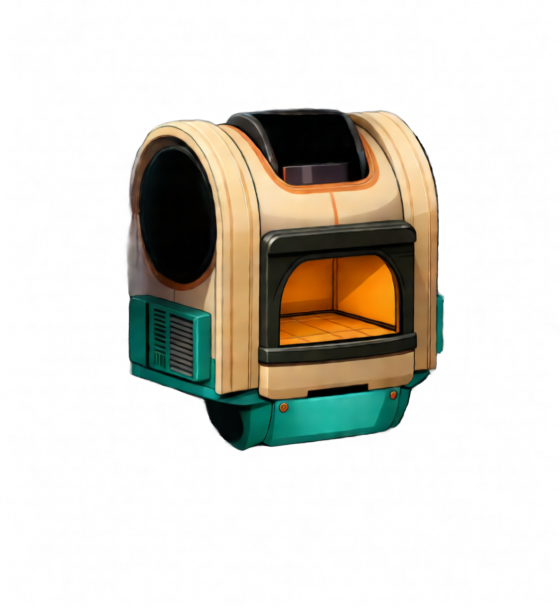
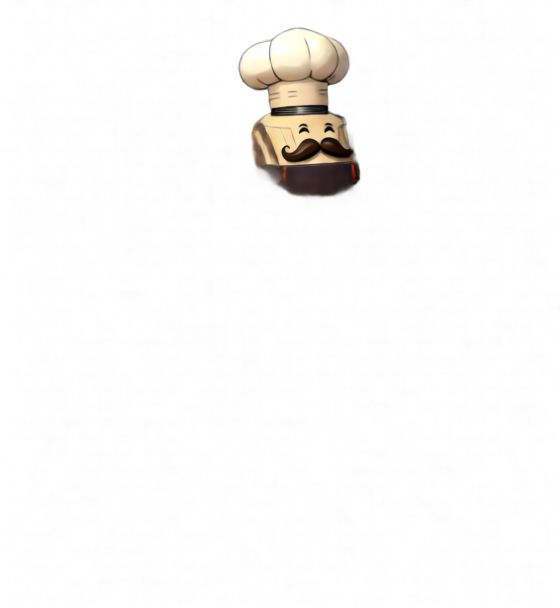
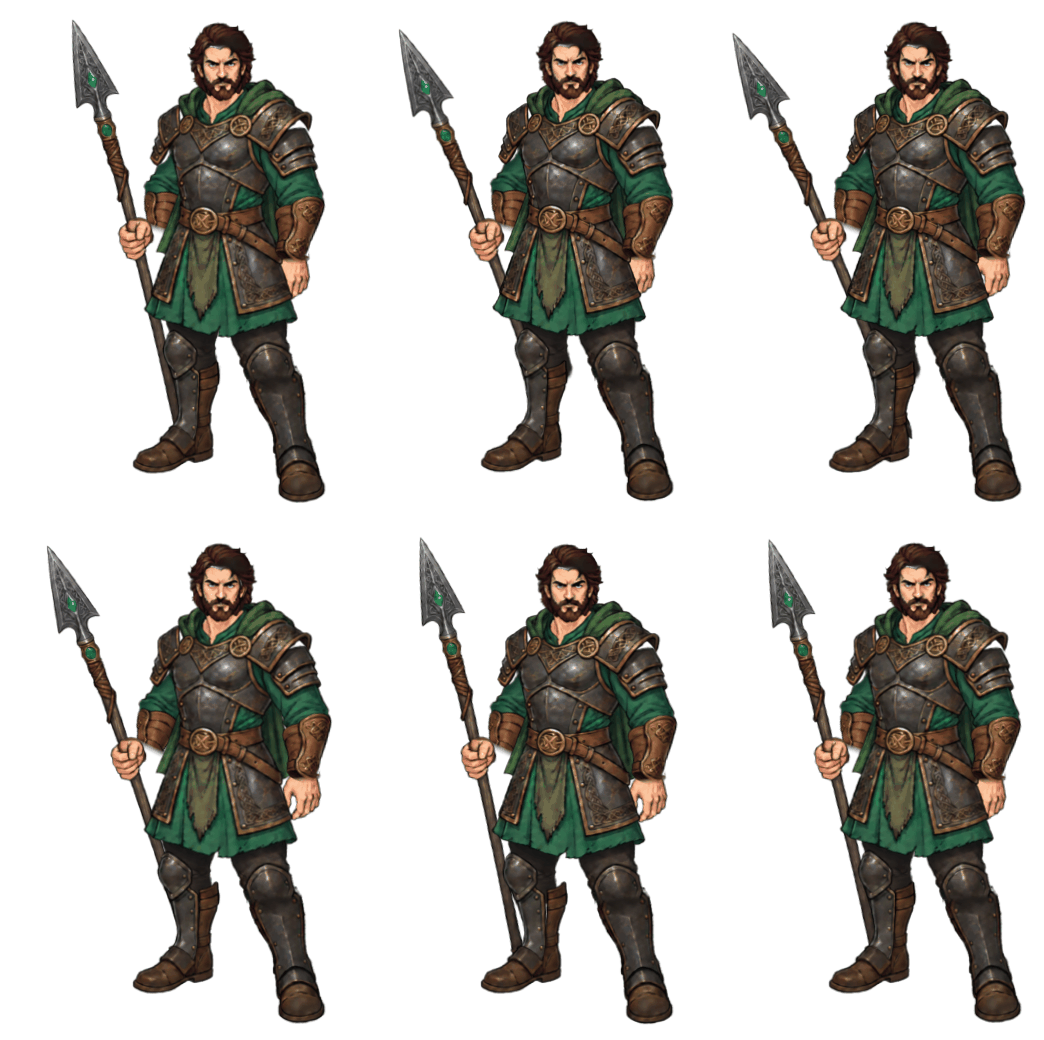
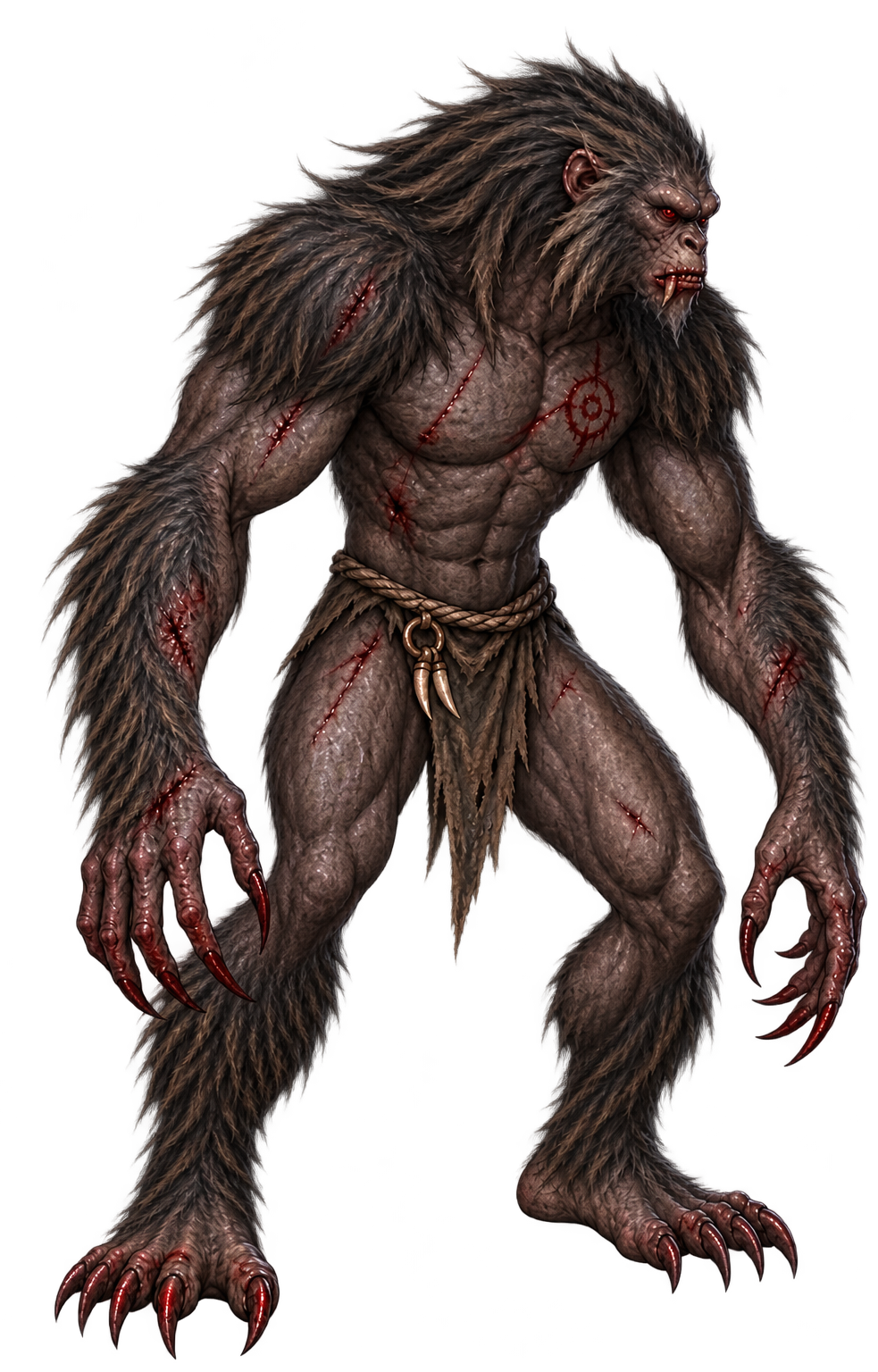
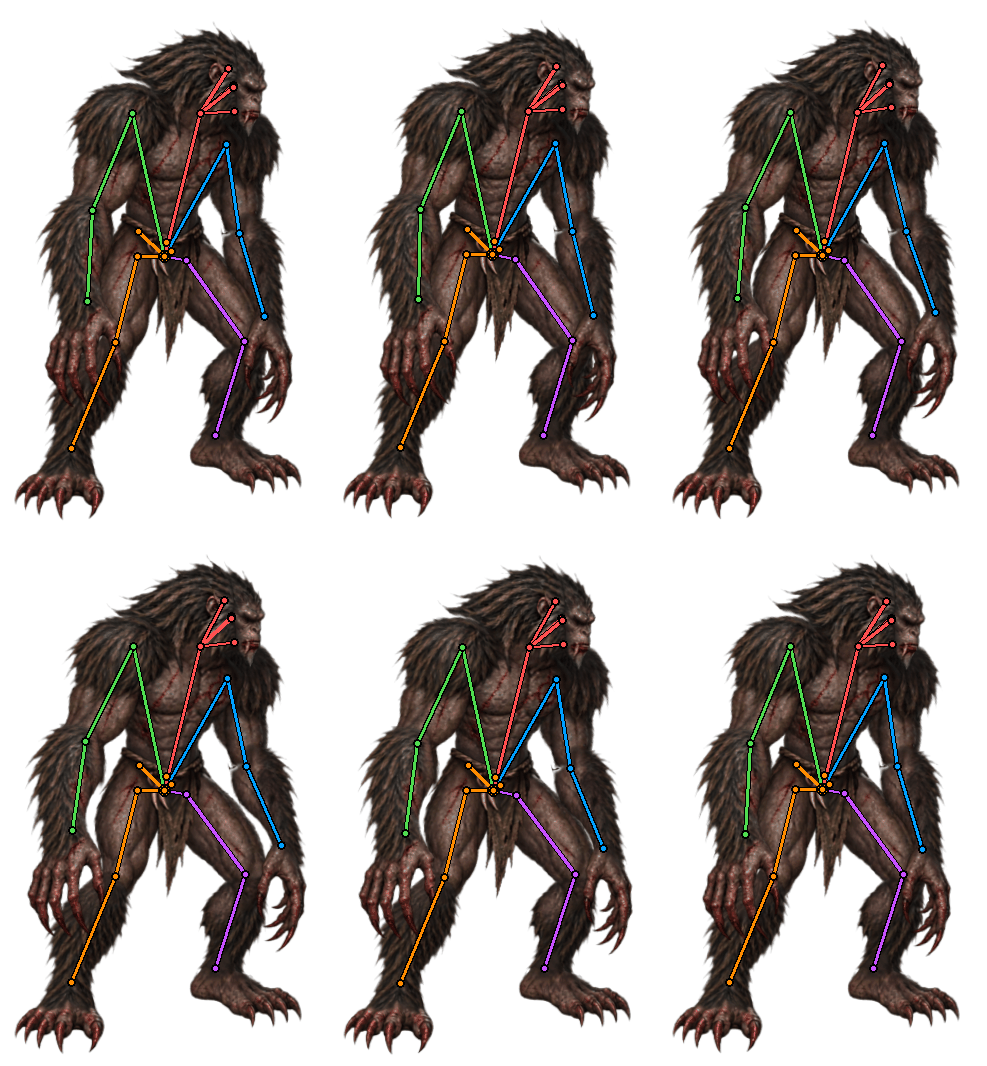
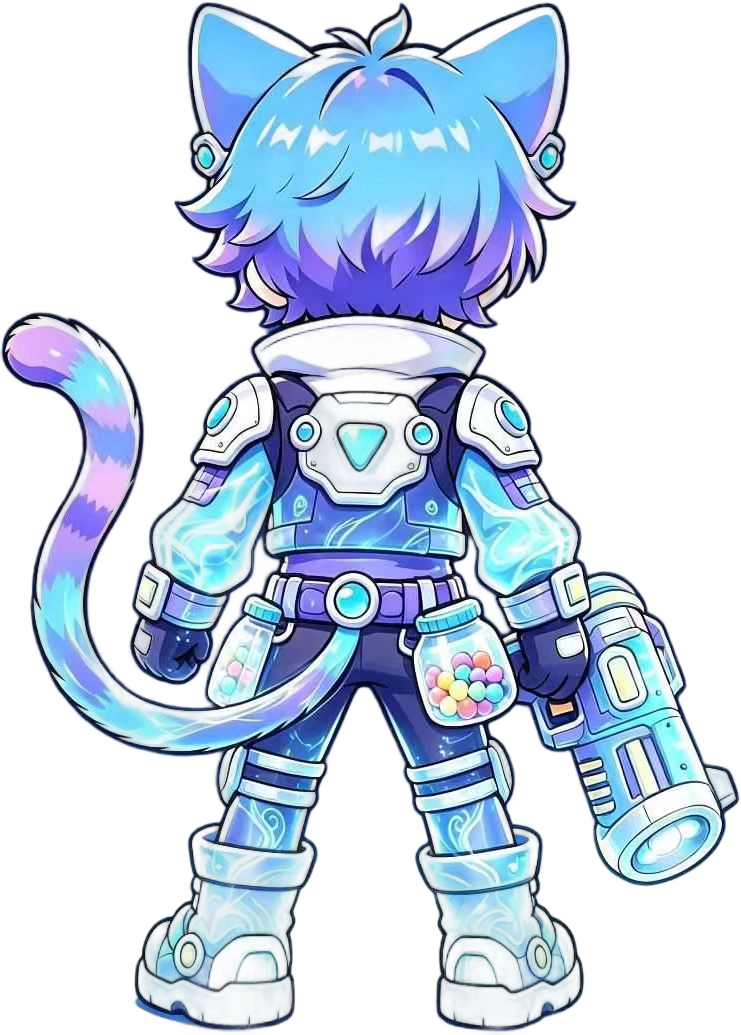
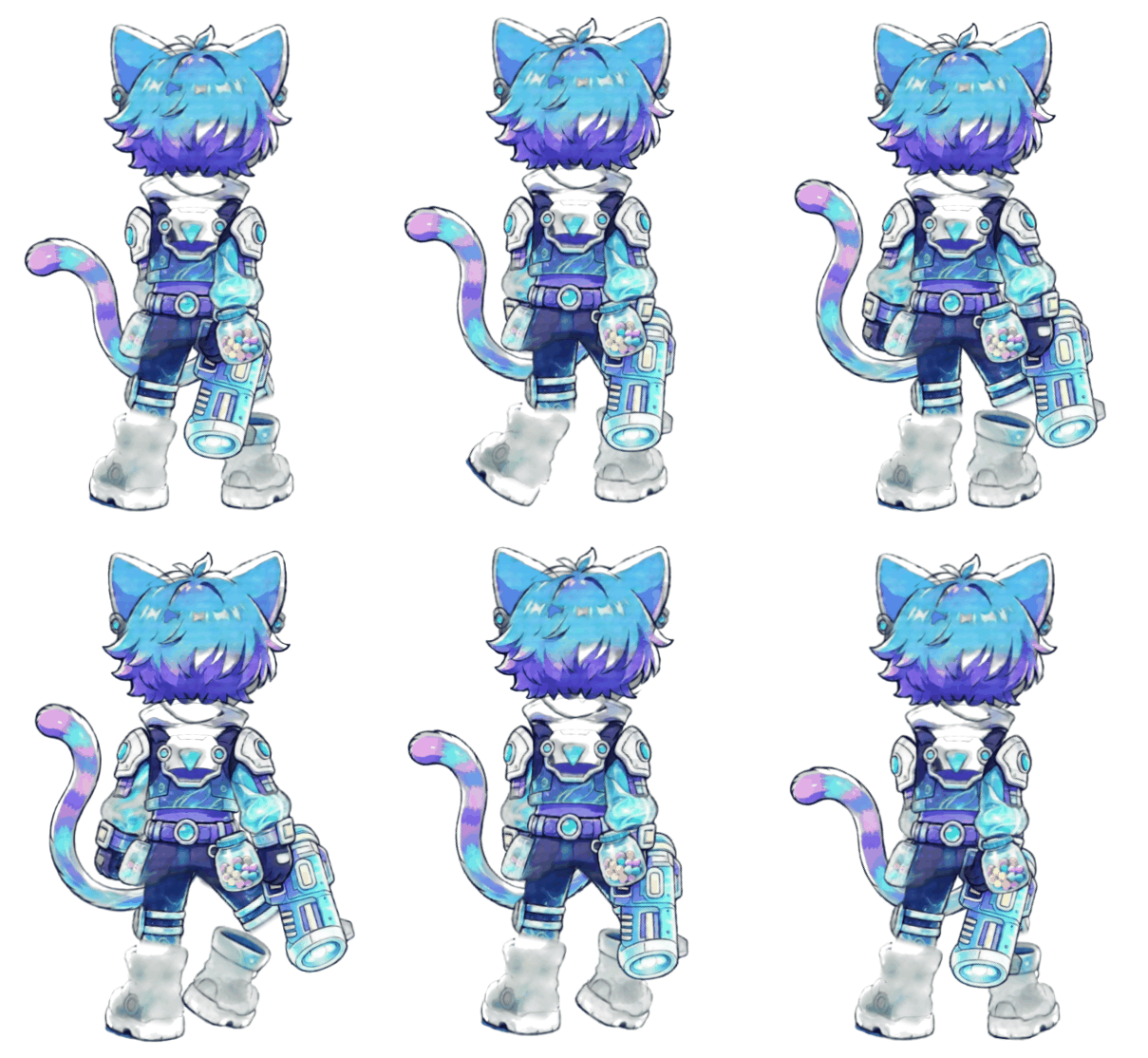
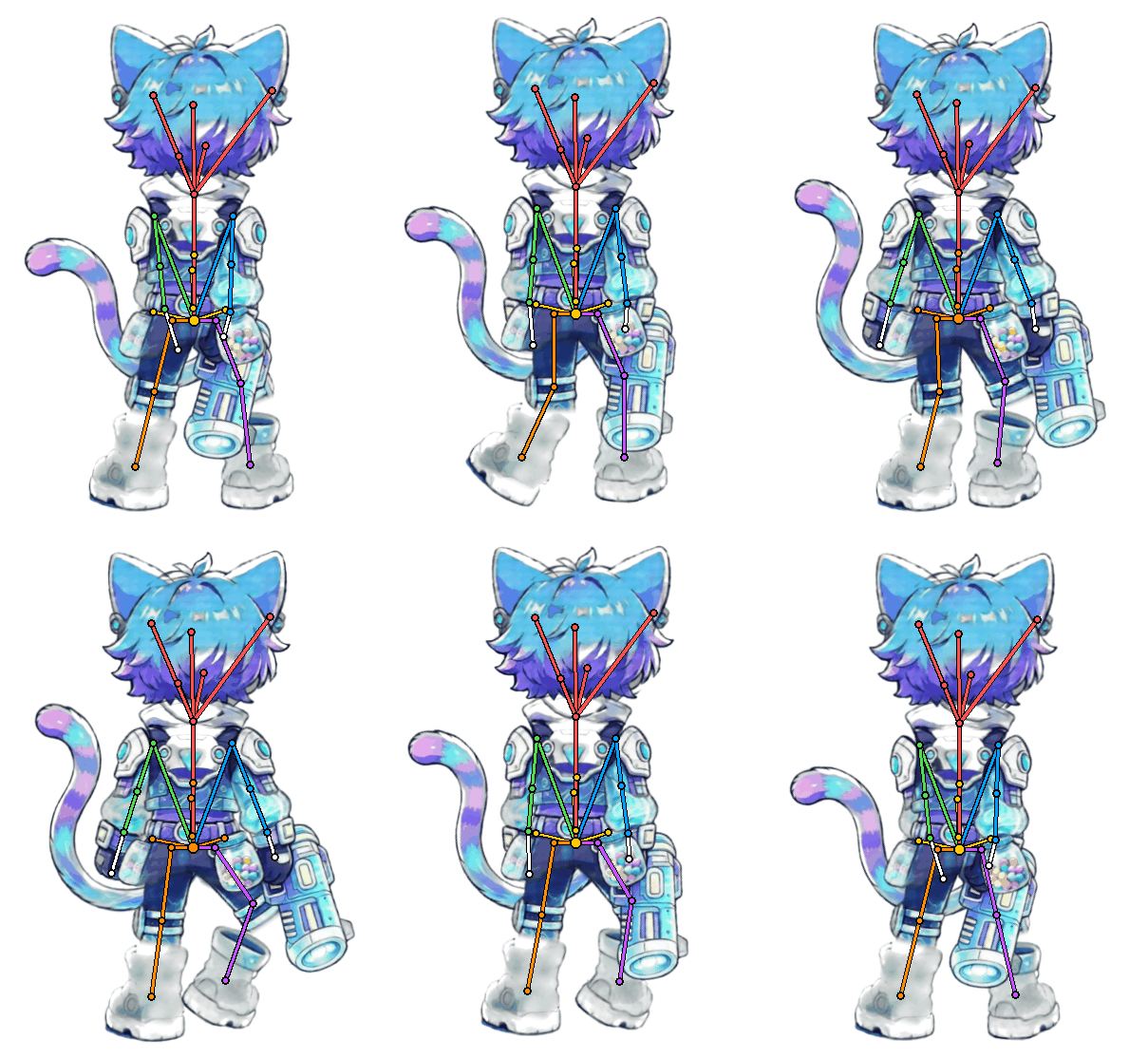
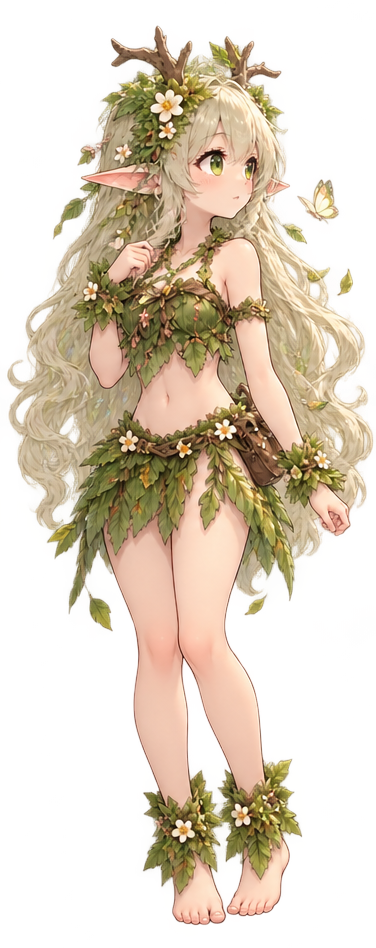
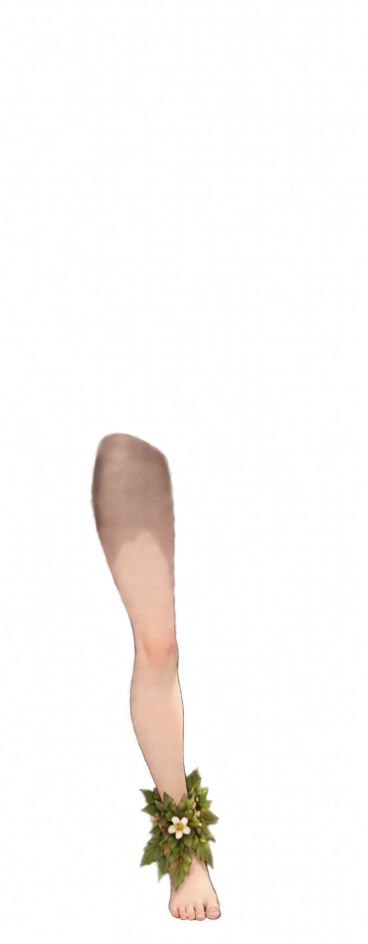
Actual generations from our users
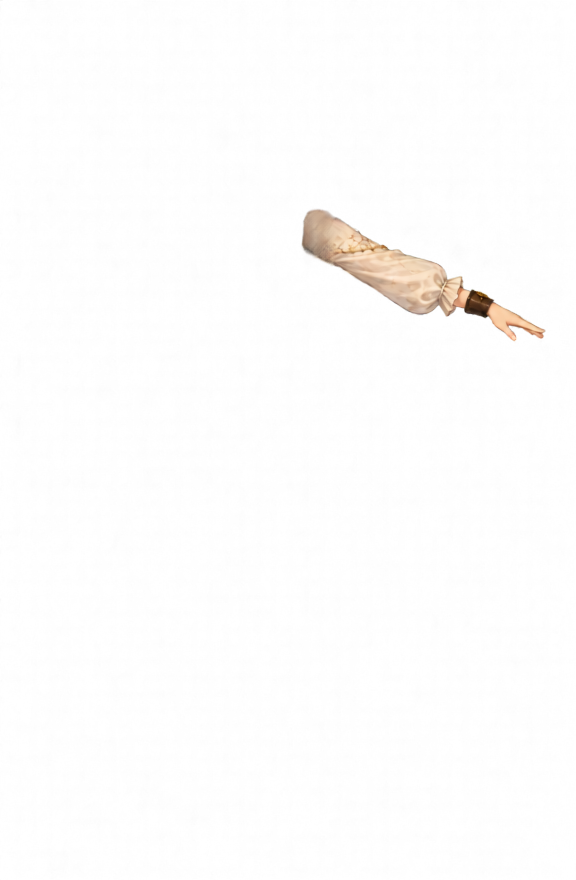
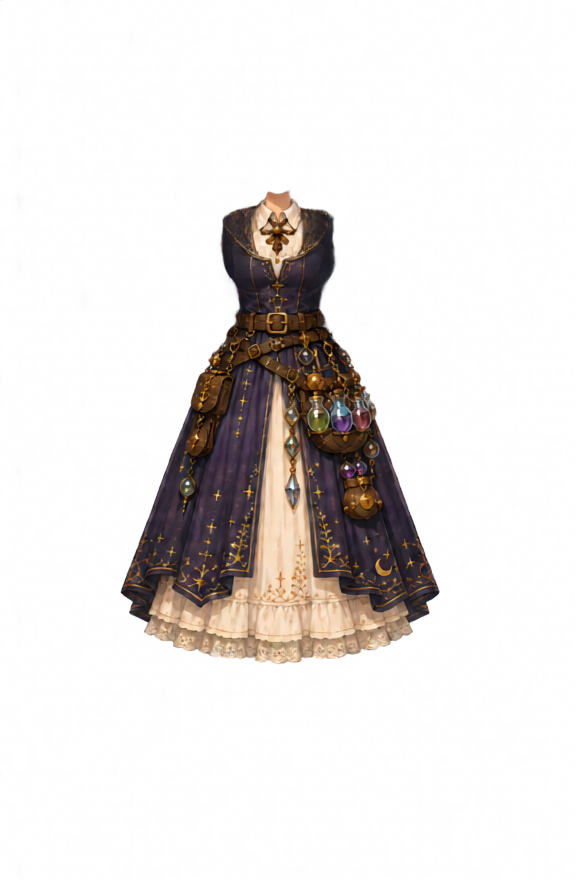
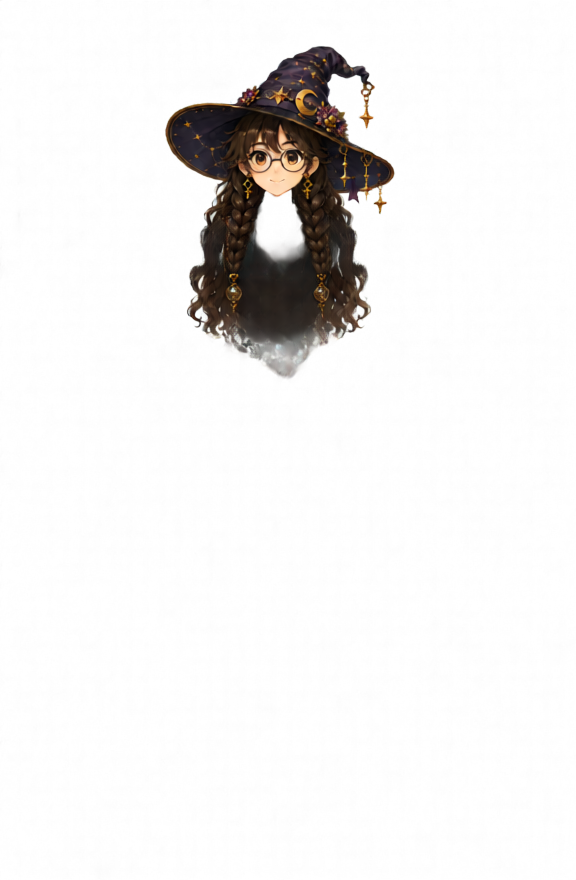
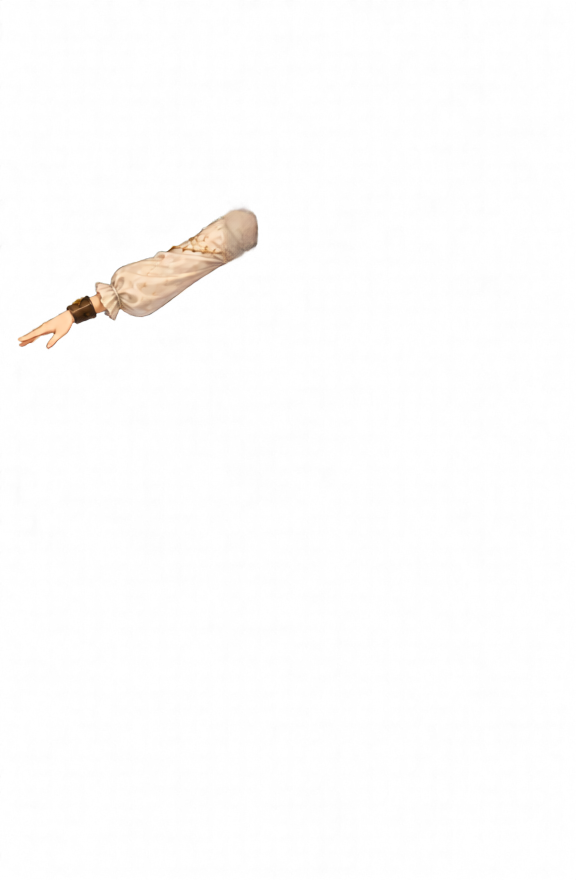
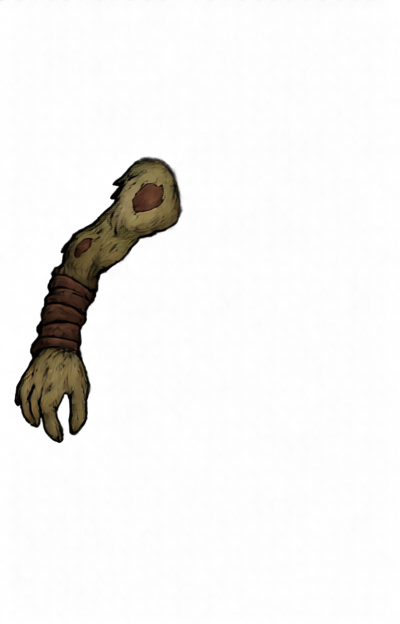
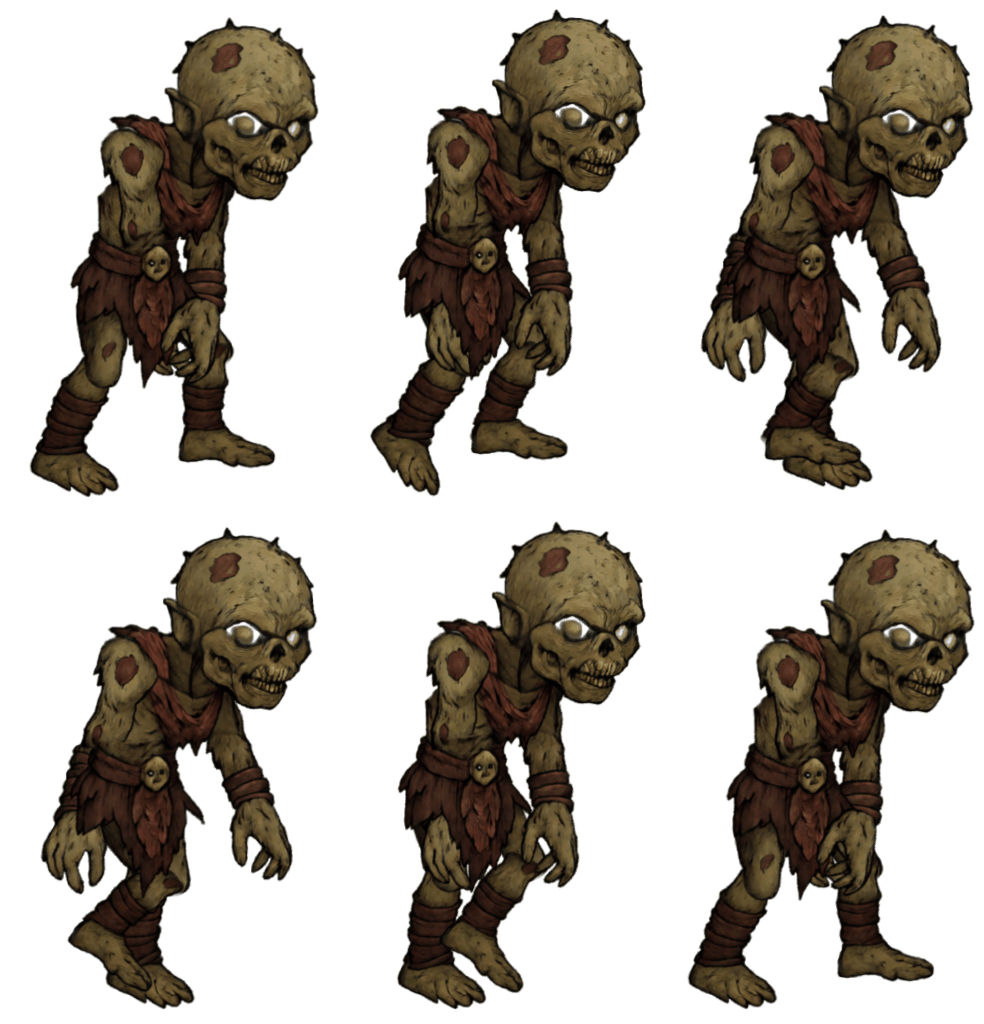
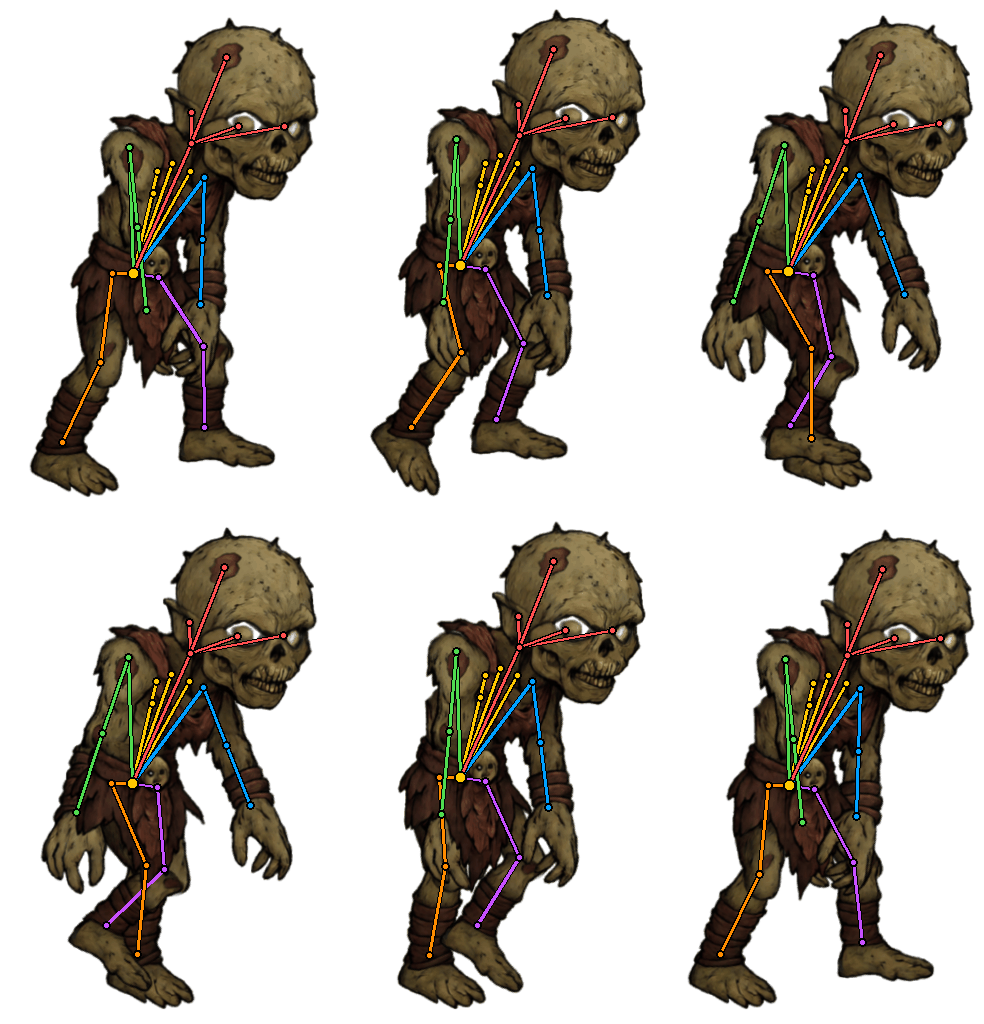
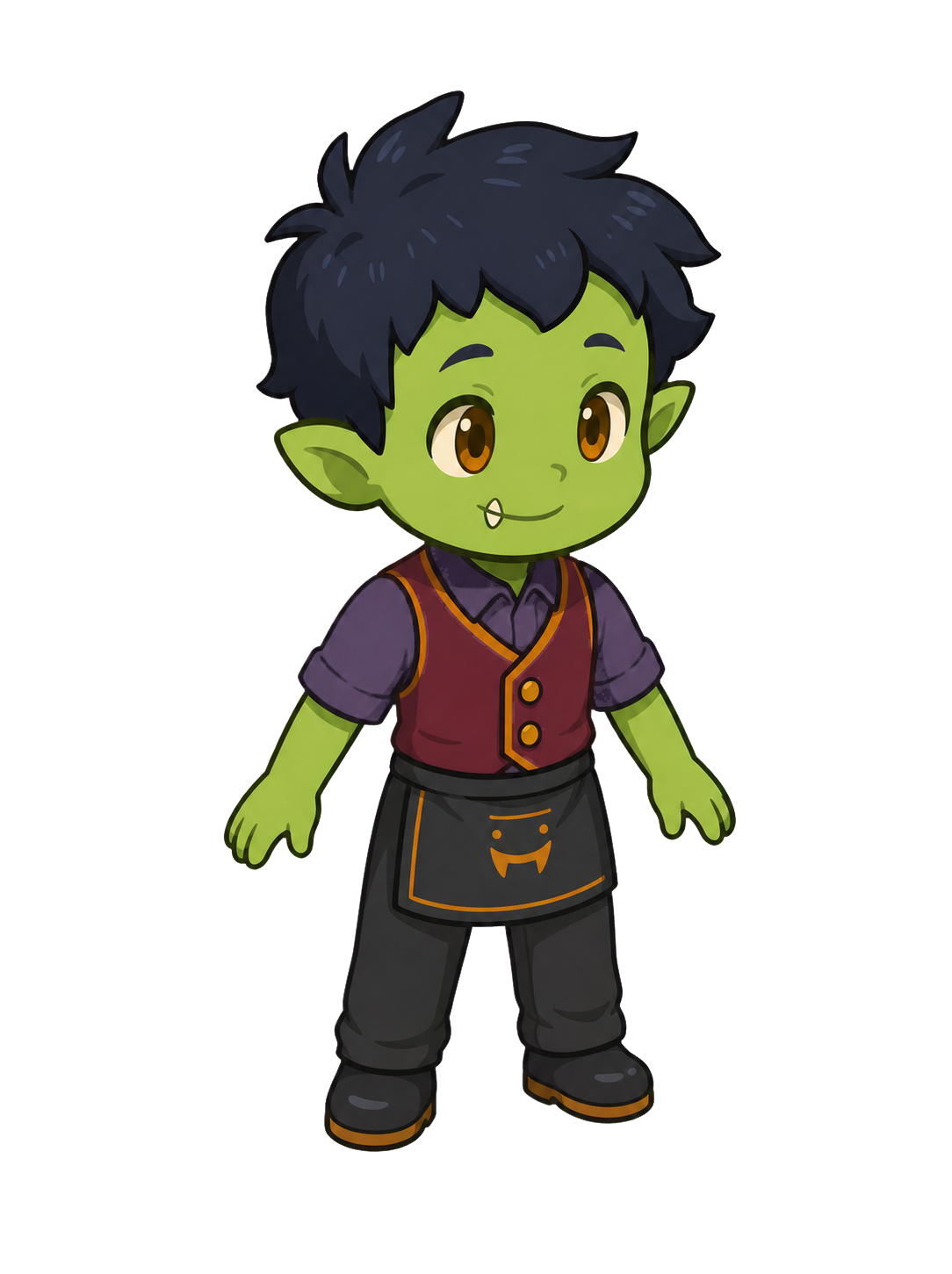
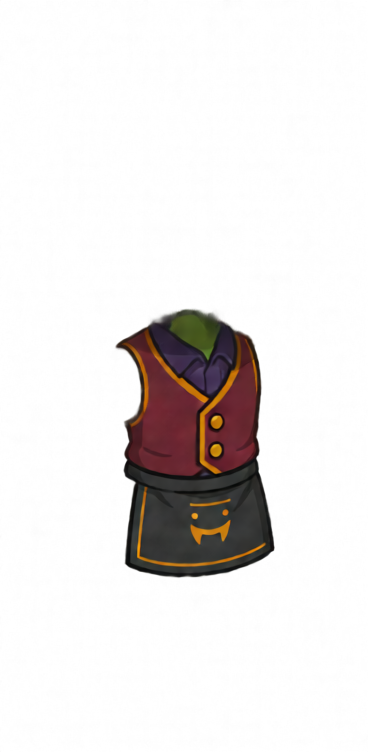
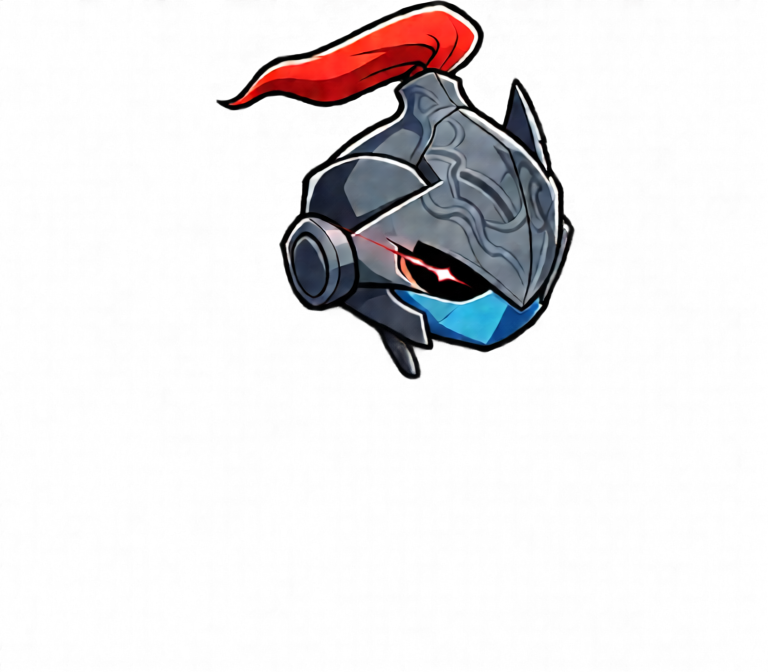
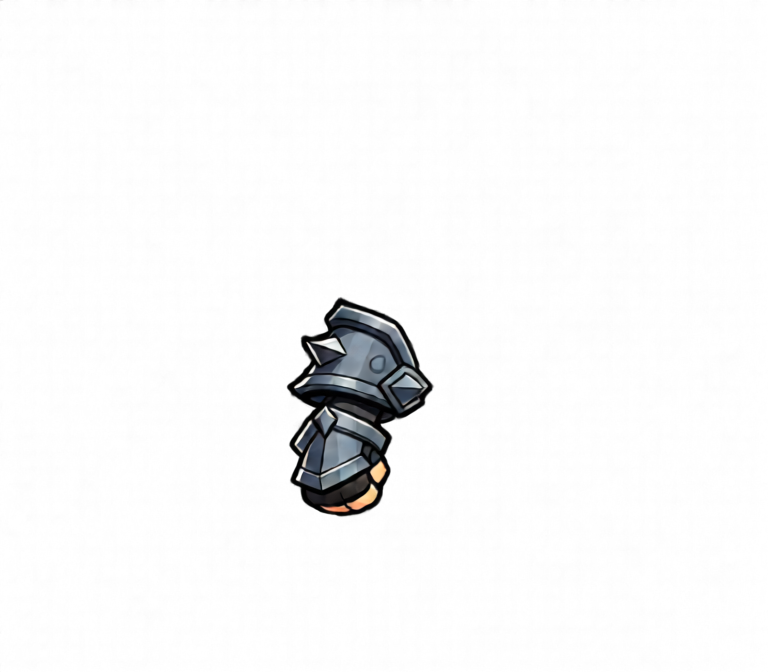
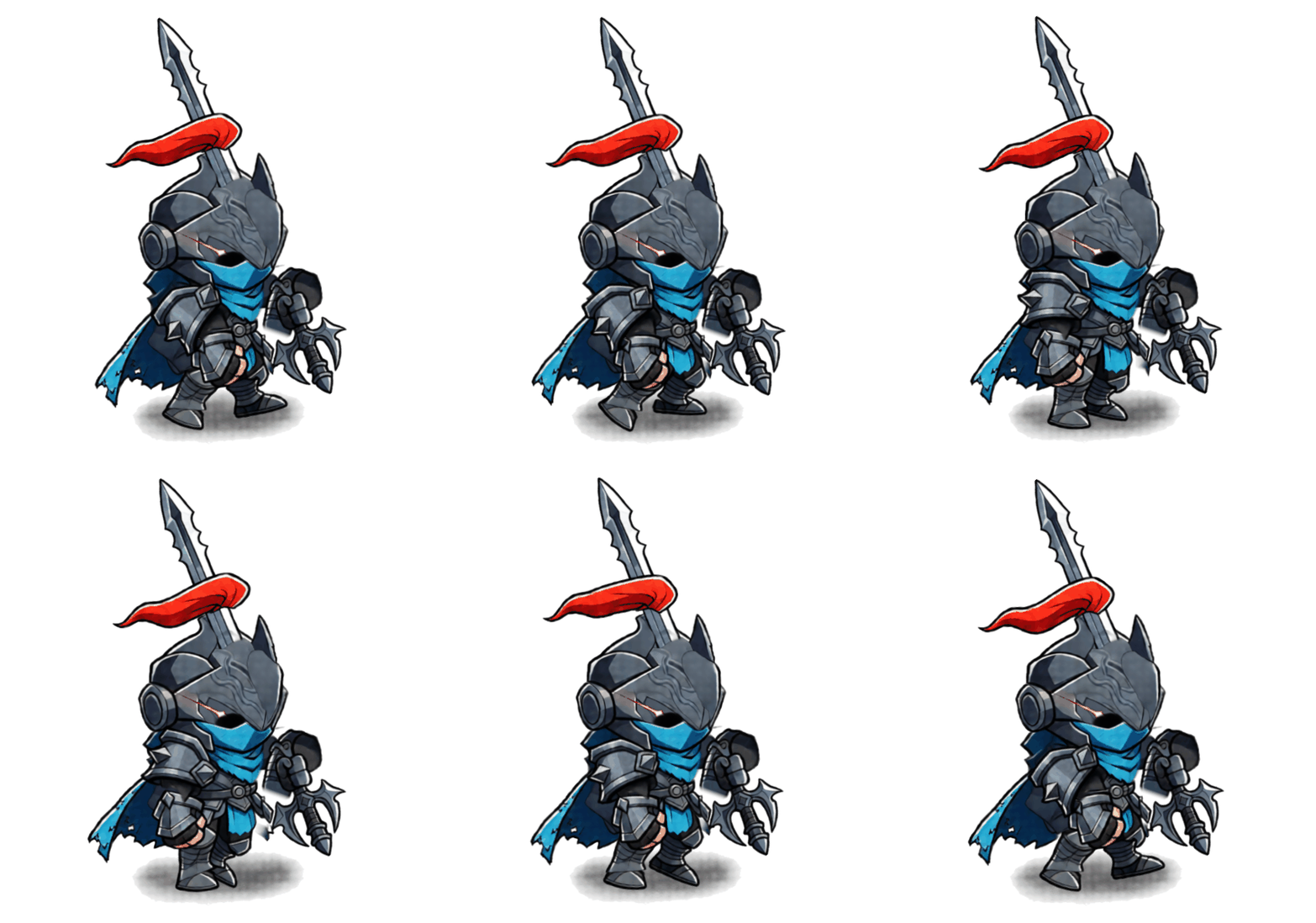
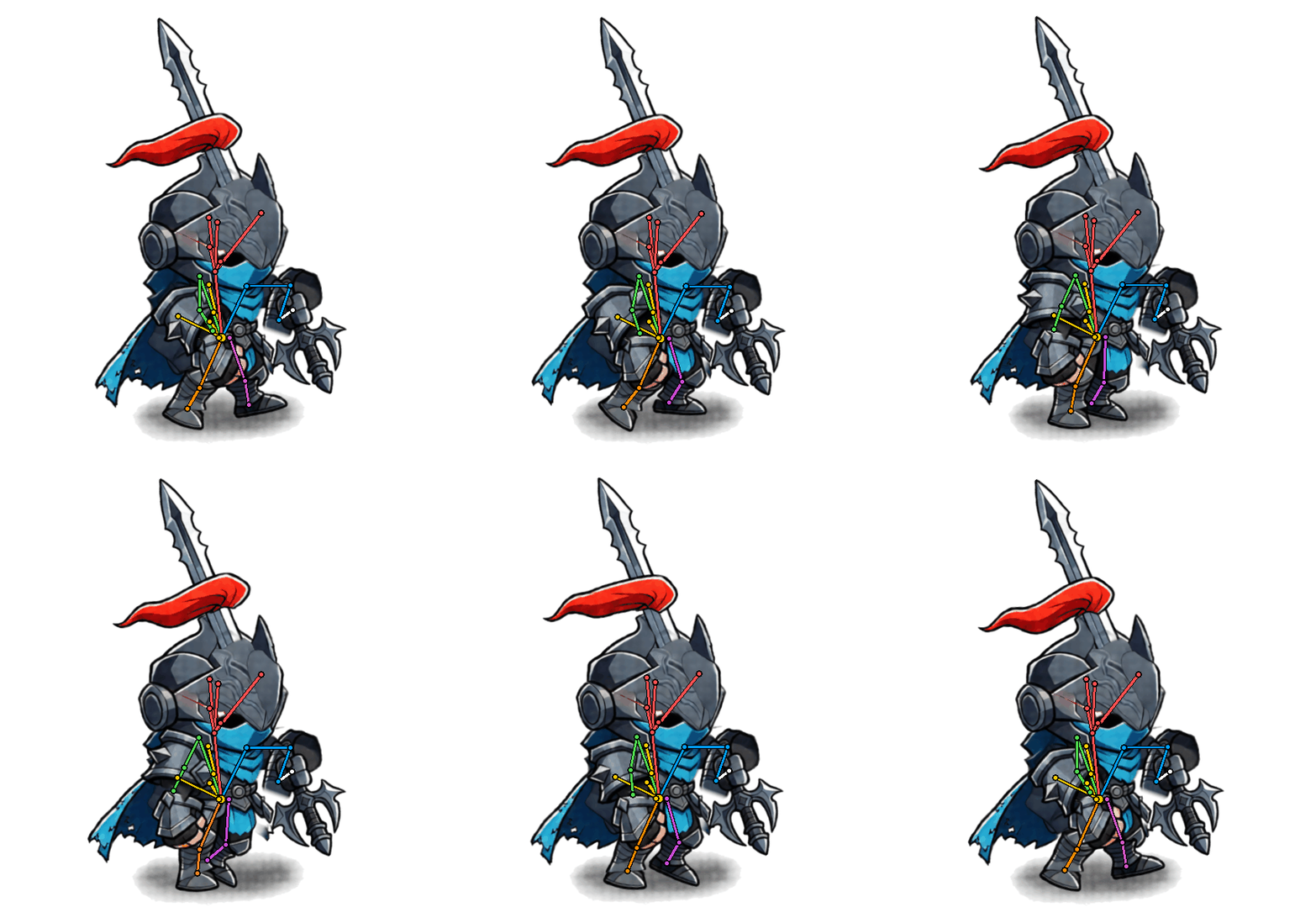
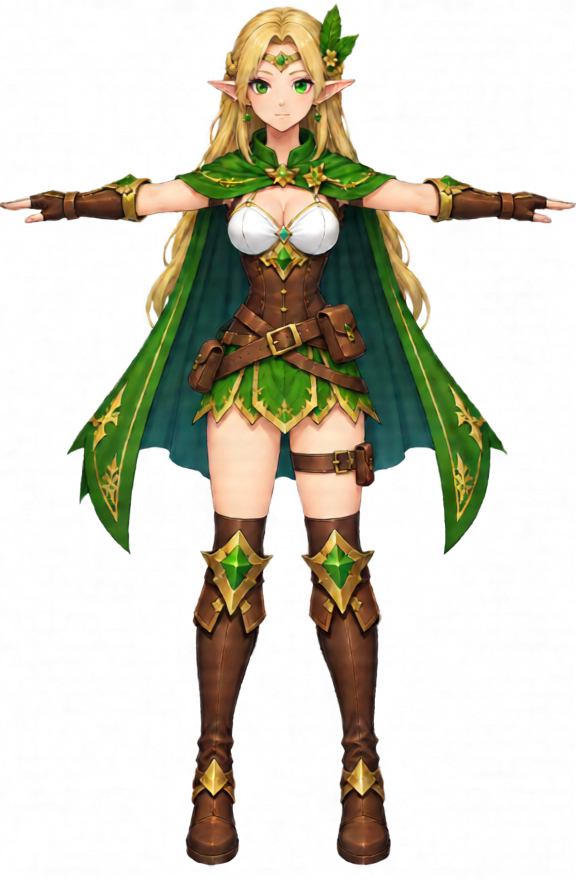
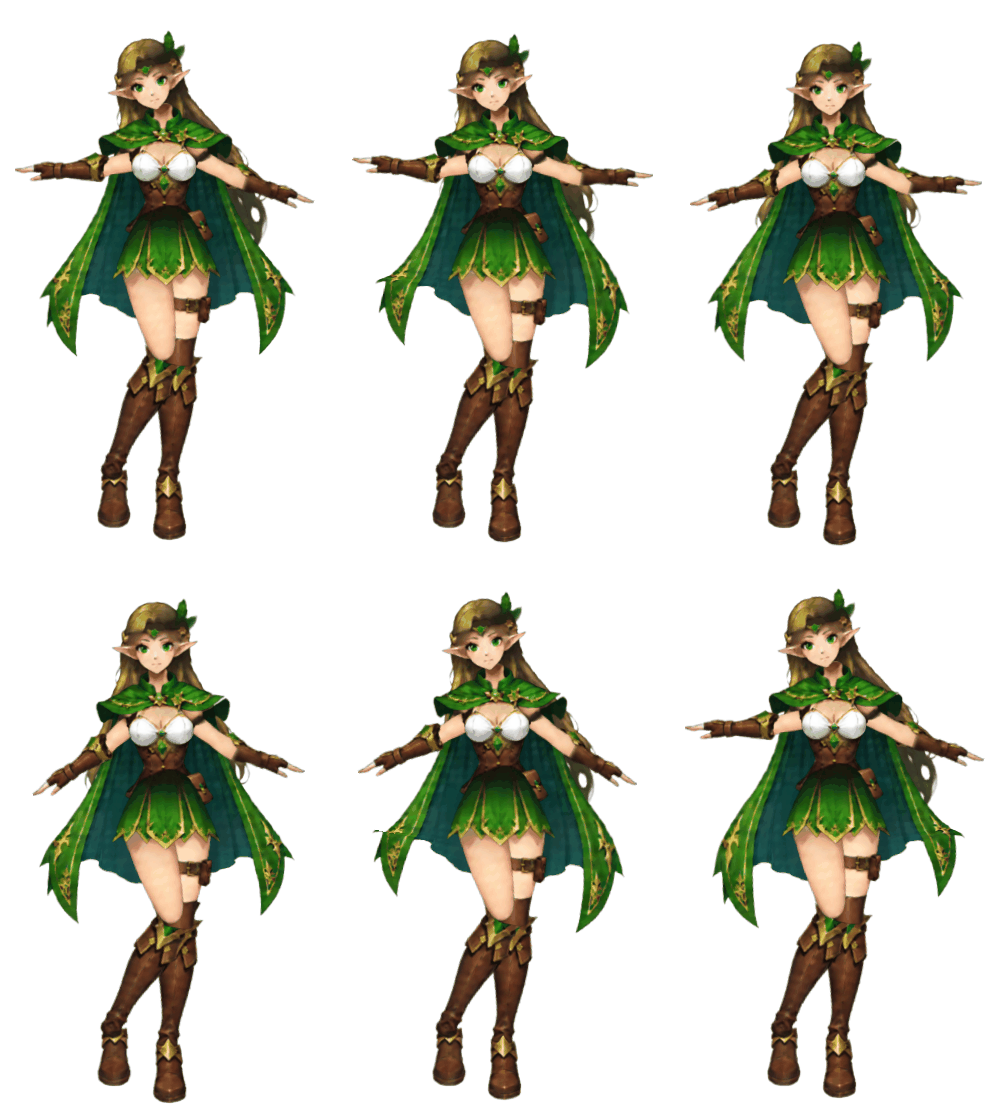
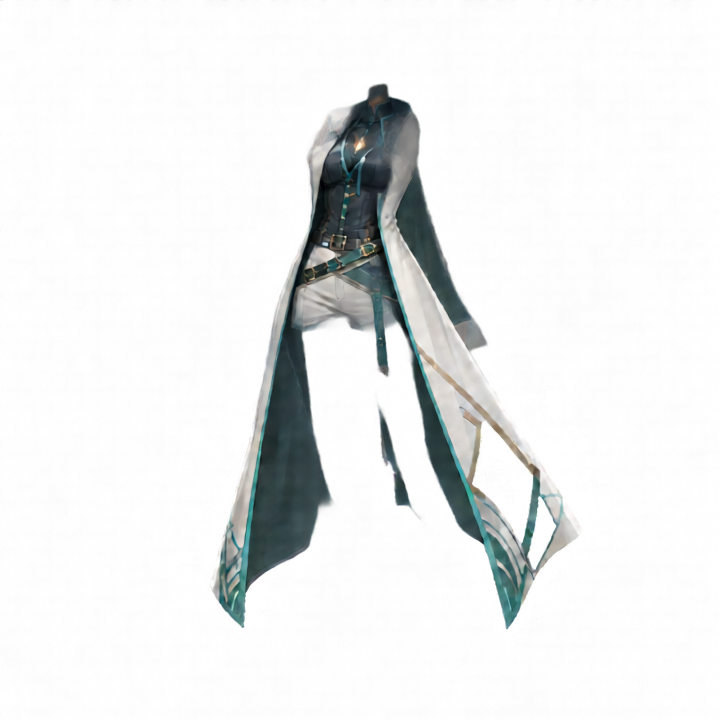
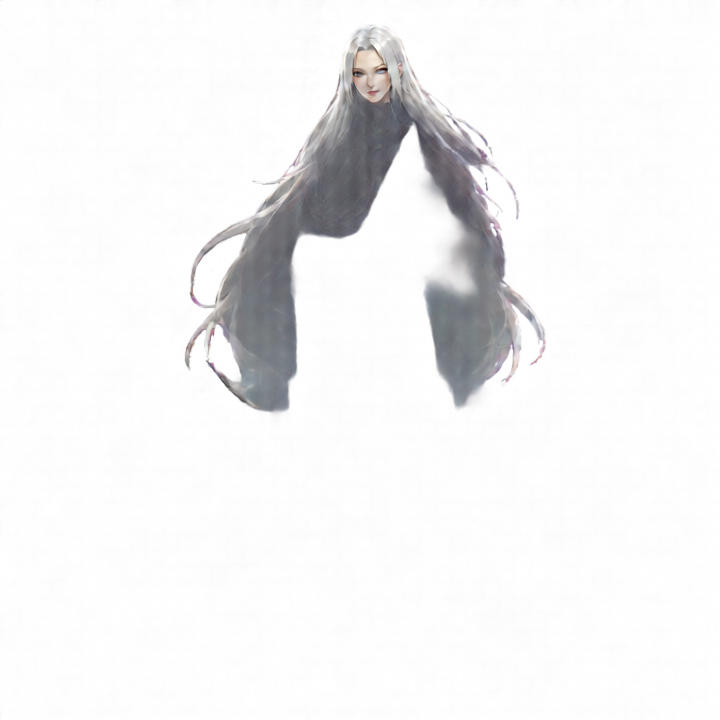
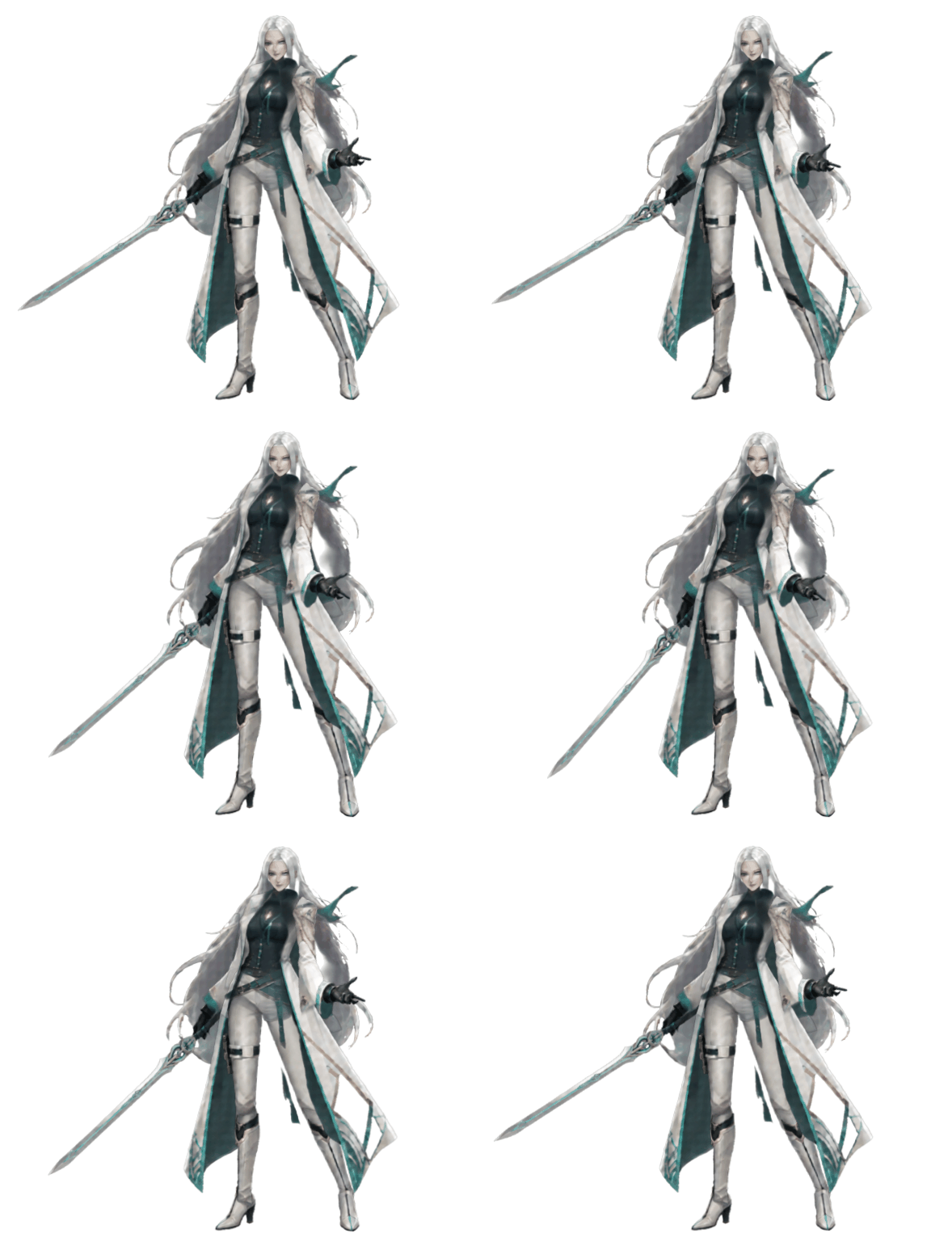
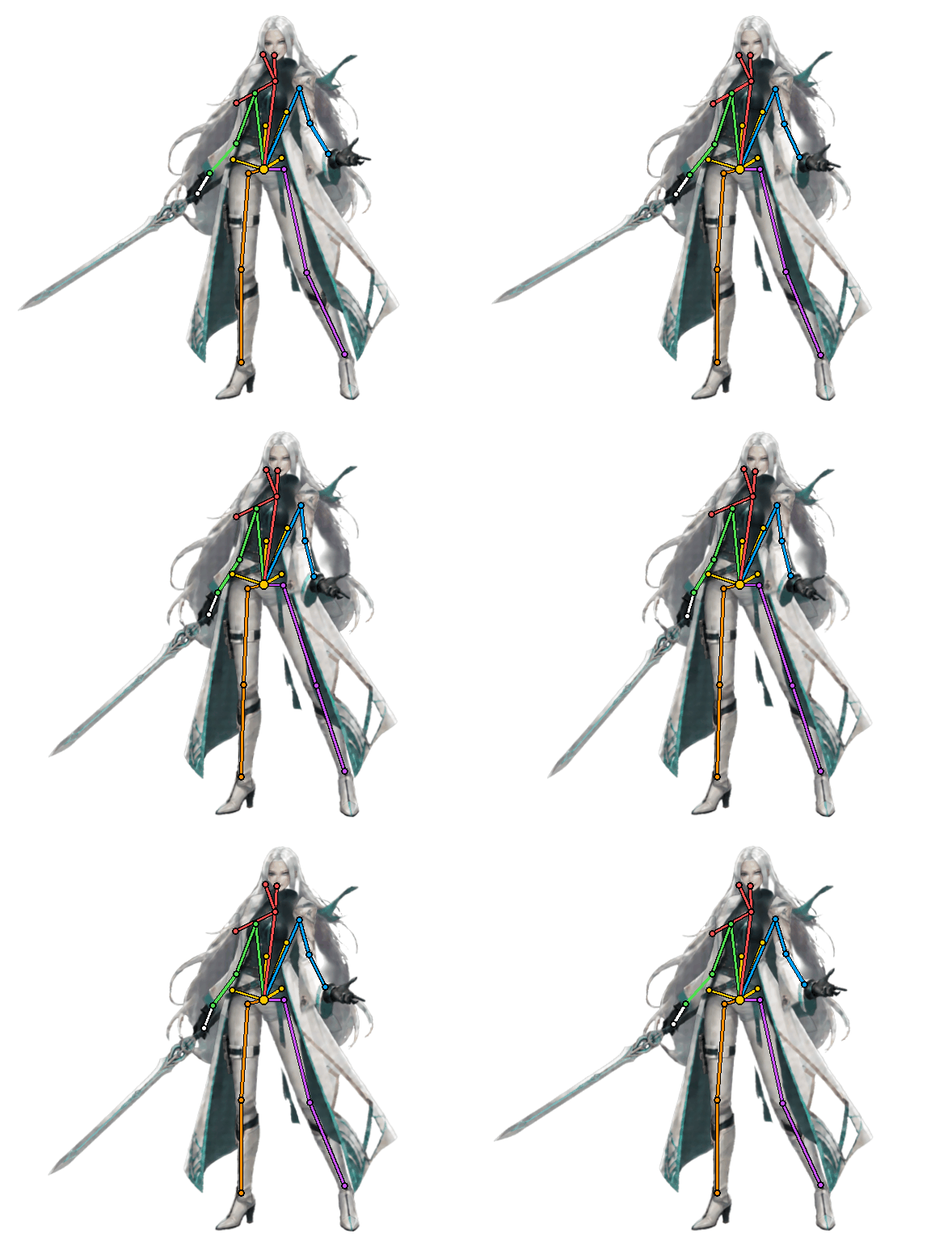
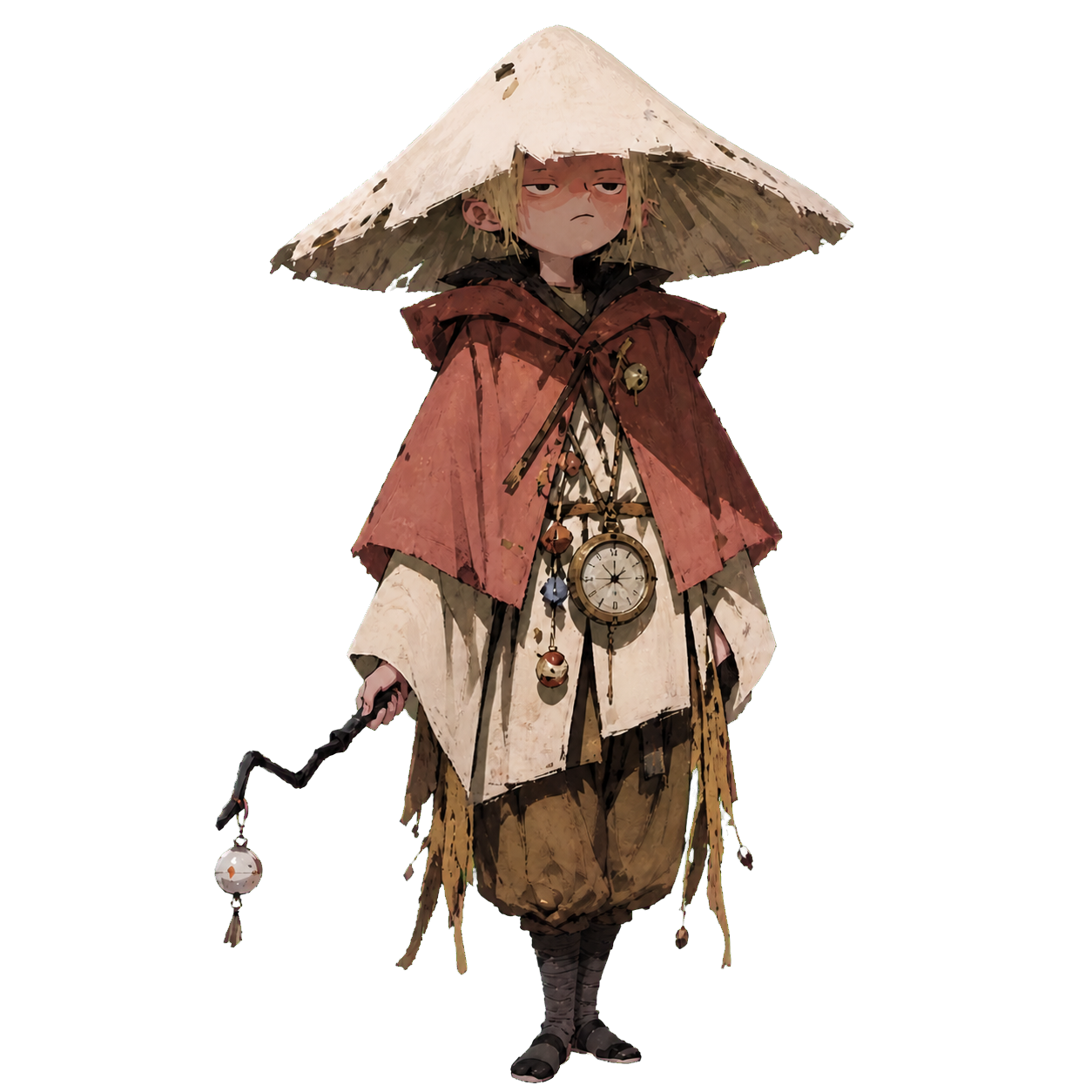
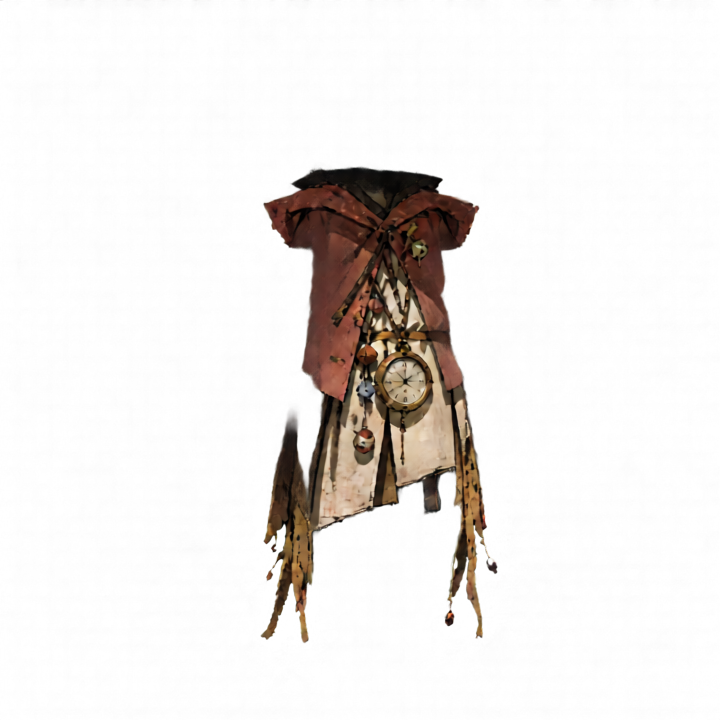
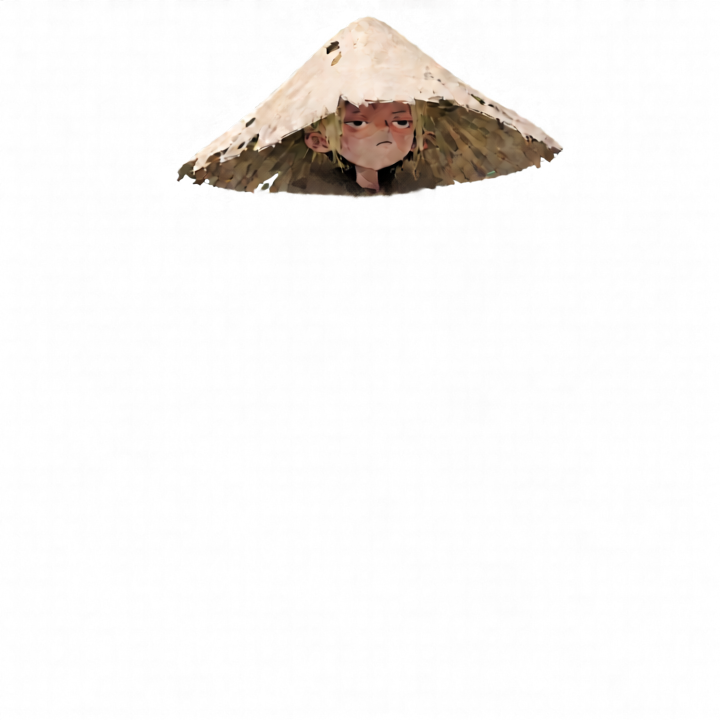
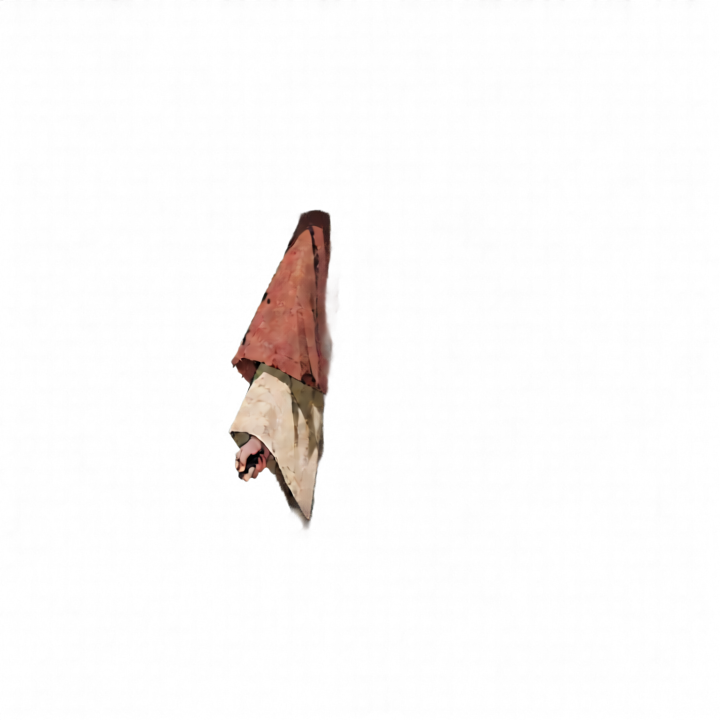
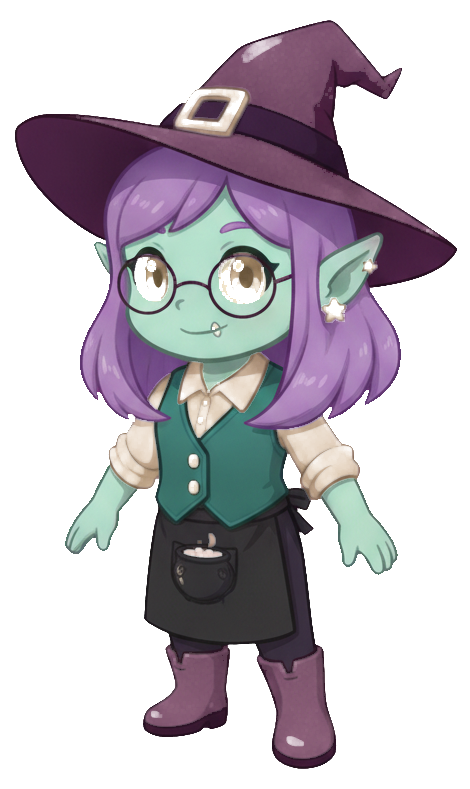
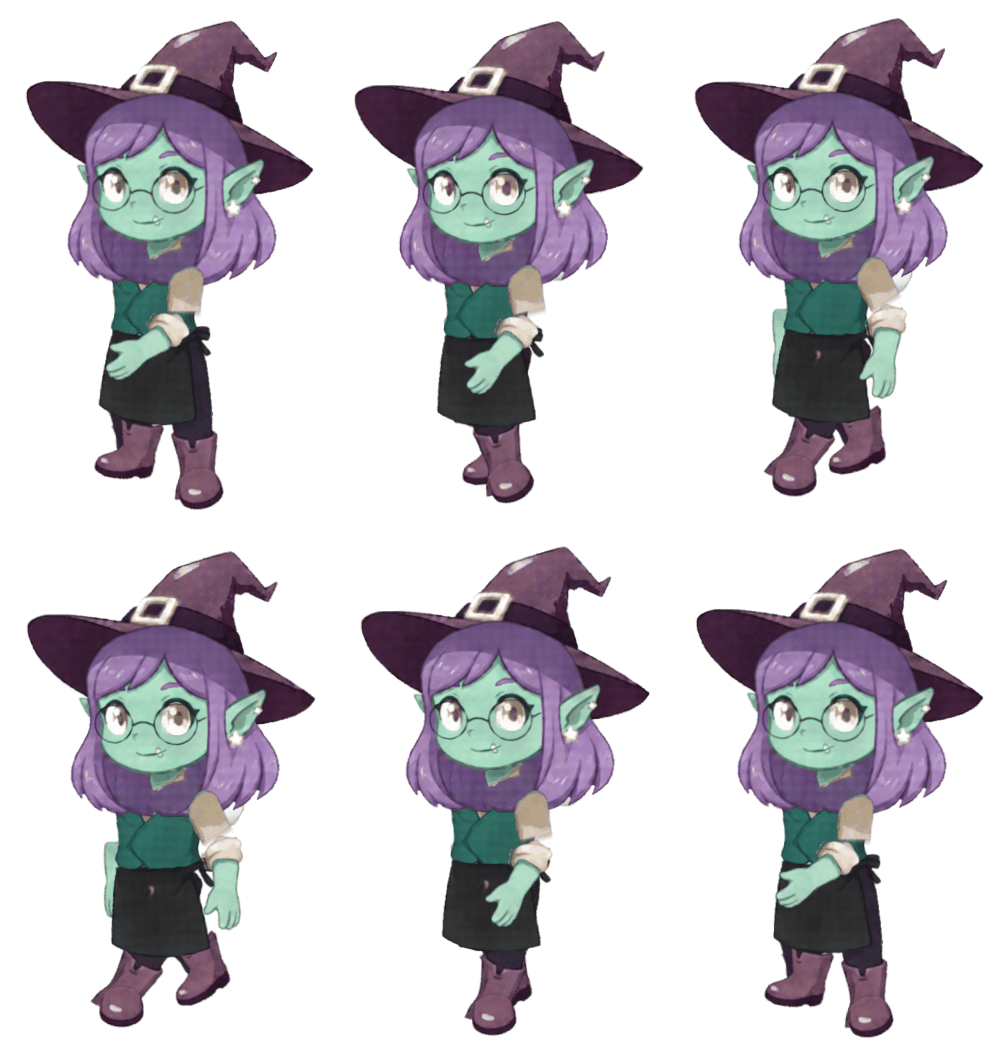
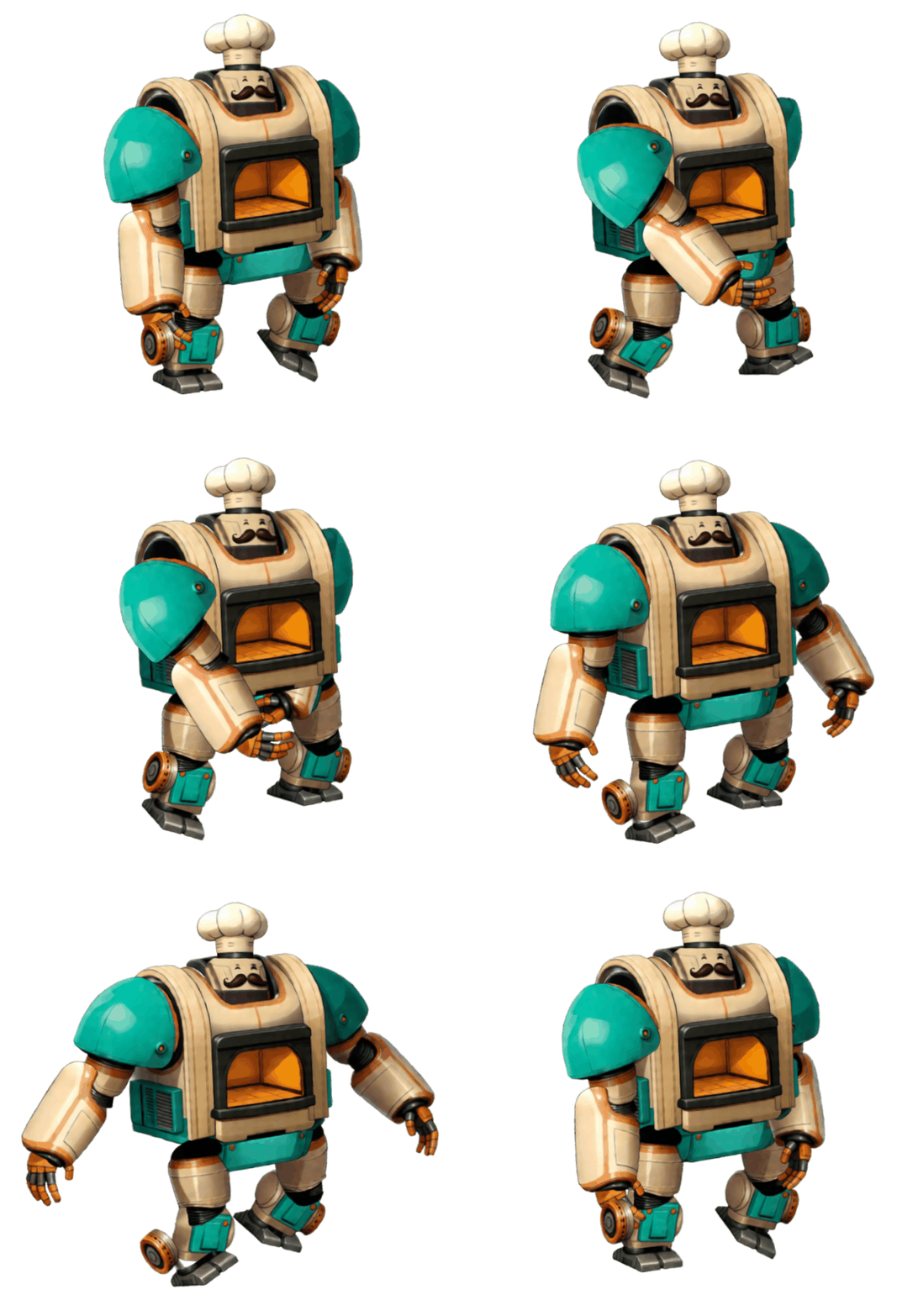
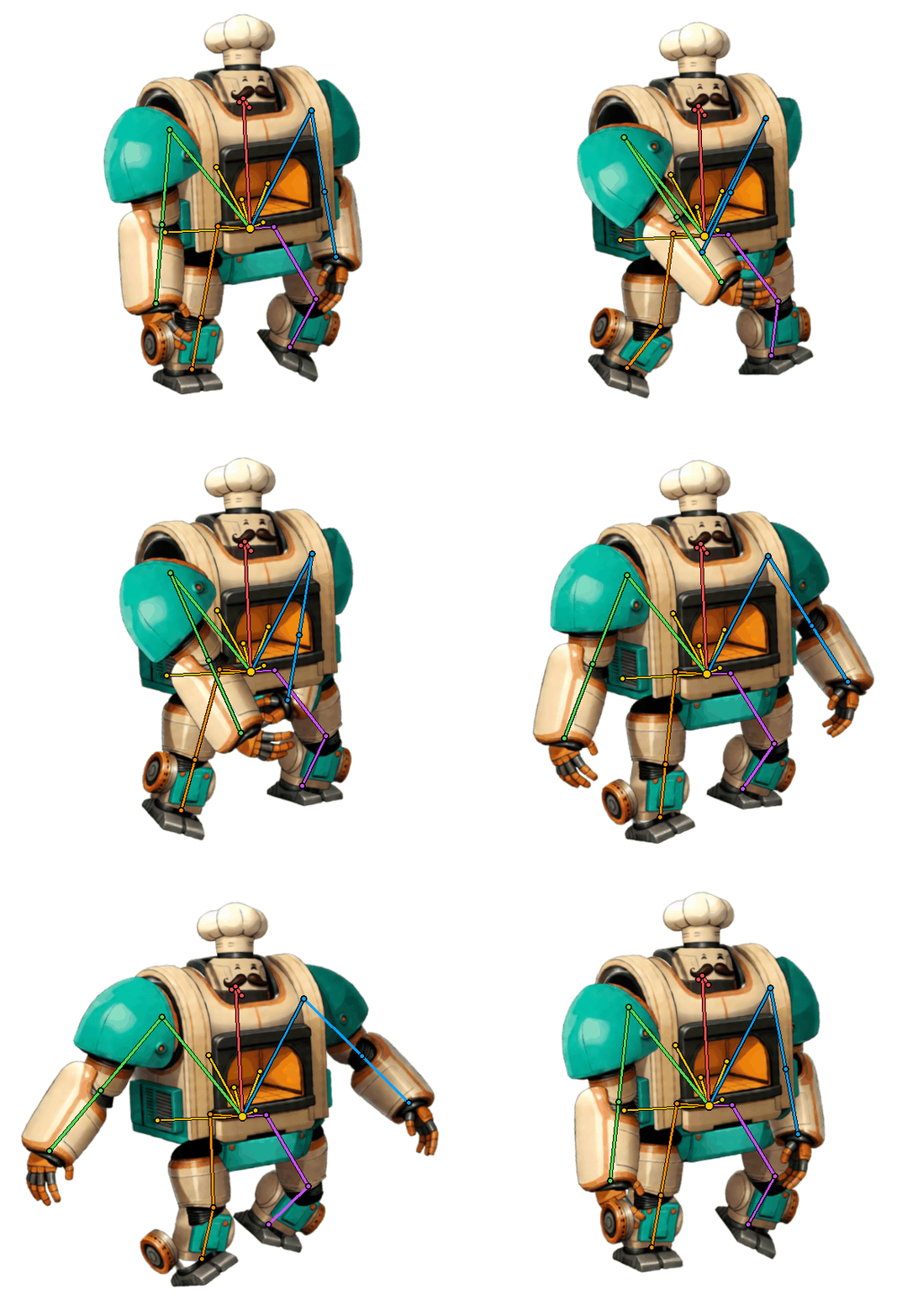
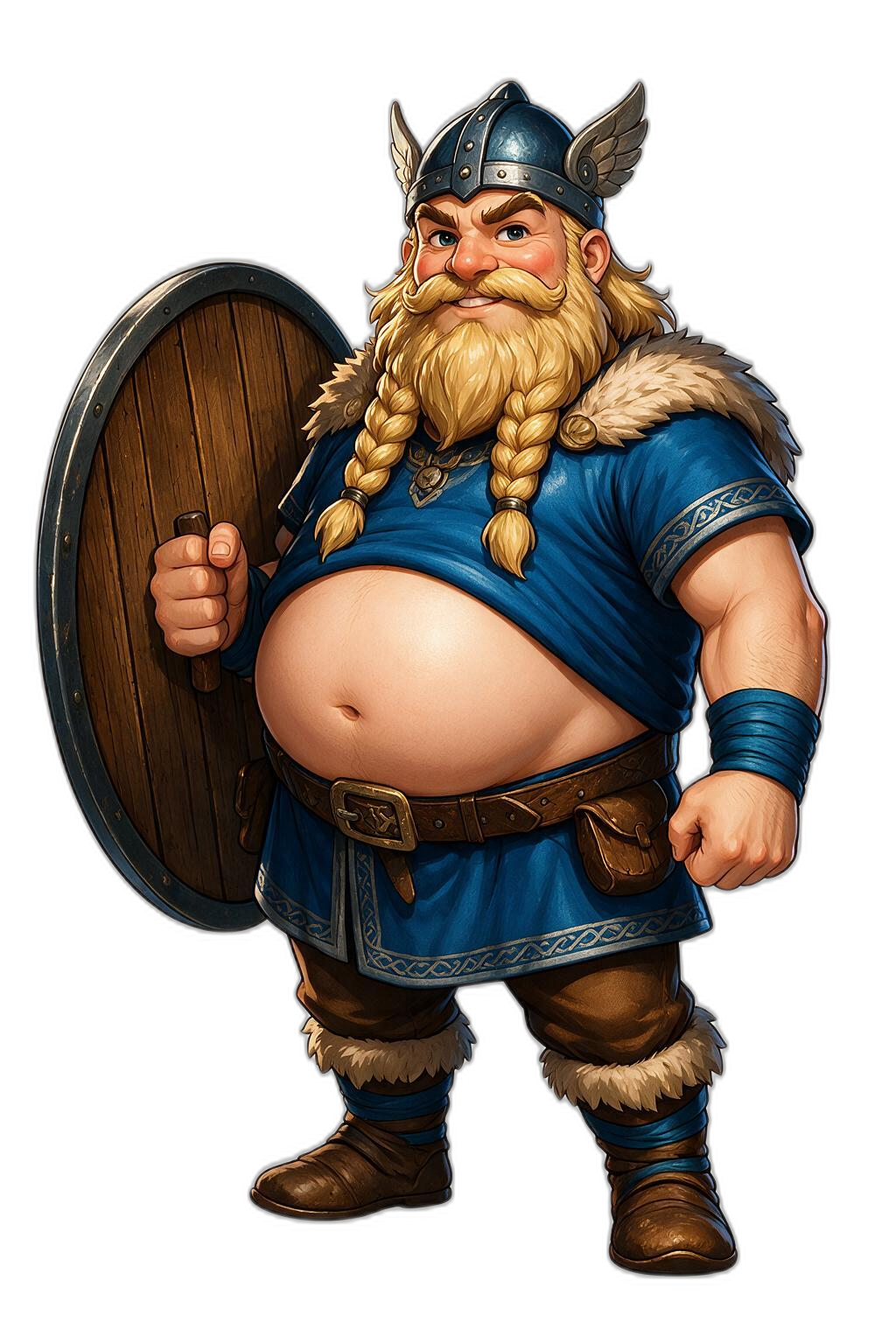
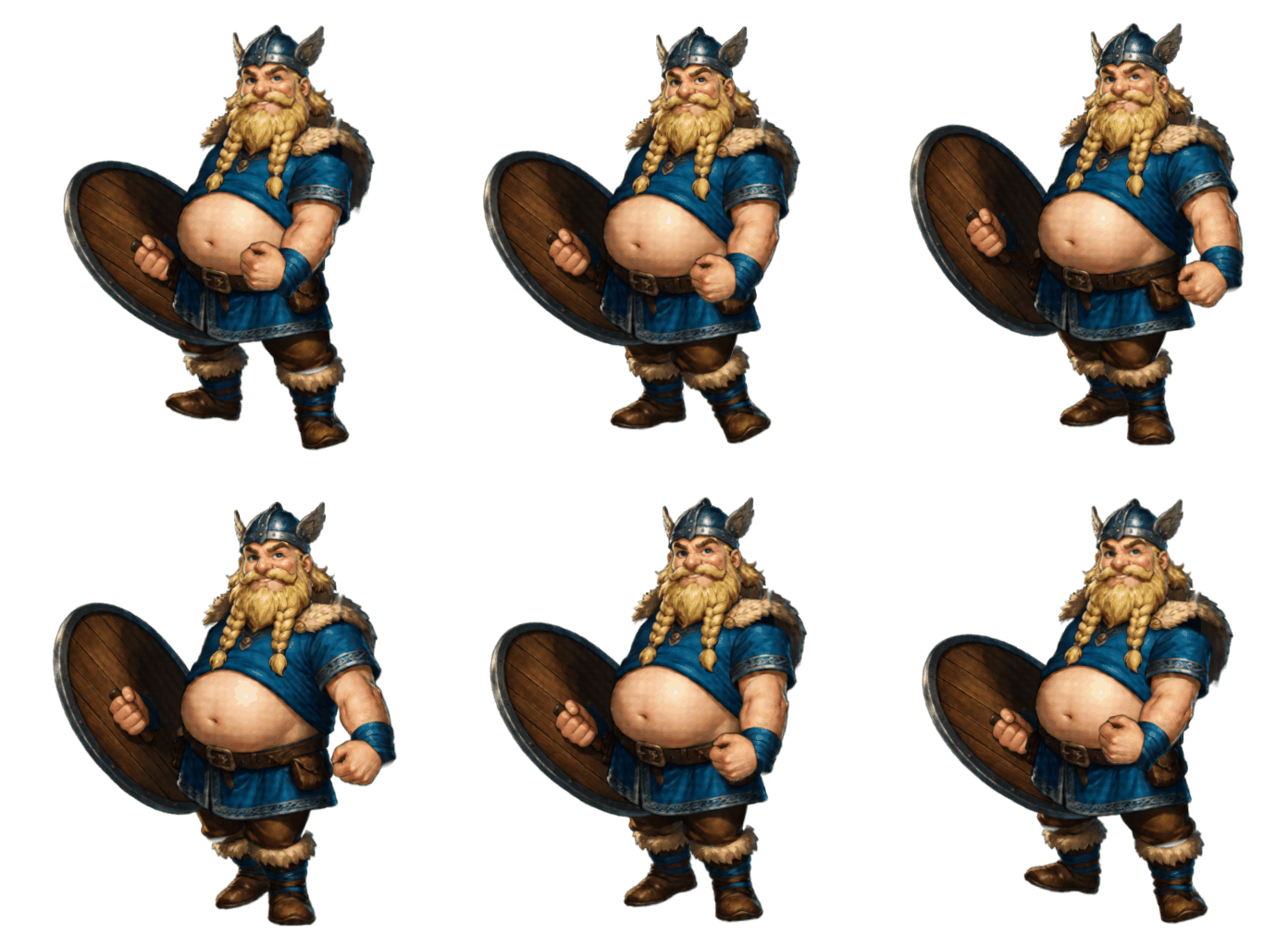
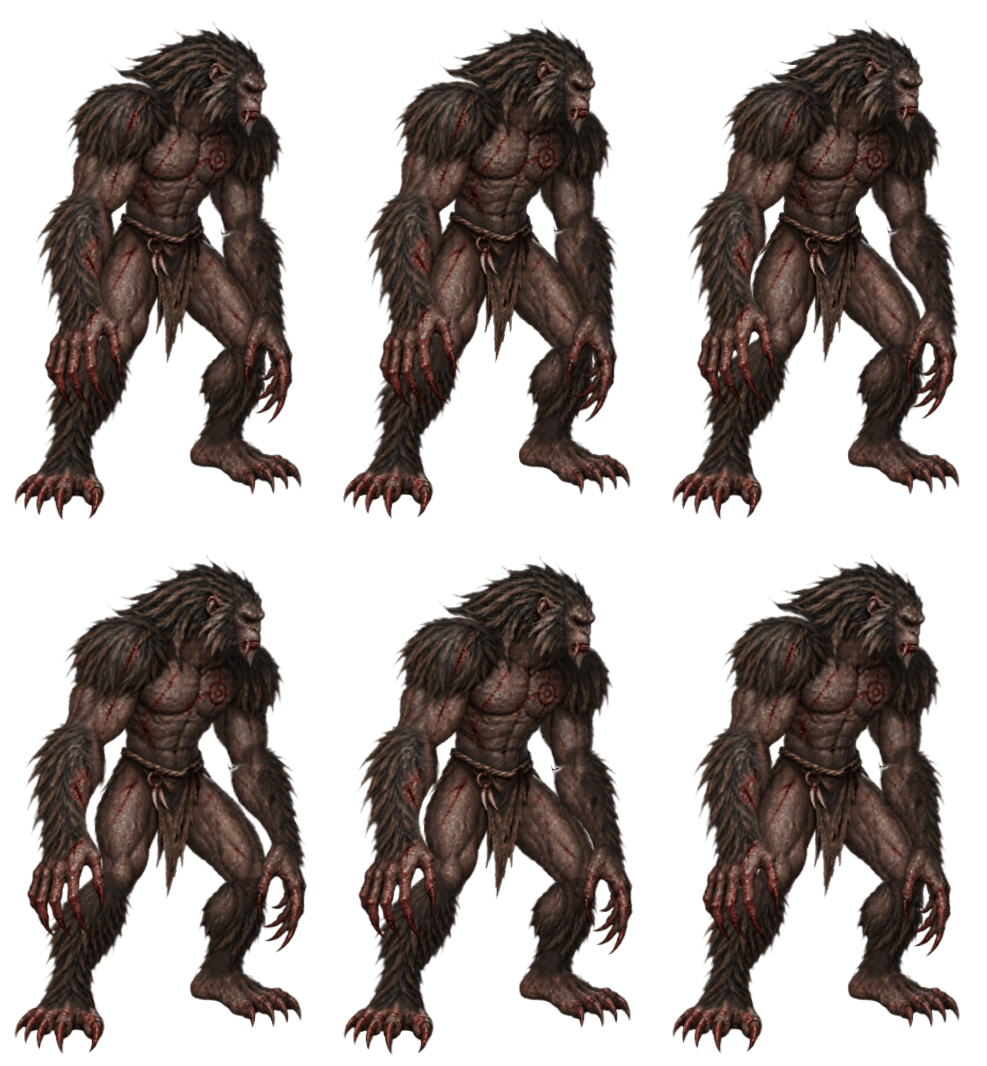
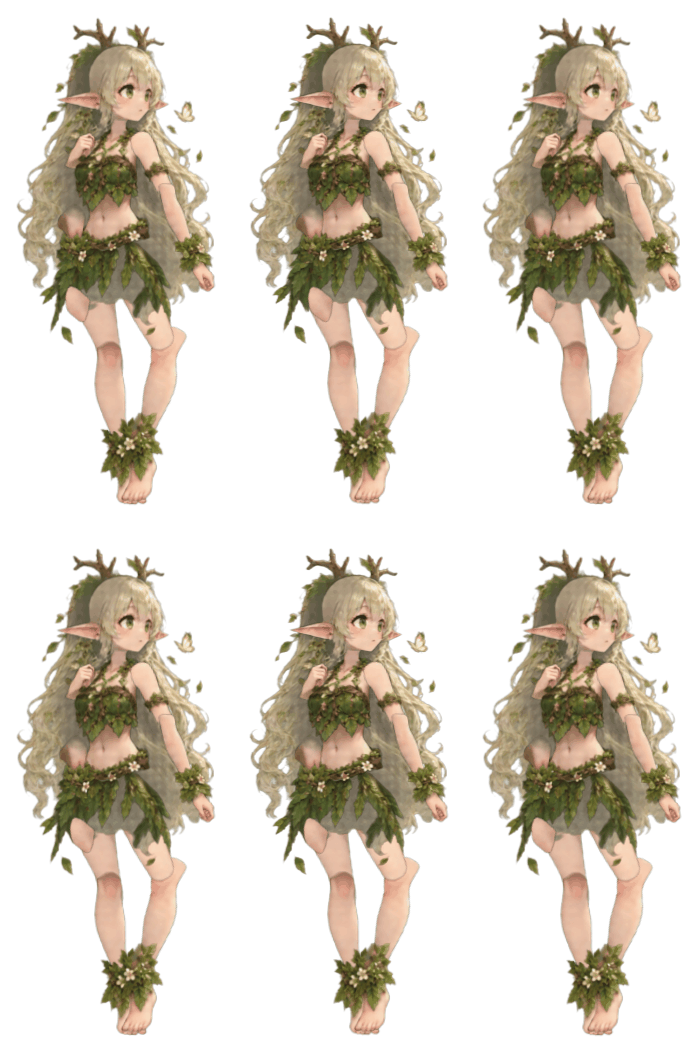
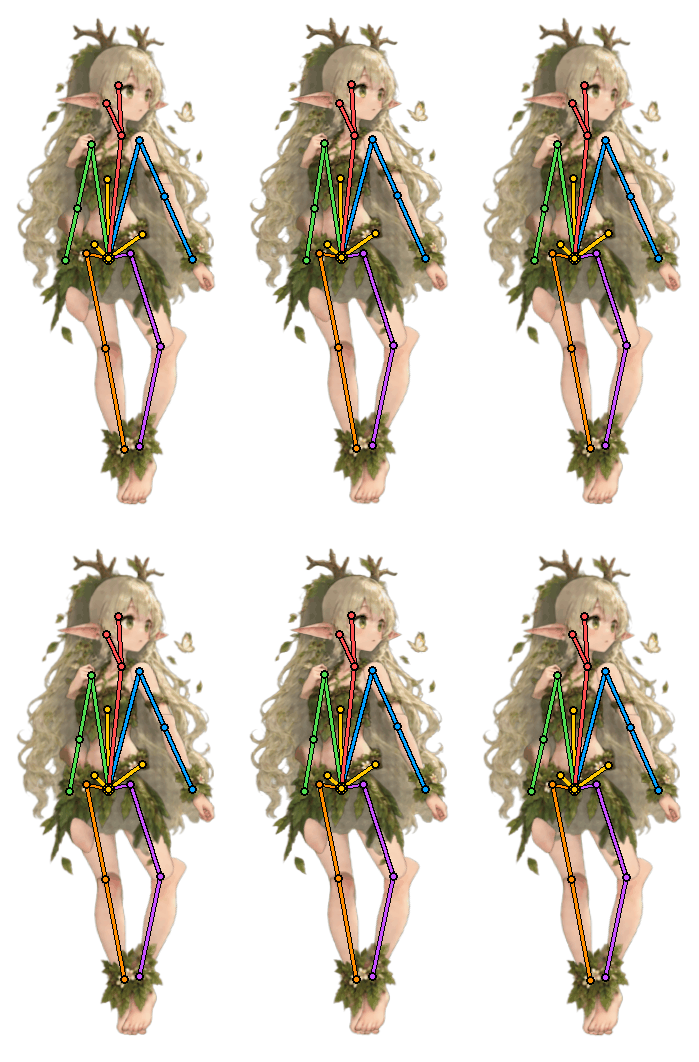
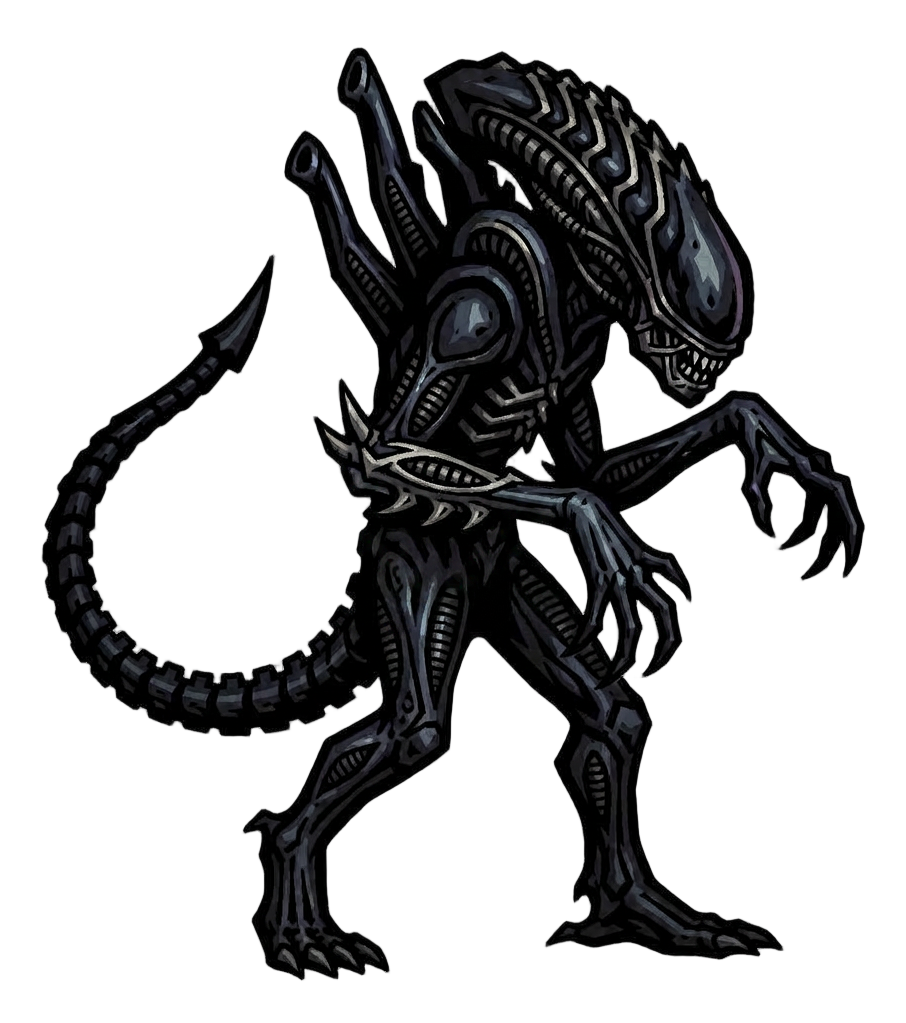
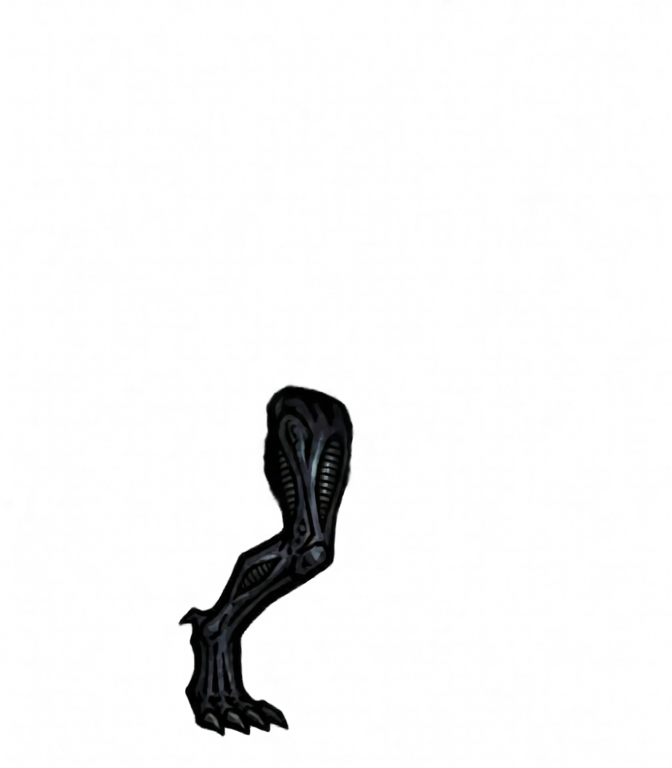
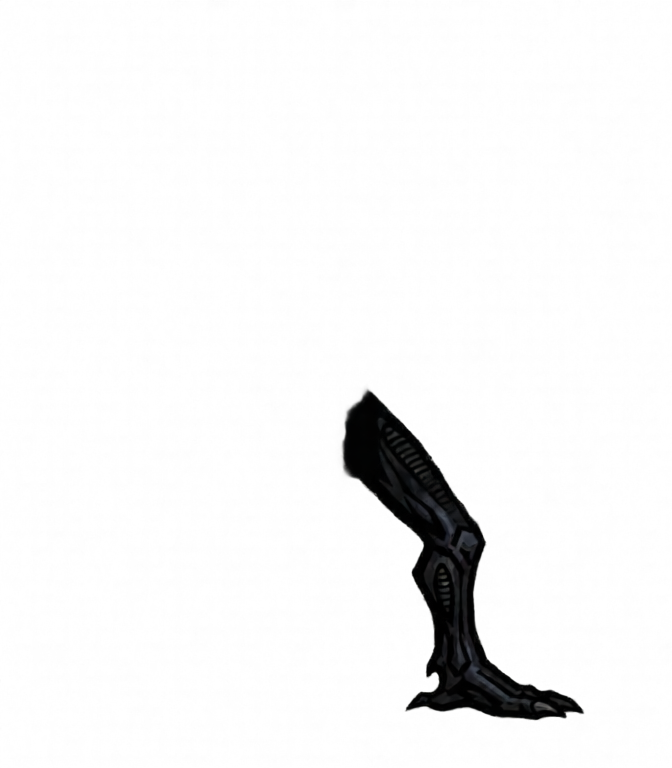
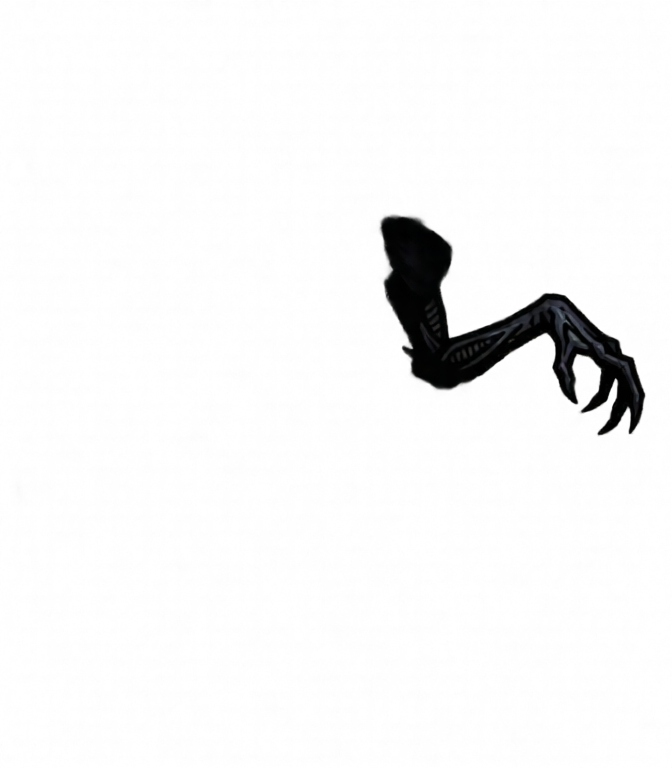
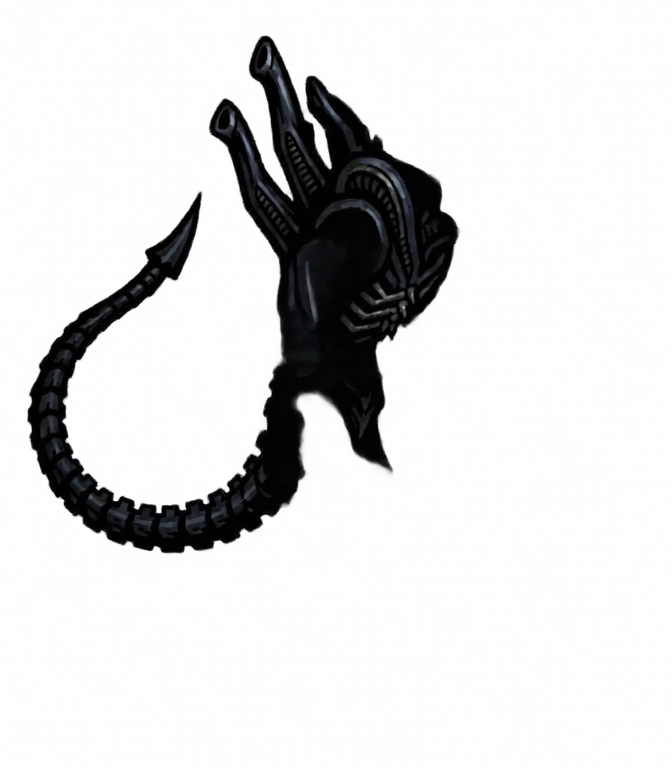
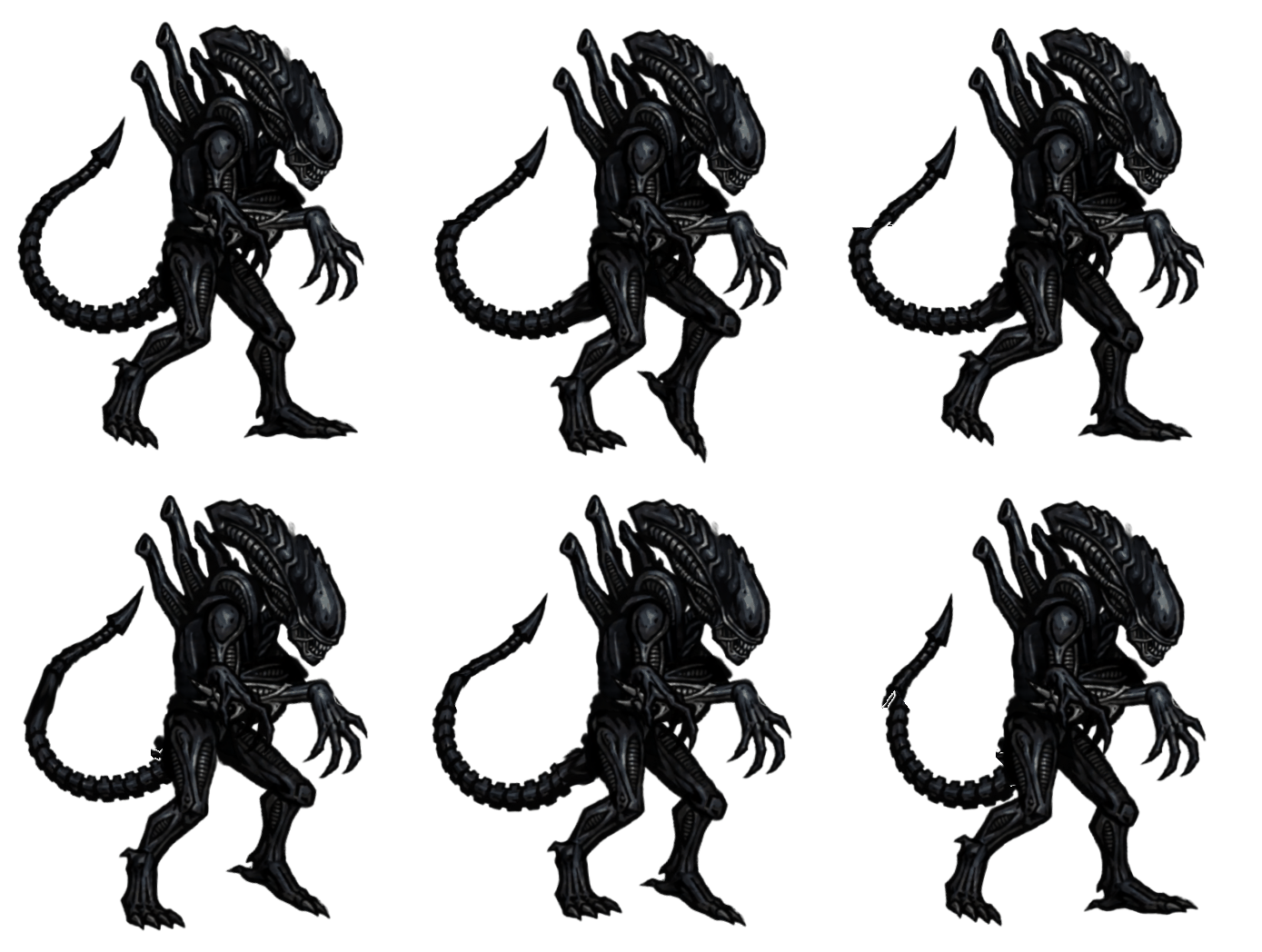
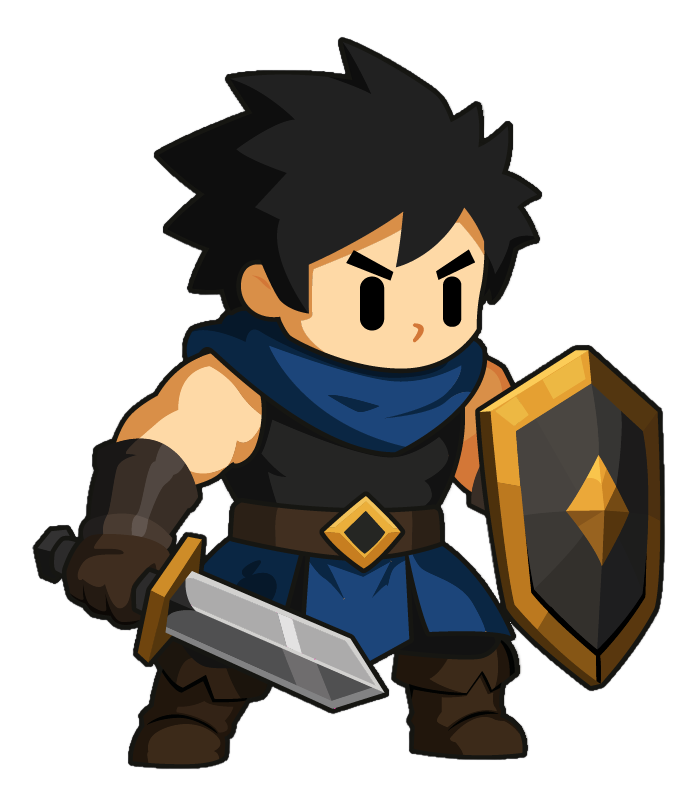
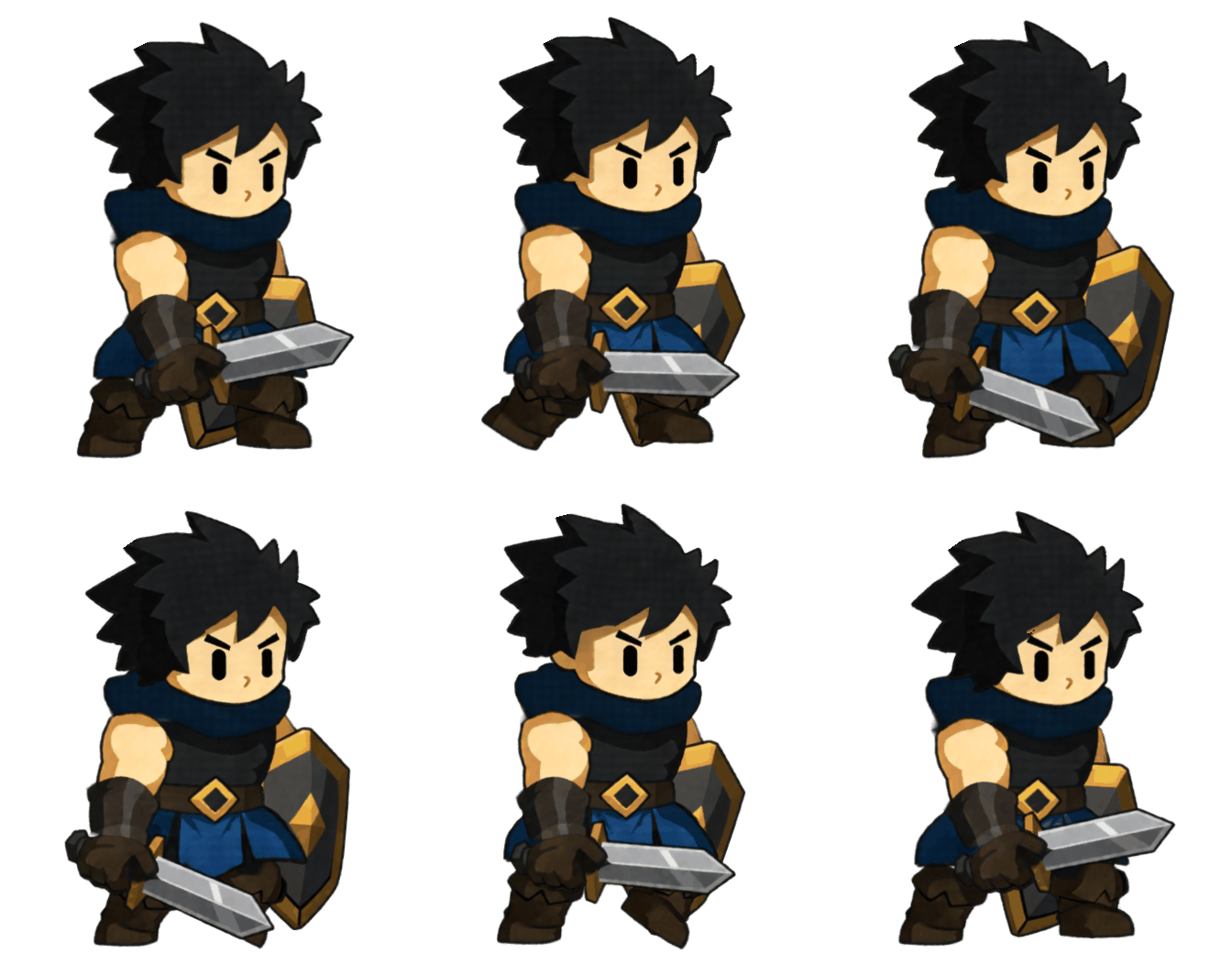
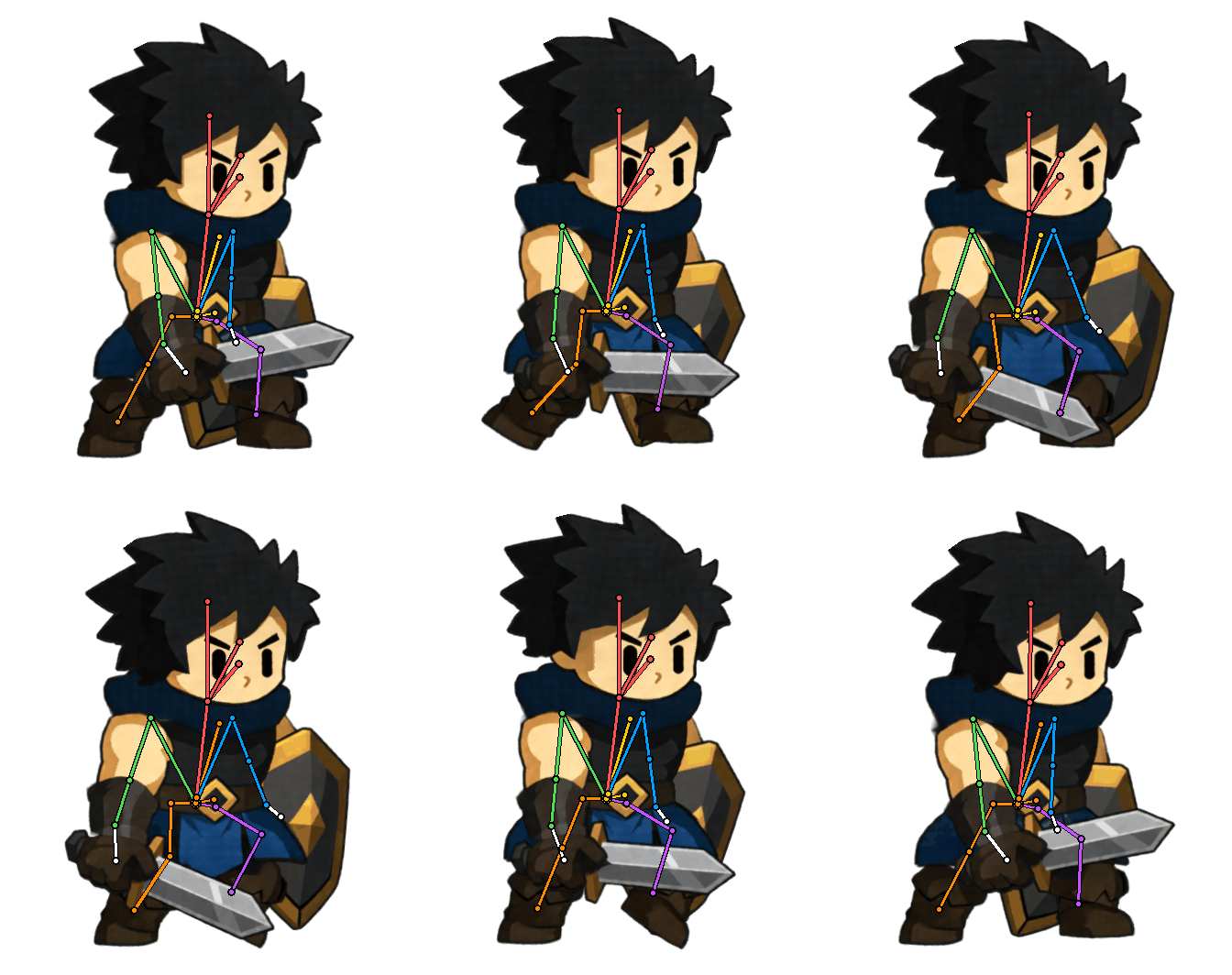
These are real characters from our community — not studio demos. Scroll through a few to see what auto-rigging does with actual game art.
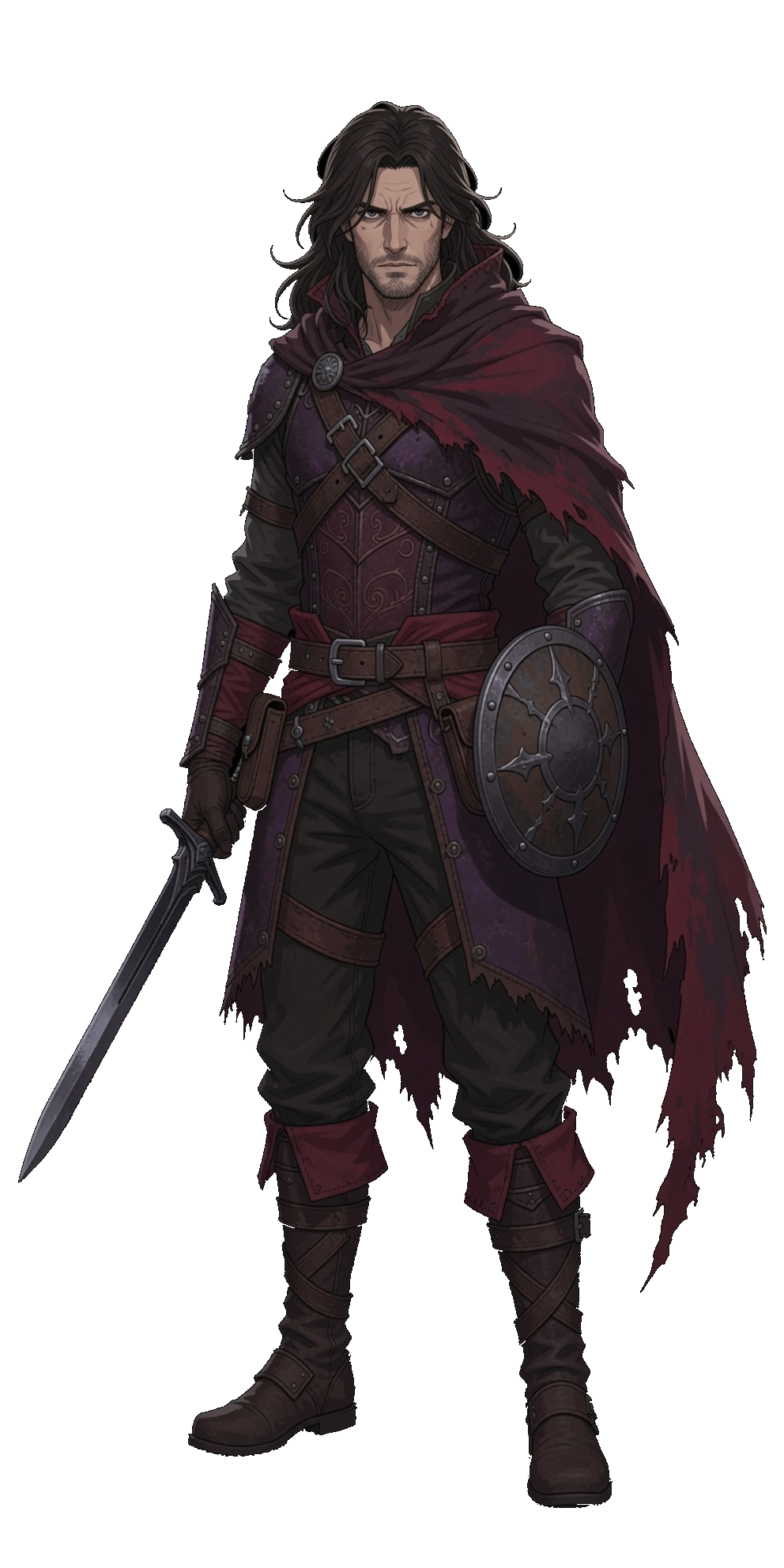
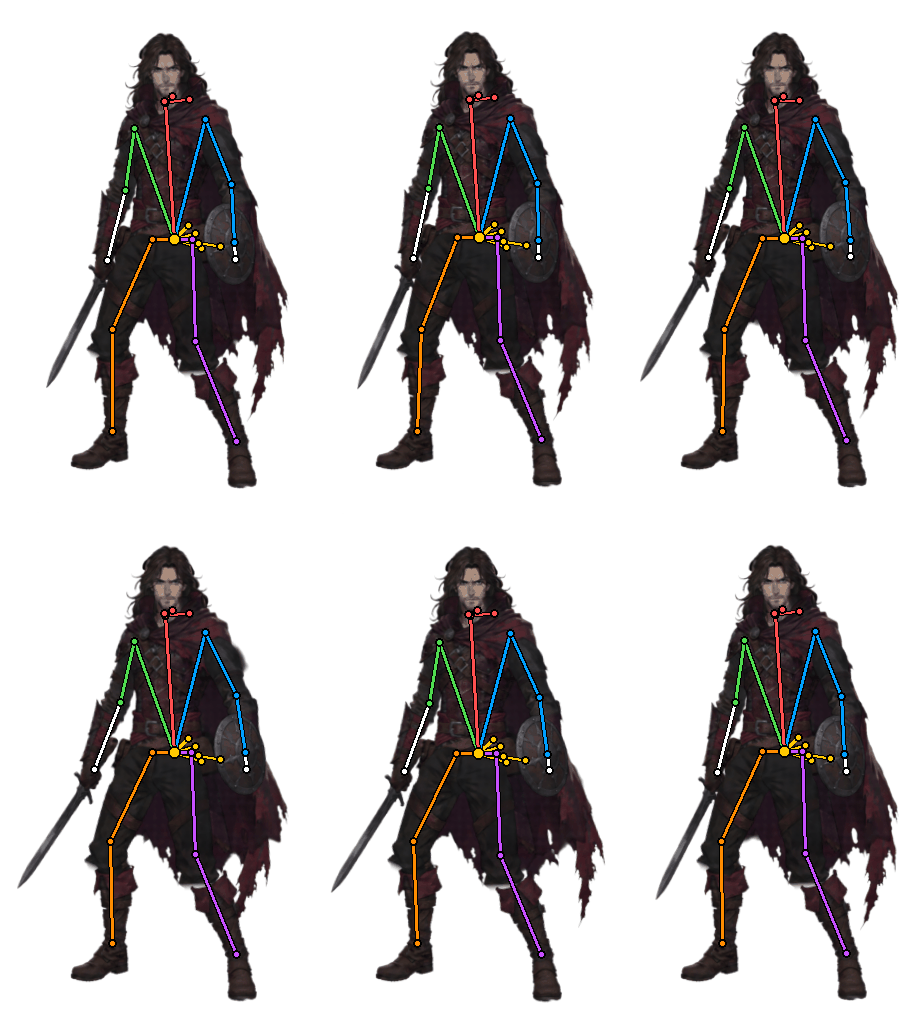
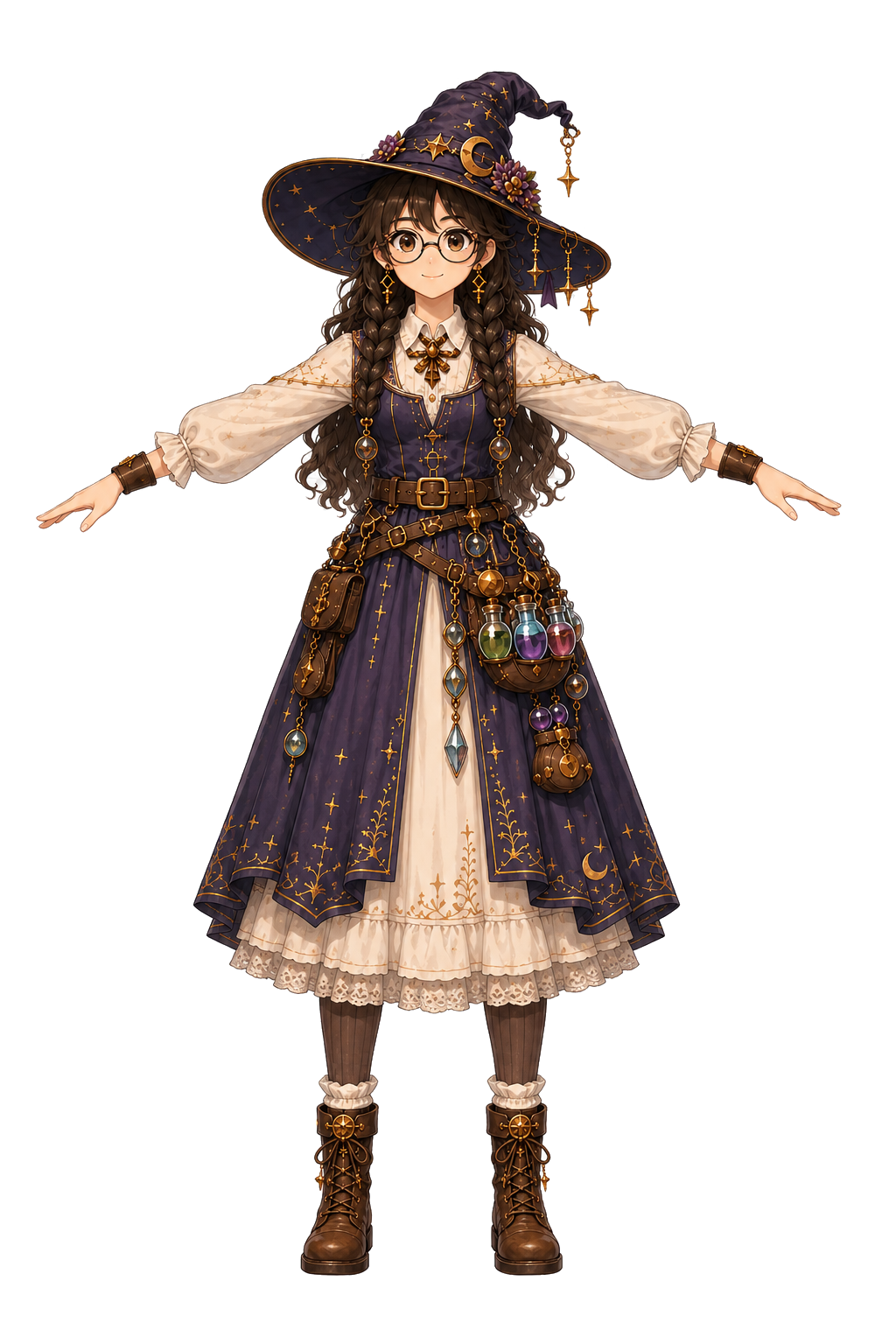
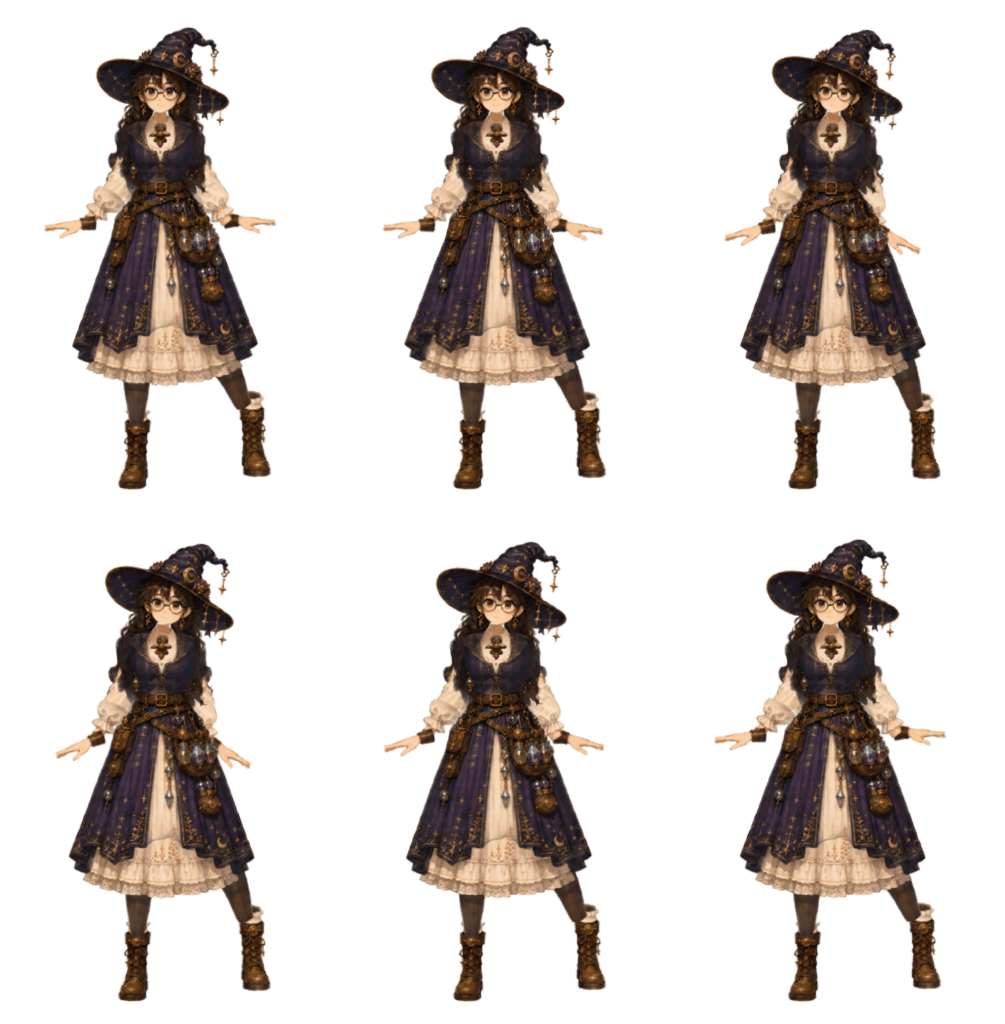
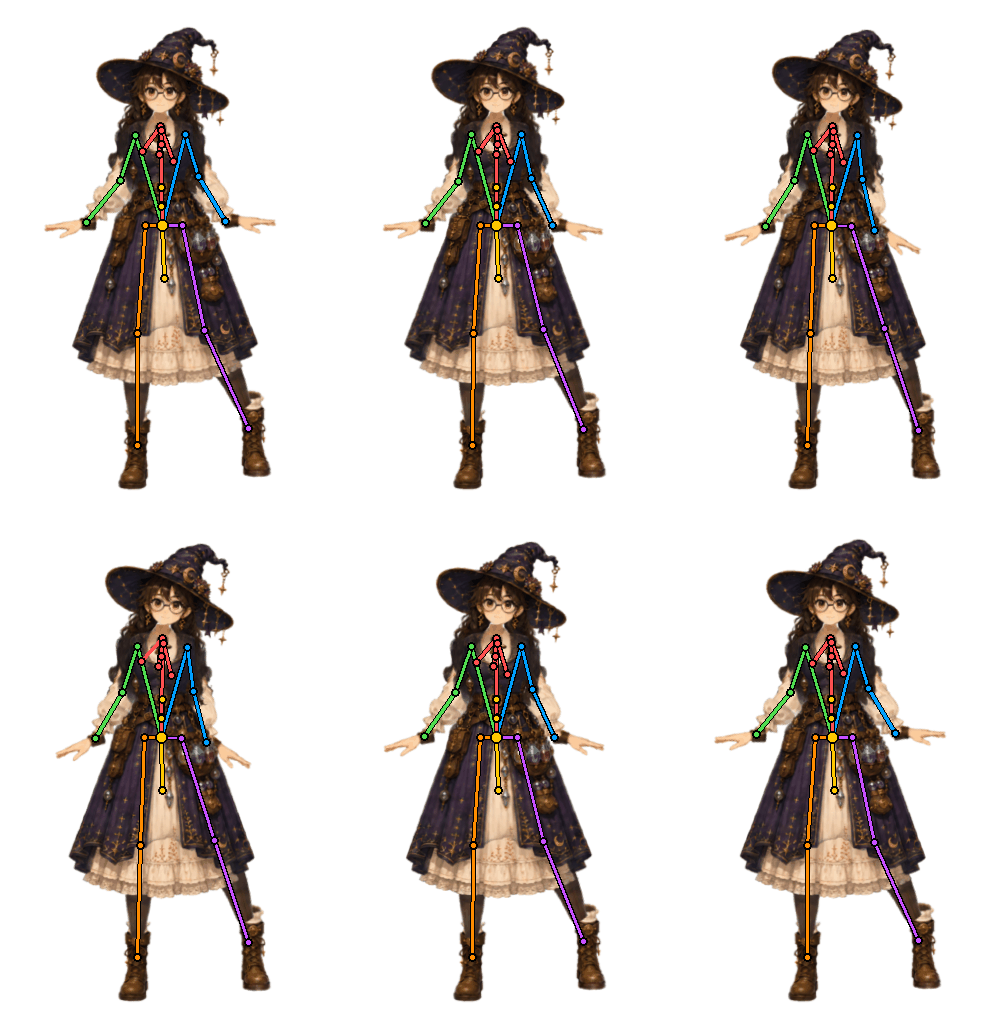
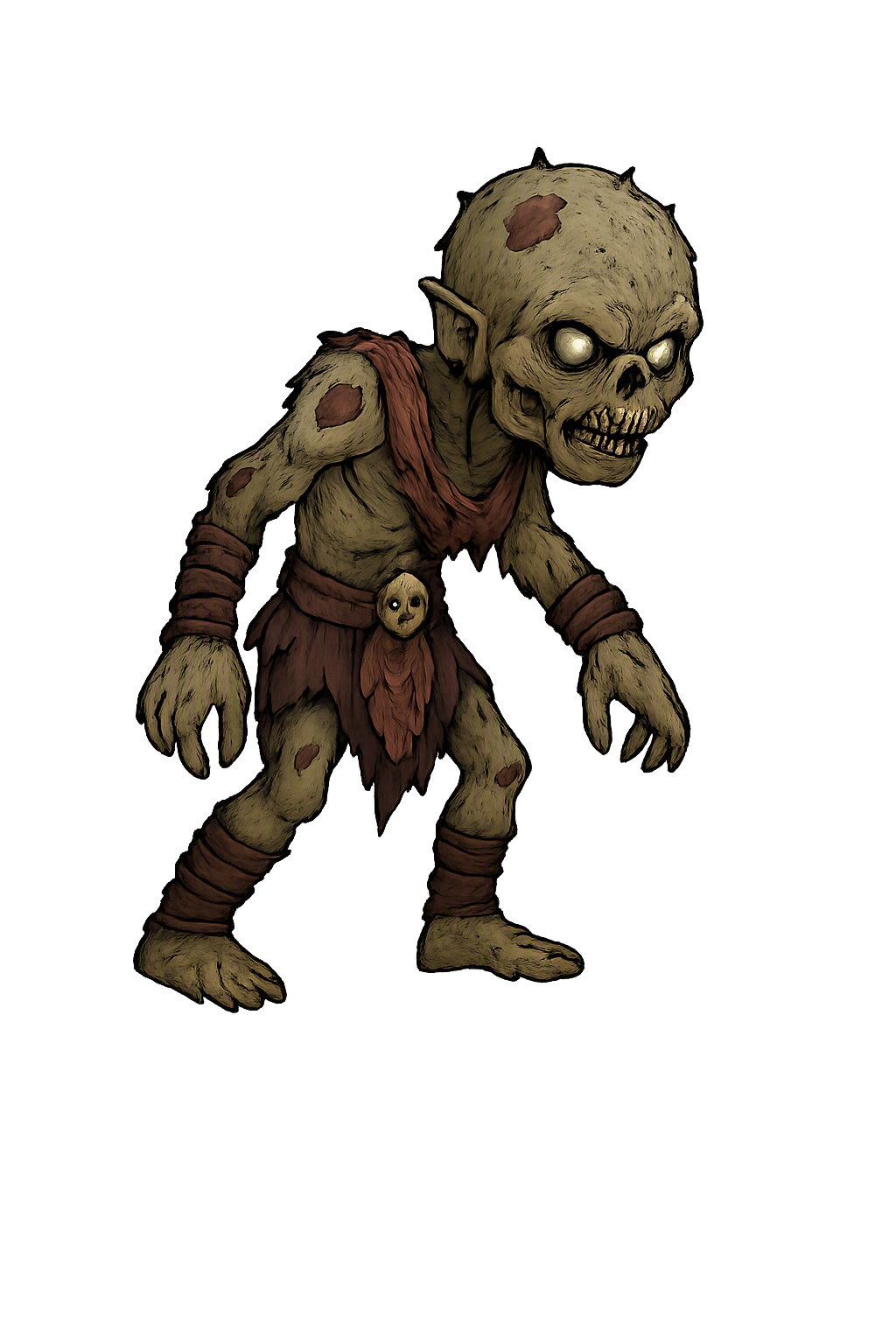

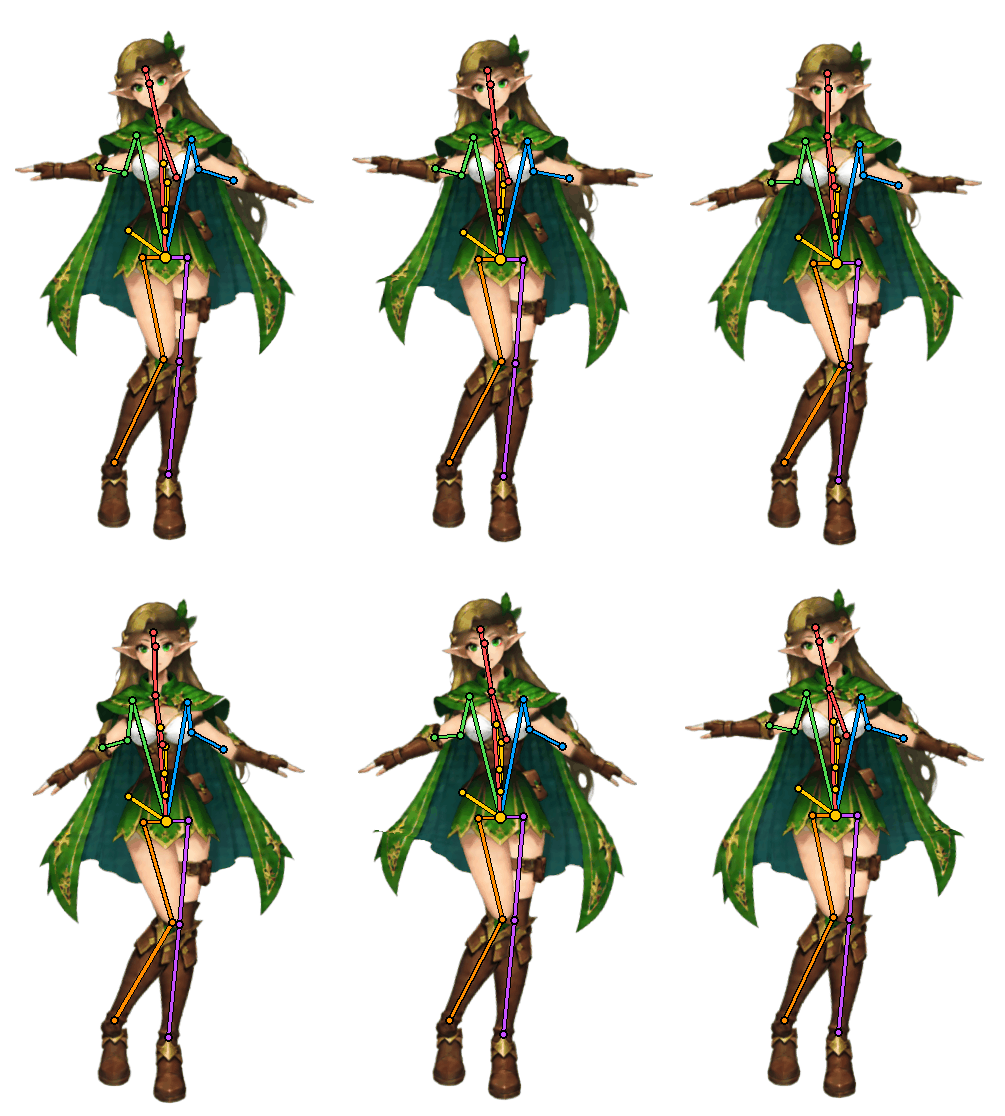
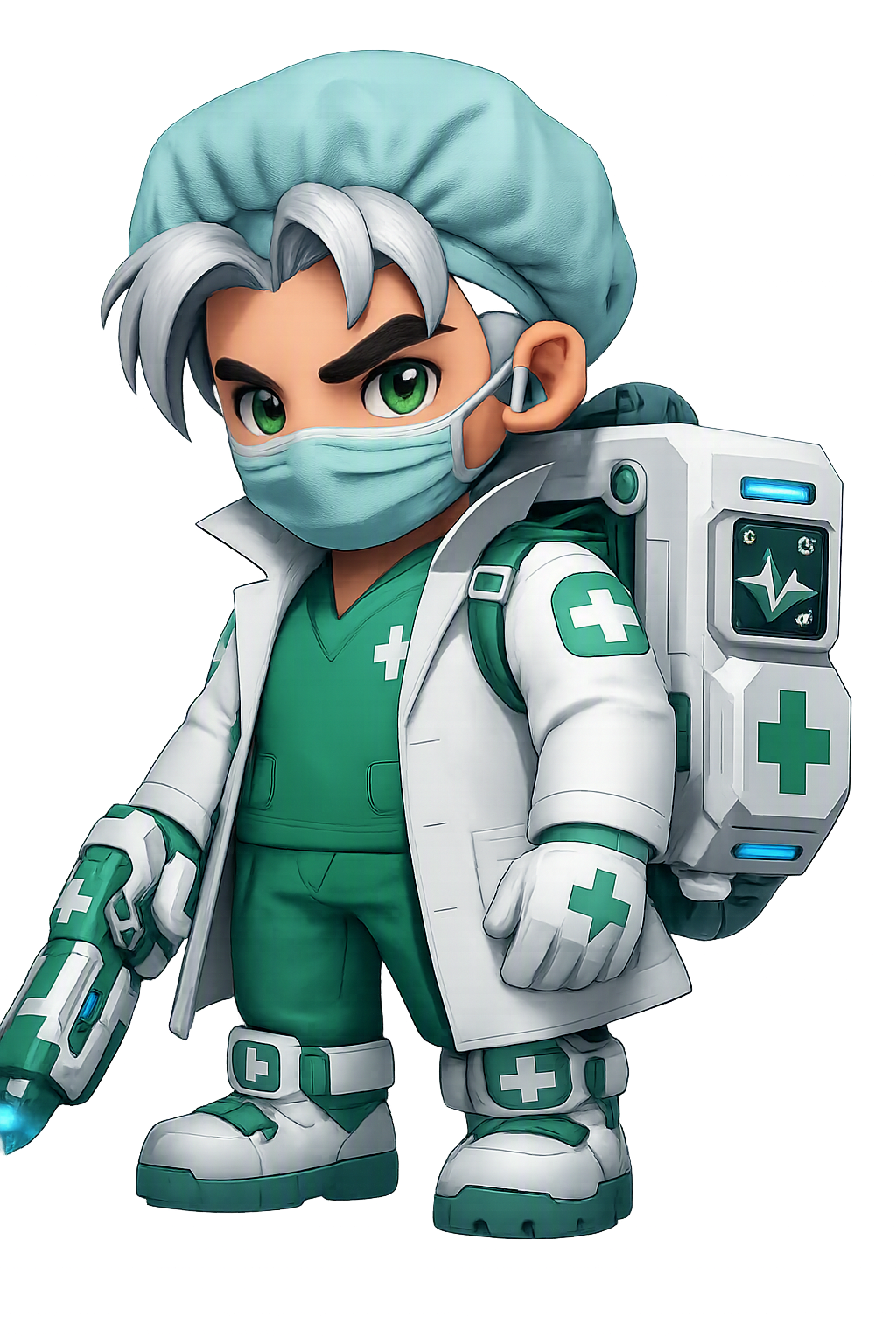
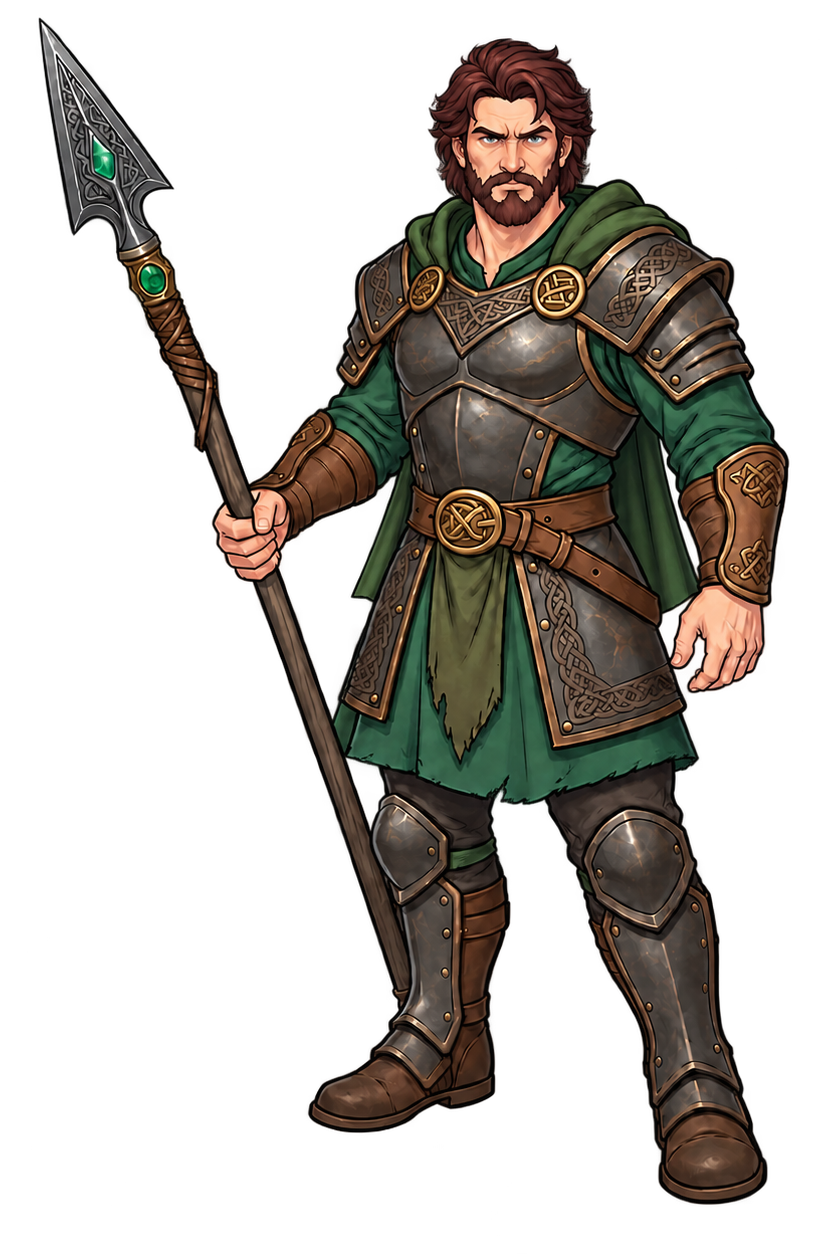

Video tutorial
Watch how to auto-rig a 2D character from one image and export Spine animation.
STATS
Our numbers speak for themselves
What Our Users Say
Real feedback from game developers using God Mode AI
How the AI spine animation generator works
The same workflow a professional 2D skeletal animator follows in Spine or Live2D — layer separation, piece cutting, rigging, and animation — fully automated by AI.
1 · Layer splitting
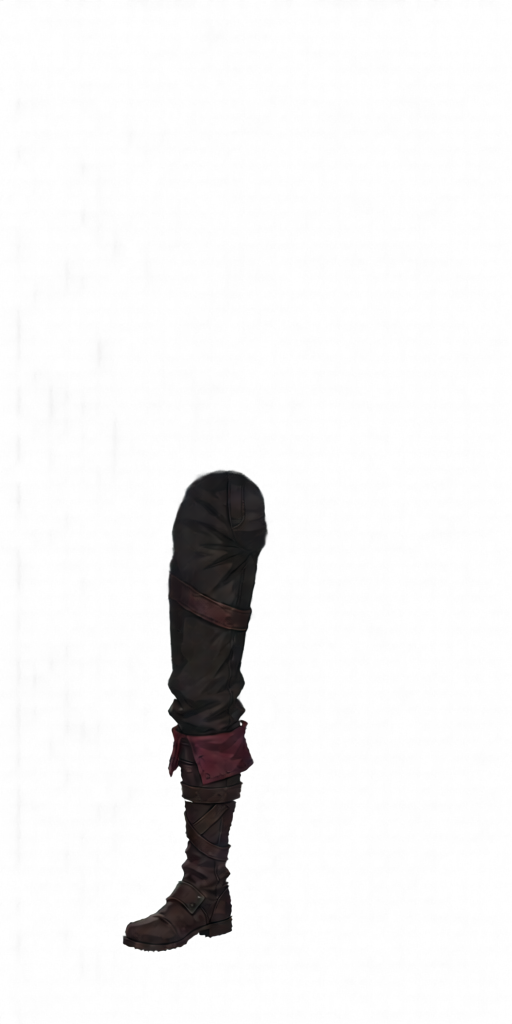
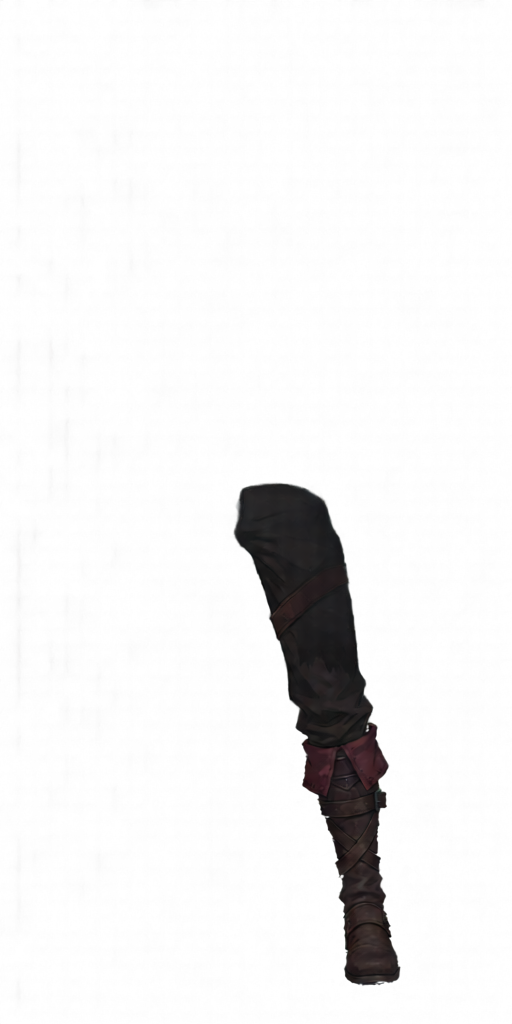
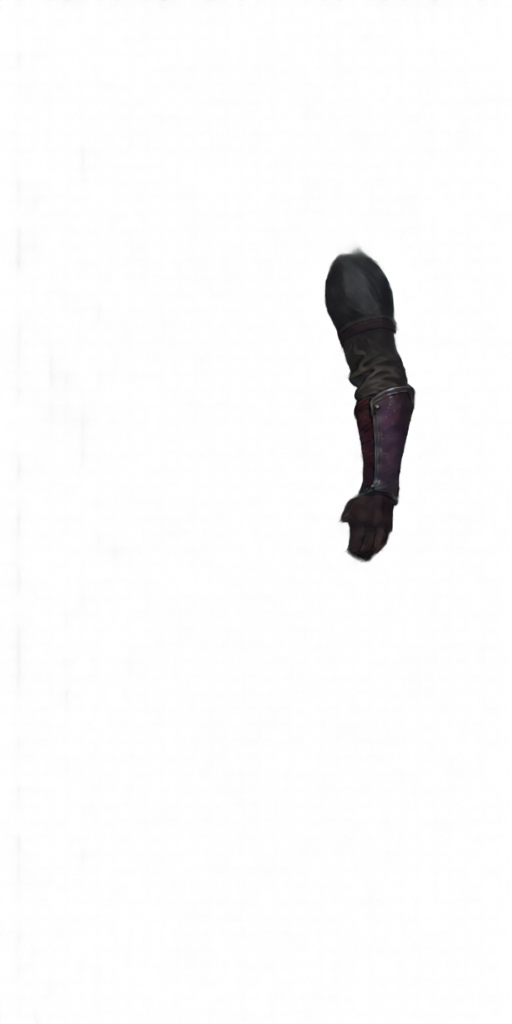
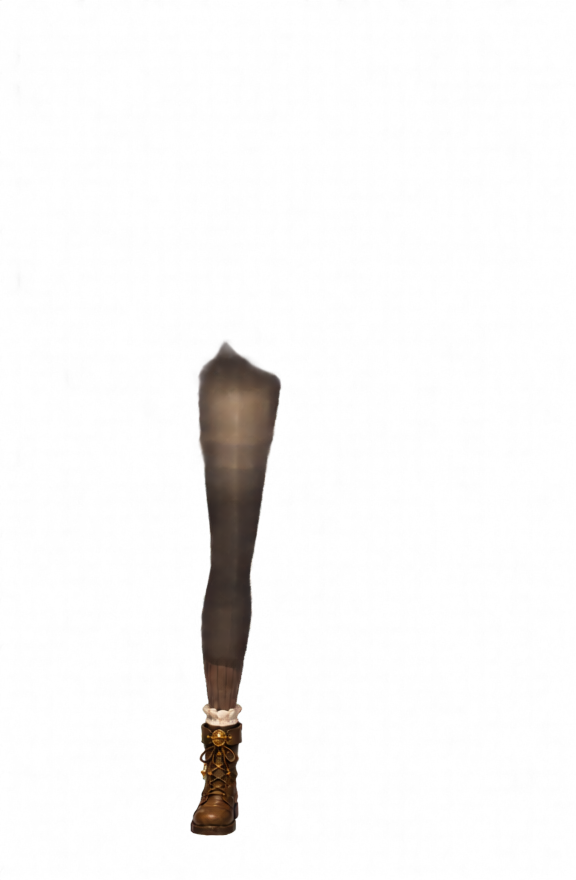
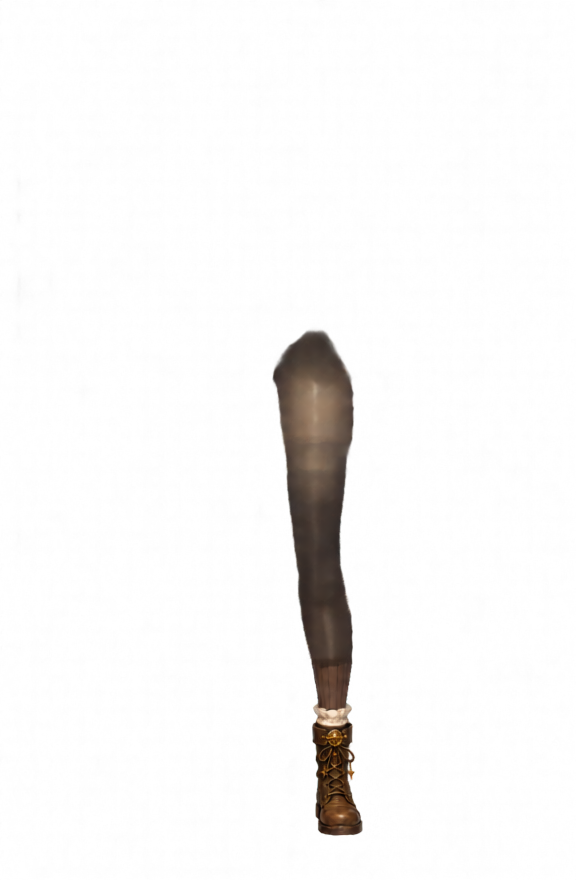
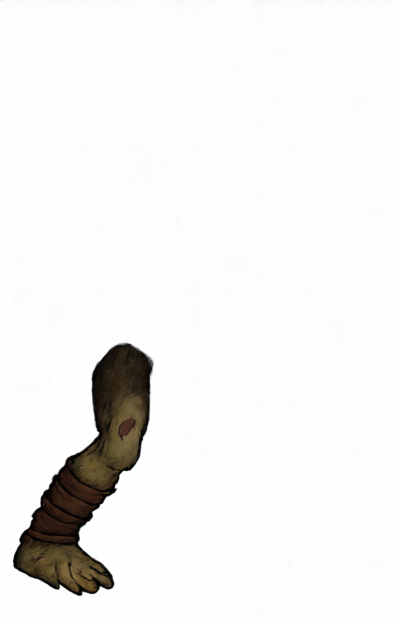
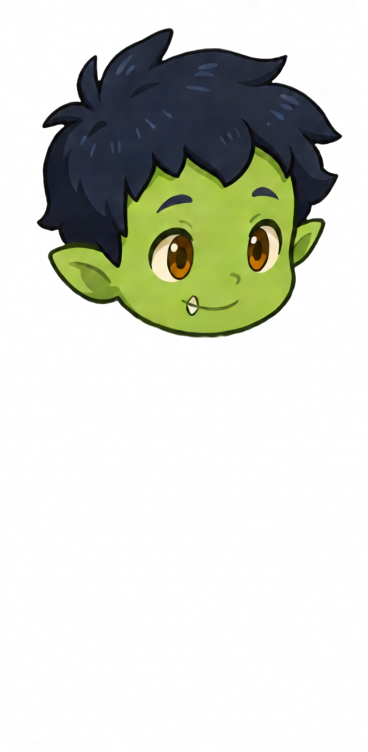
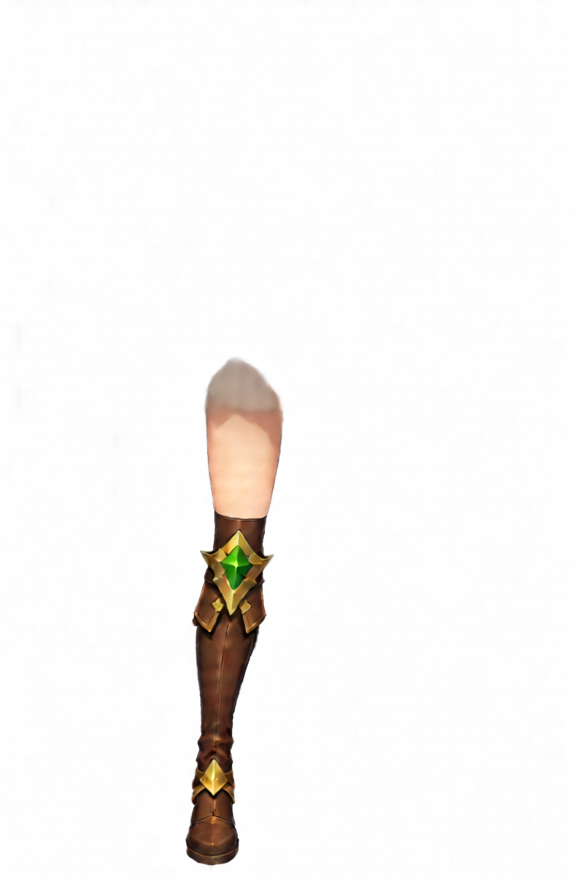
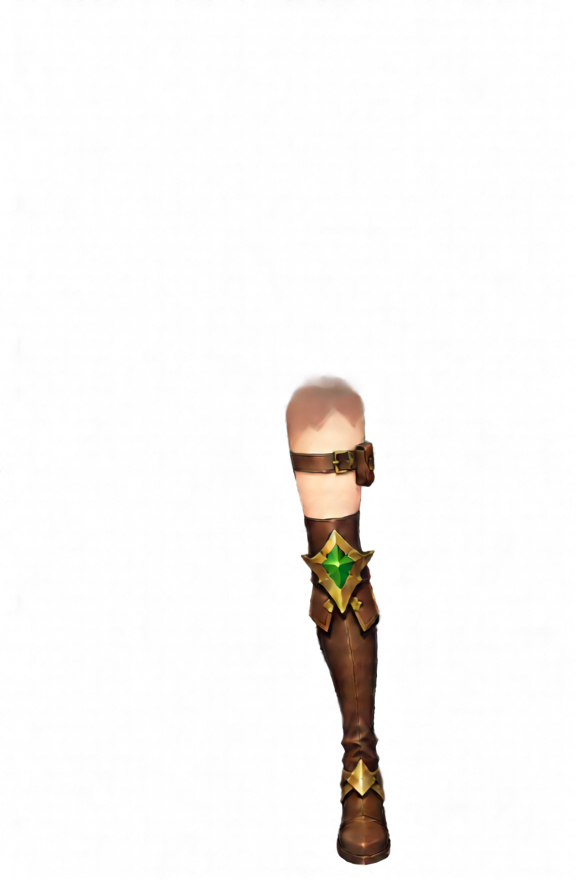
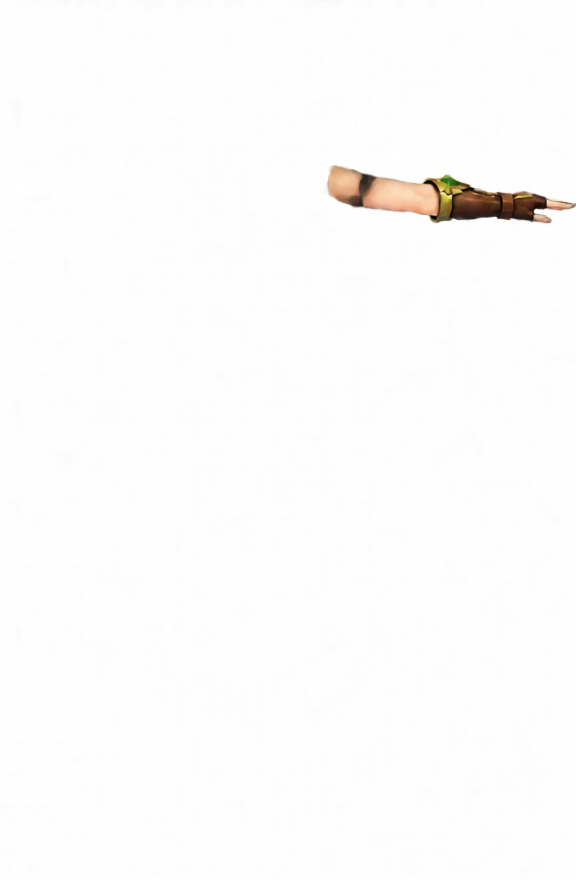
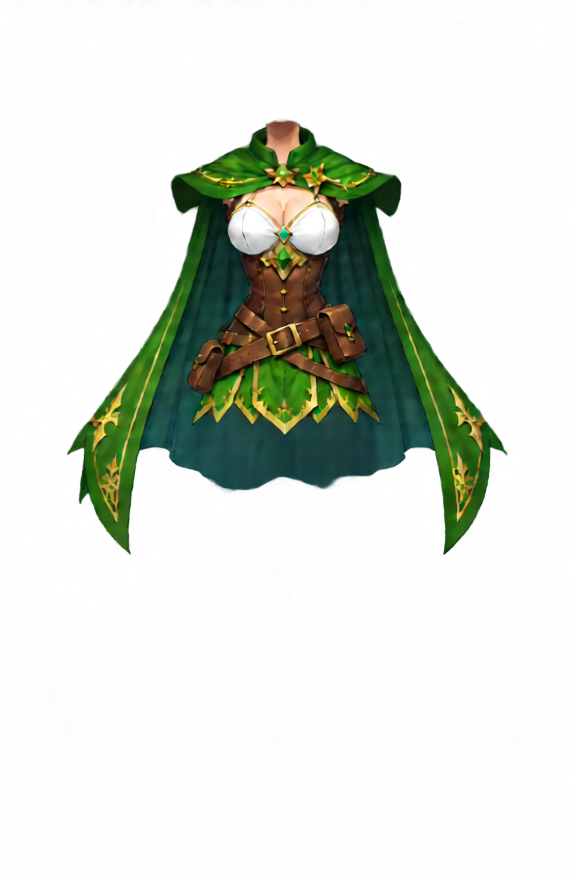
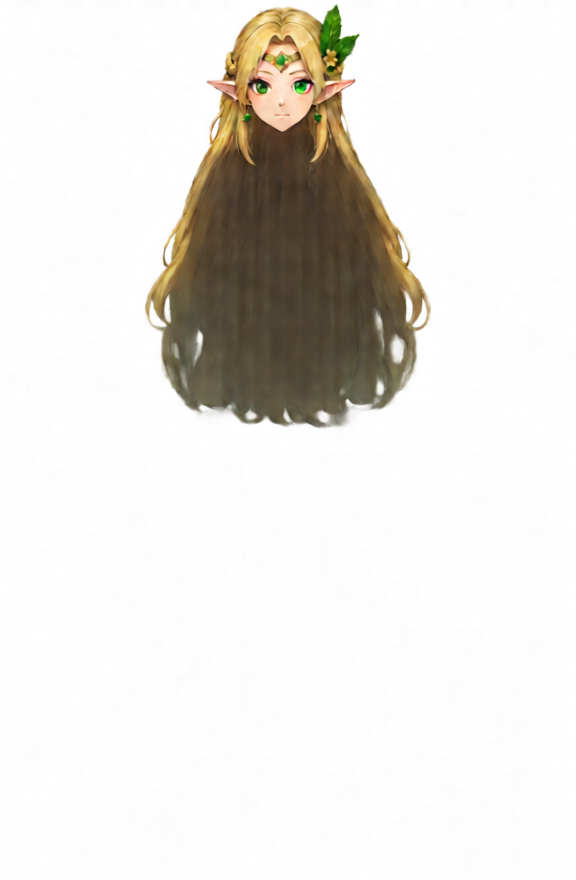
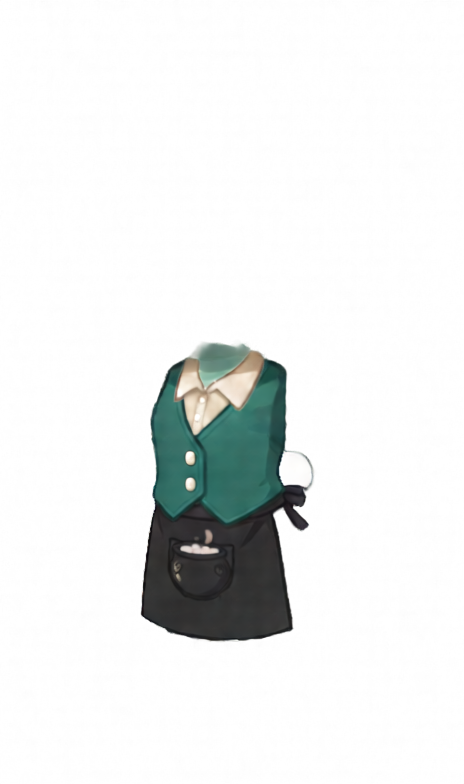
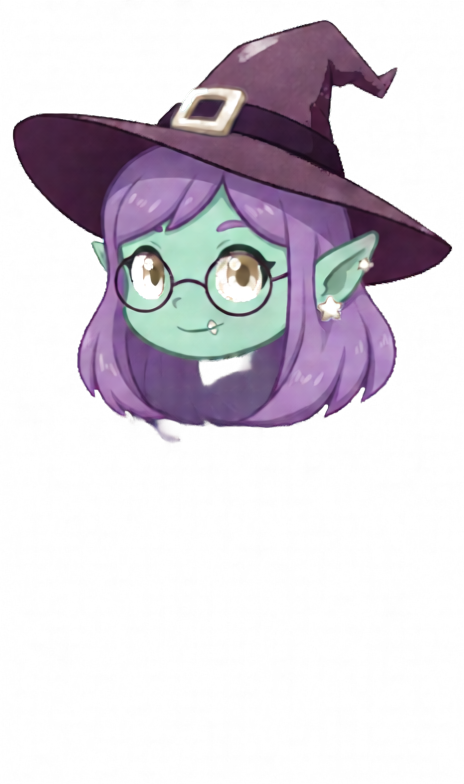
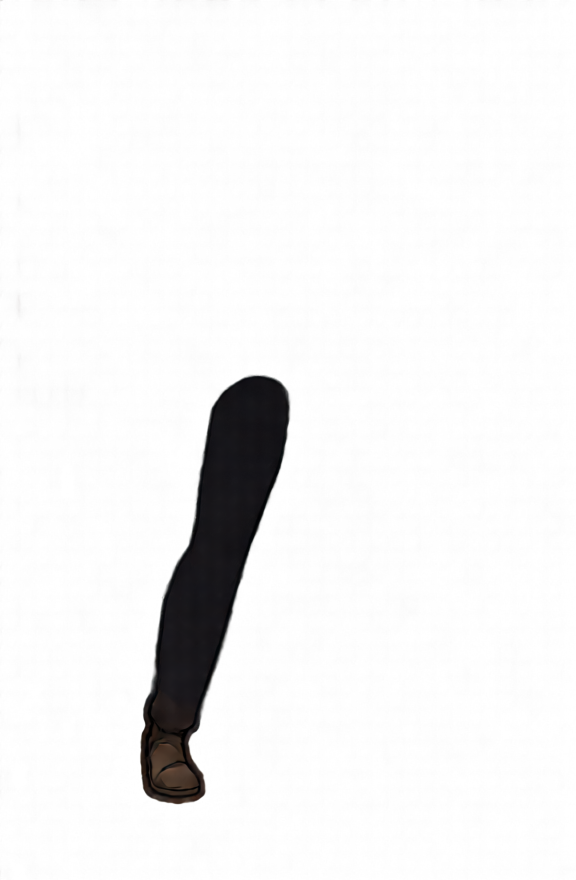
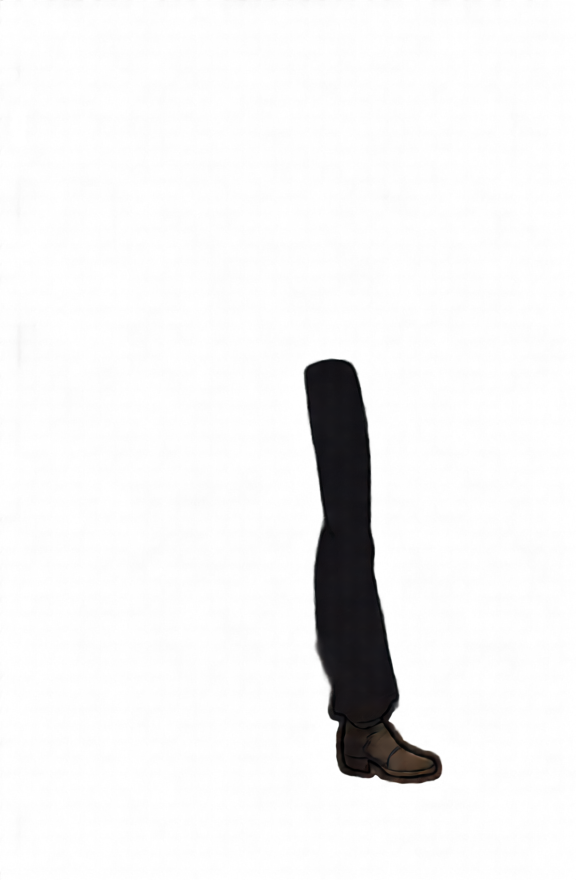
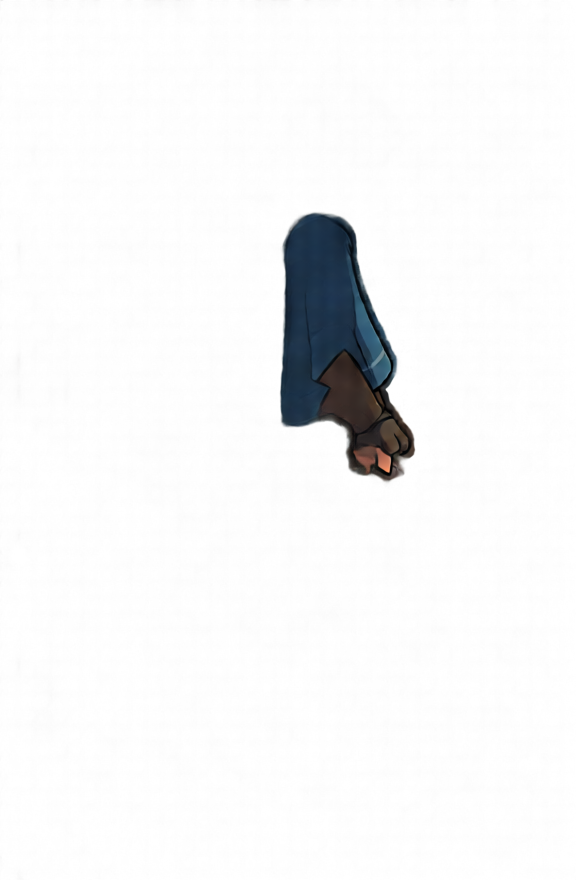
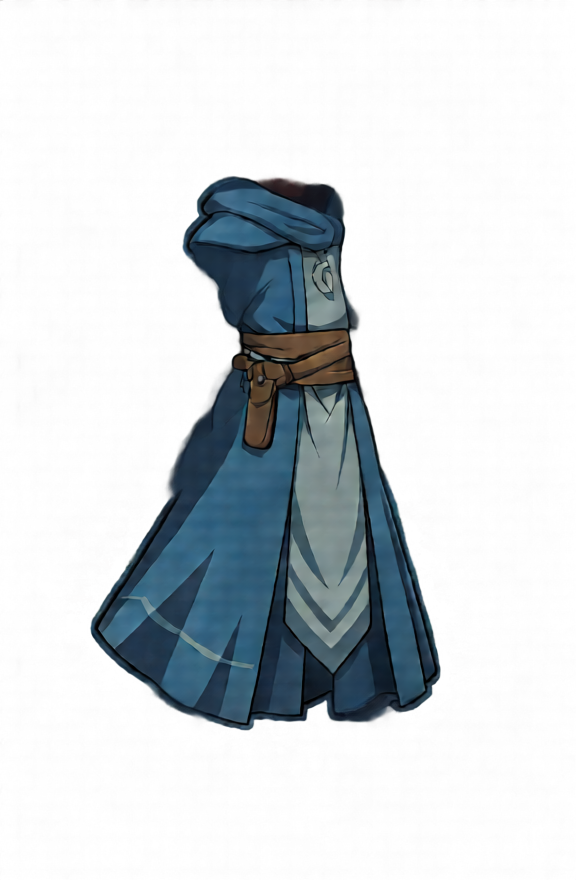
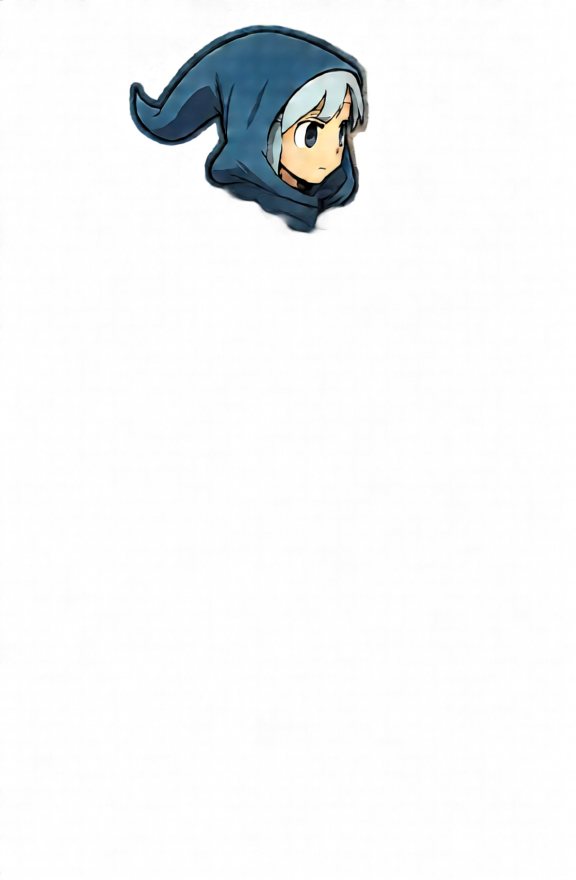
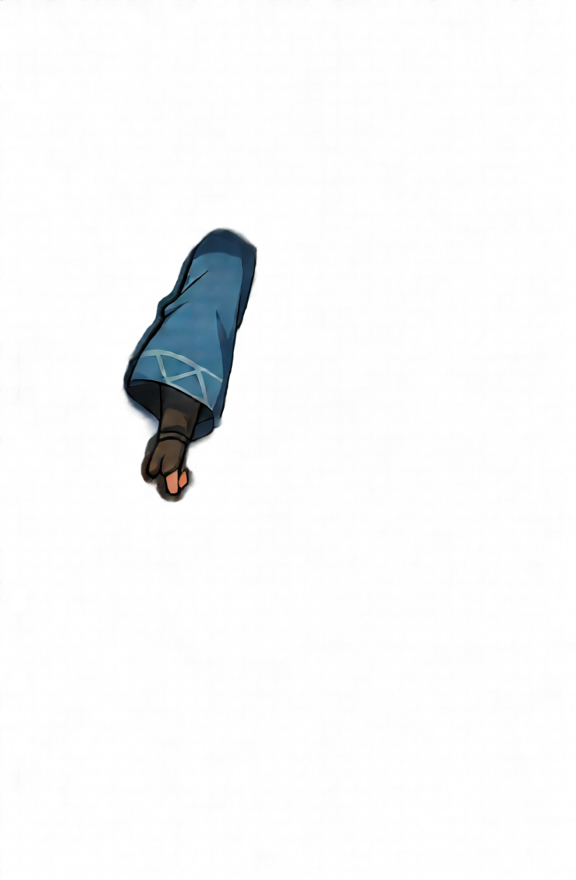
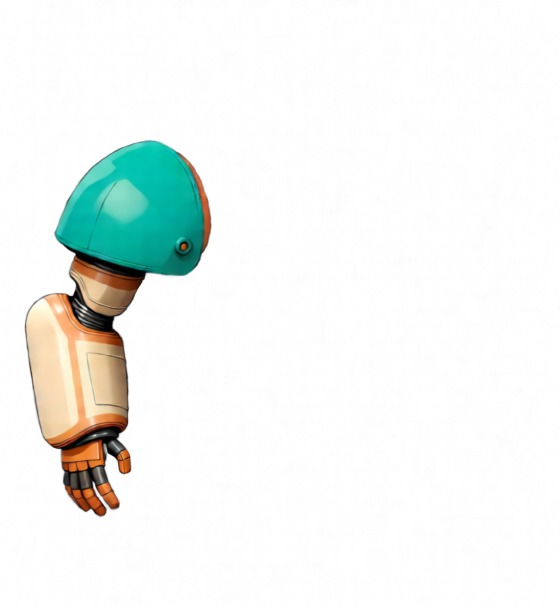
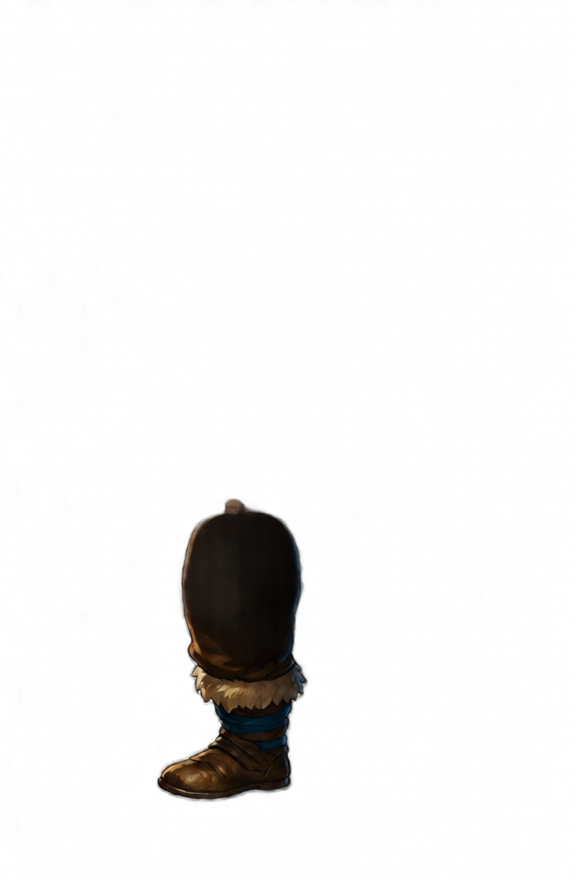
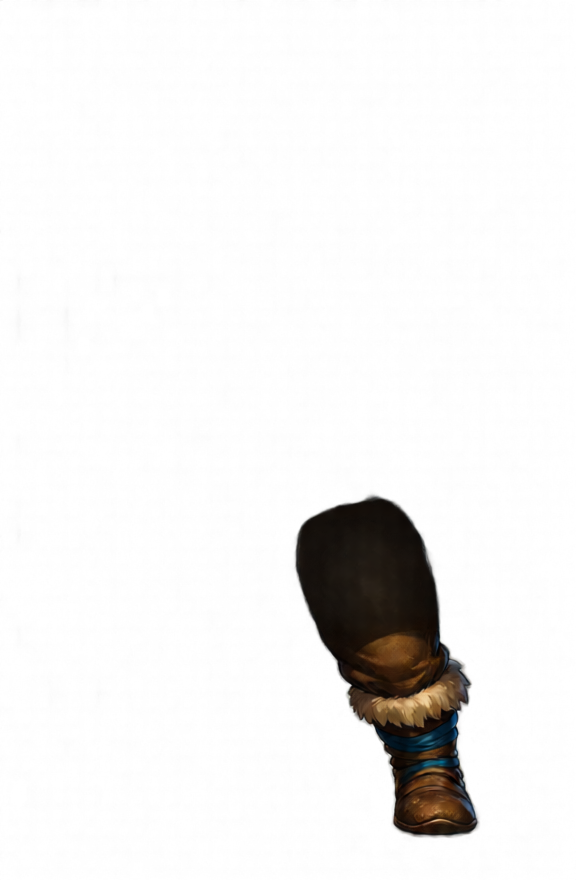
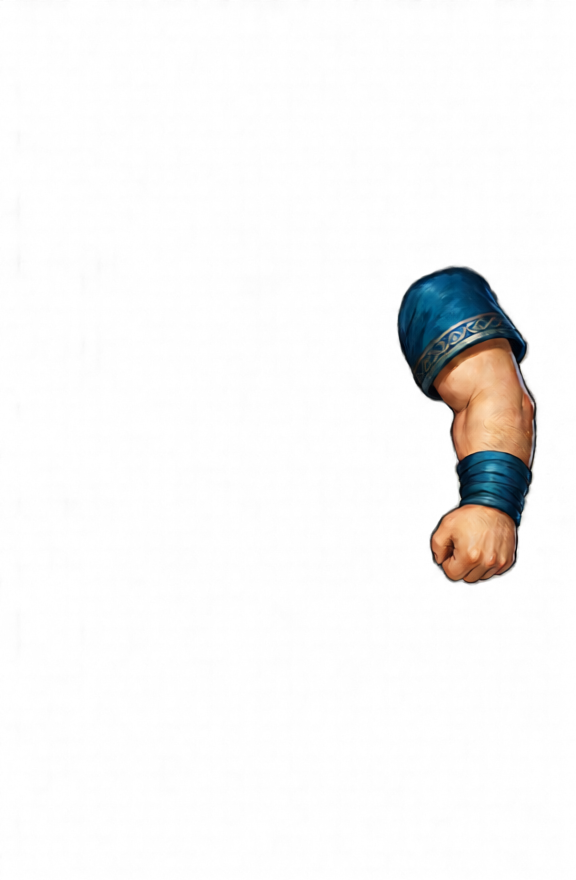
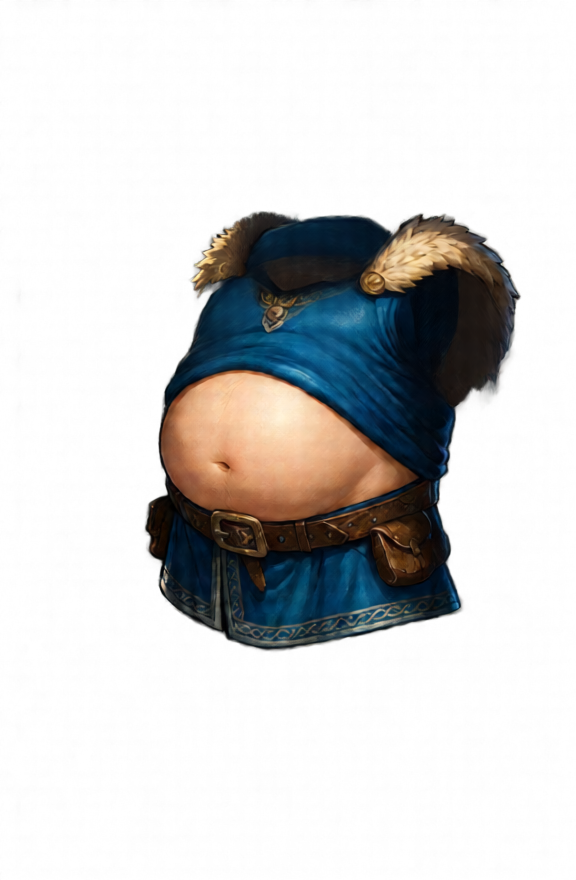
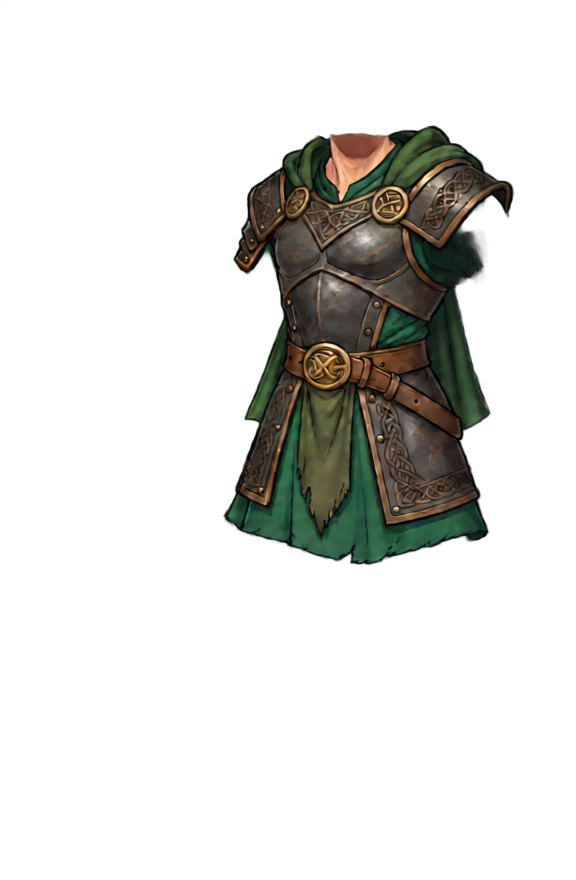
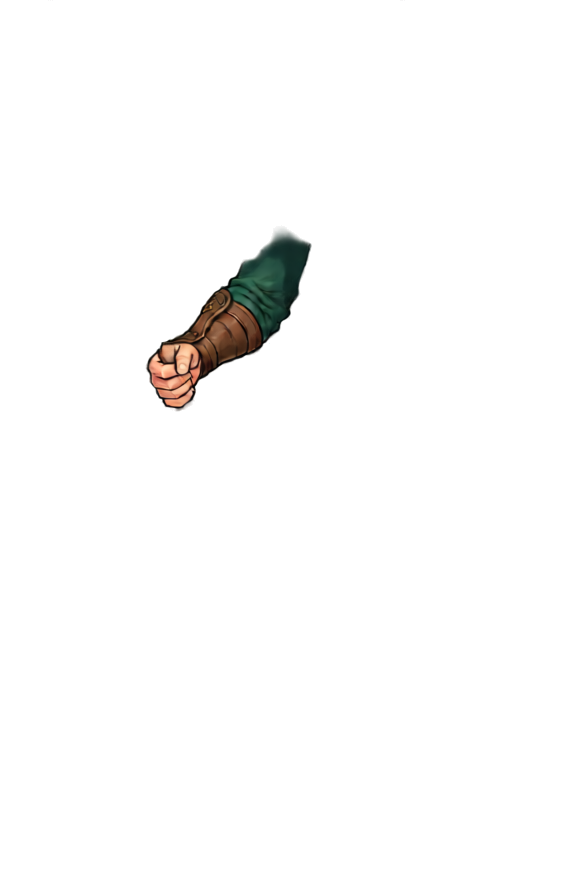
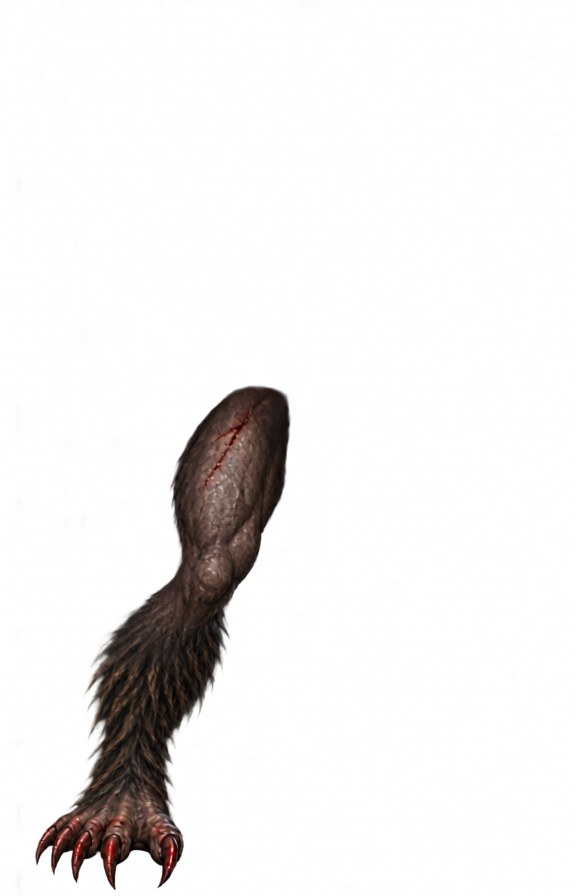
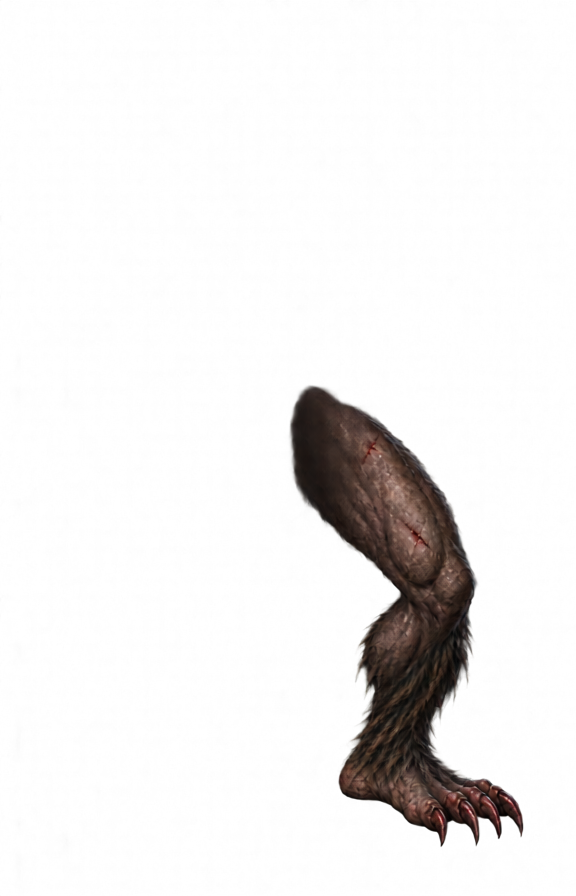
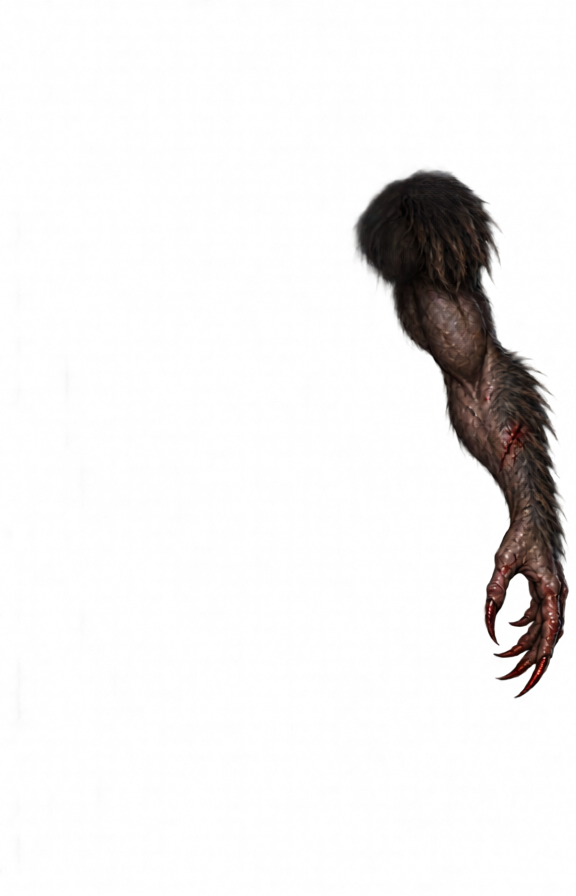
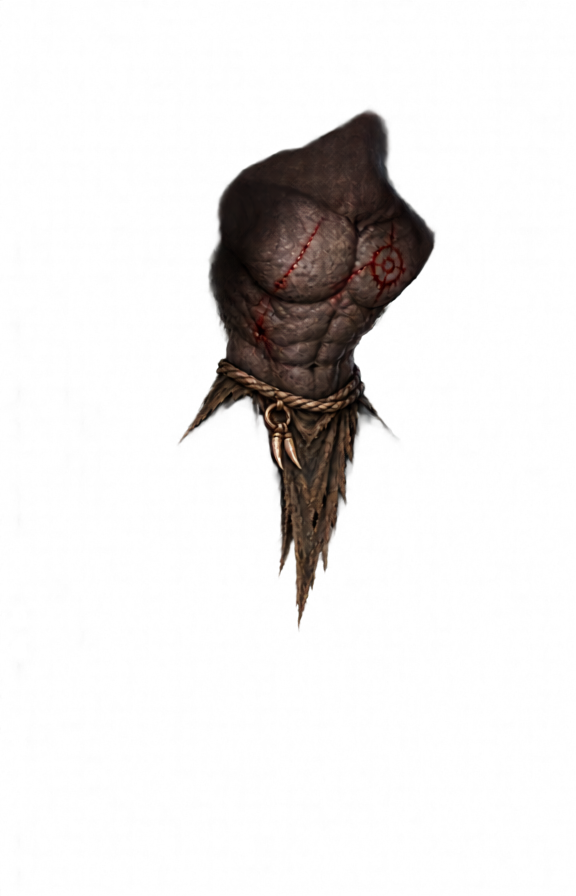
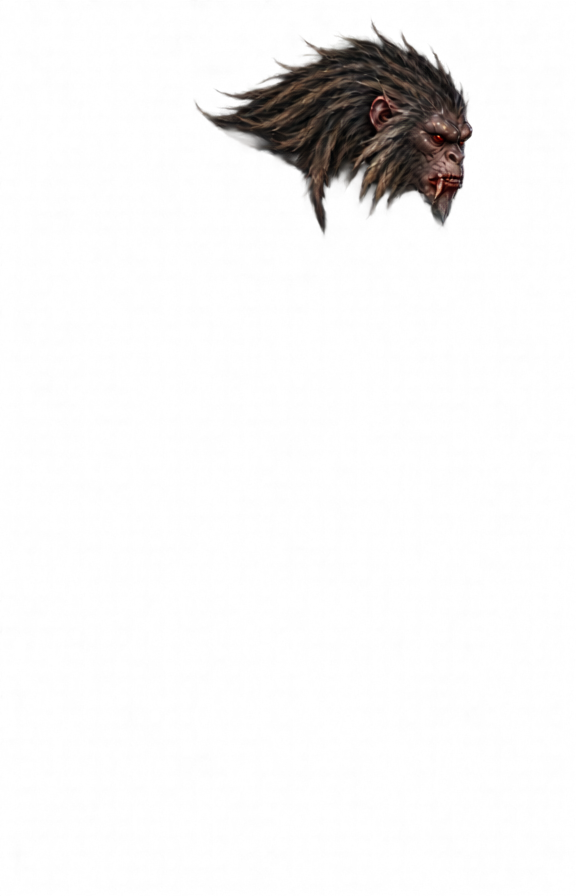
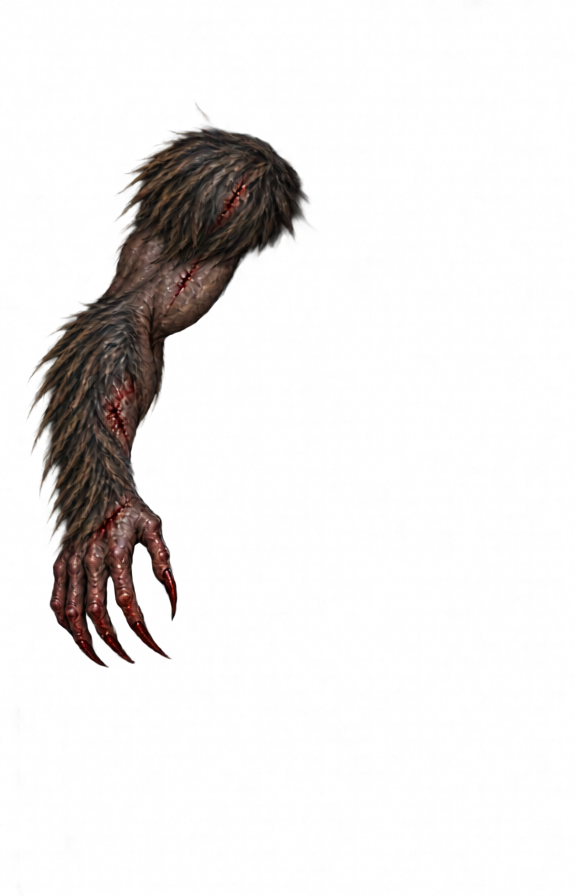
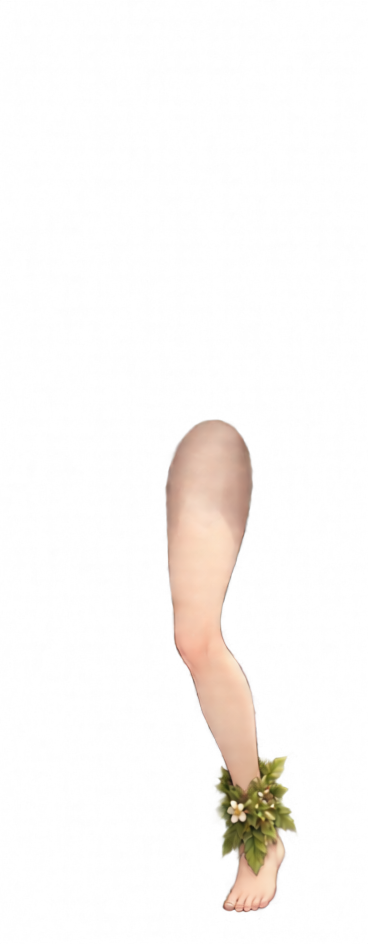
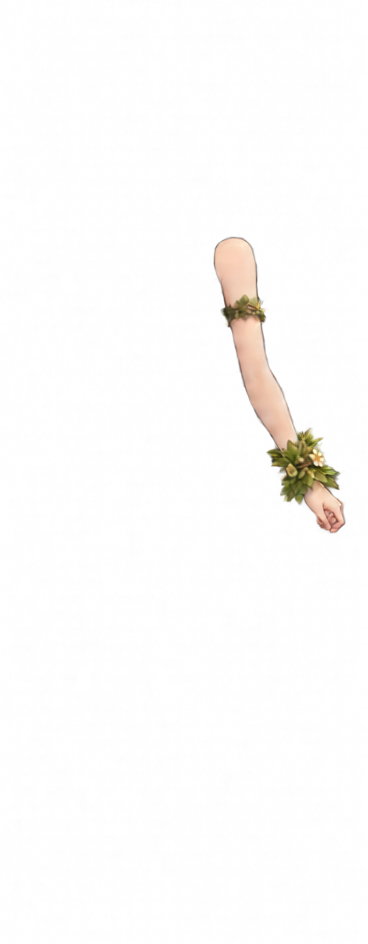
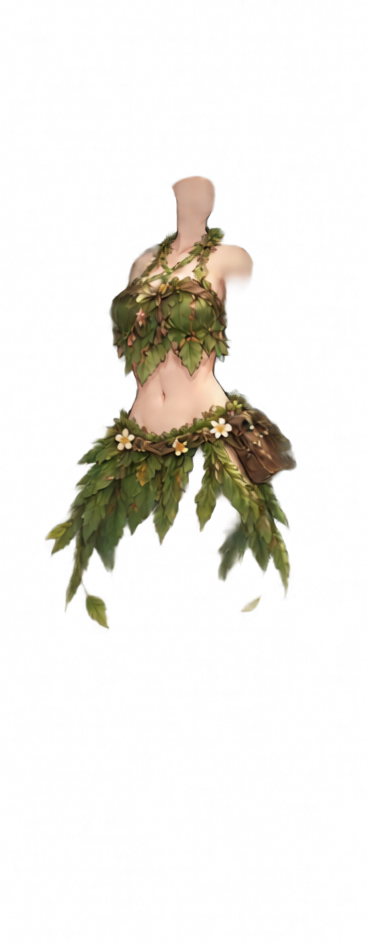
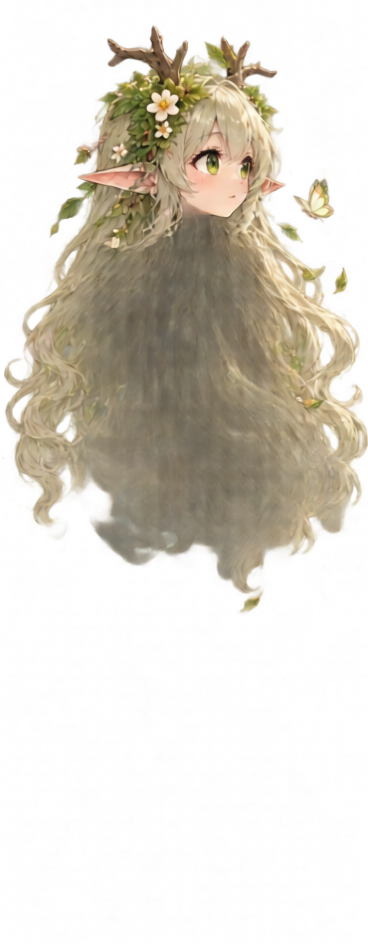
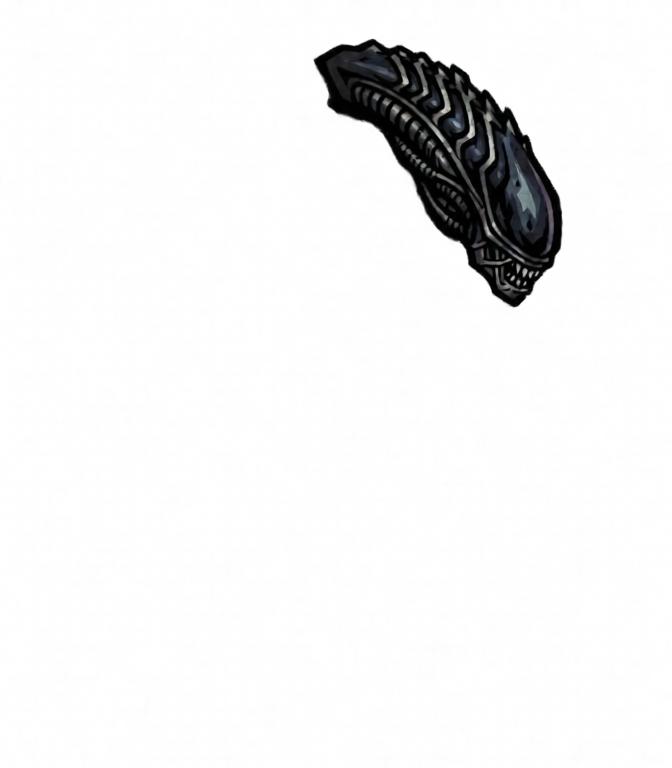
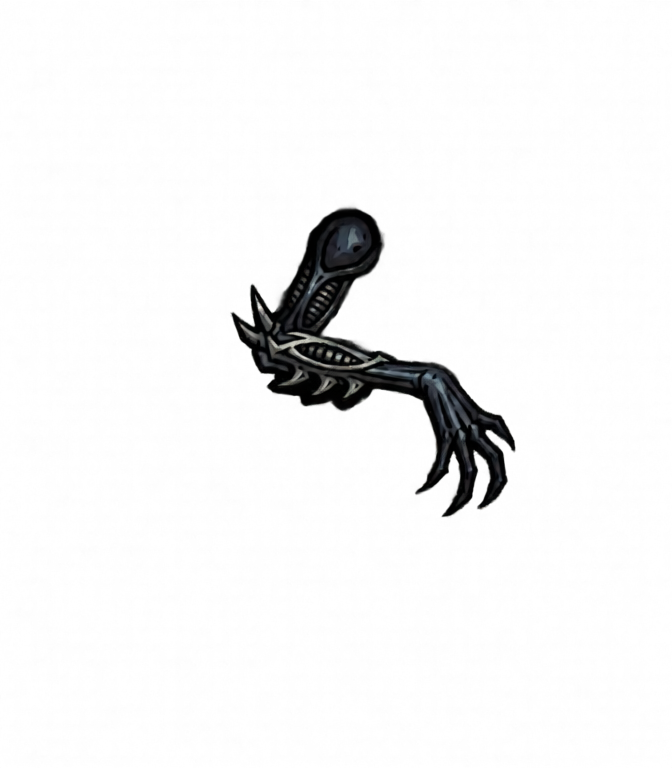
The AI decomposes your character into six body-part layers — head, both arms, both legs, and torso — reconstructing the artwork hidden behind overlaps.
2 · Piece splitting
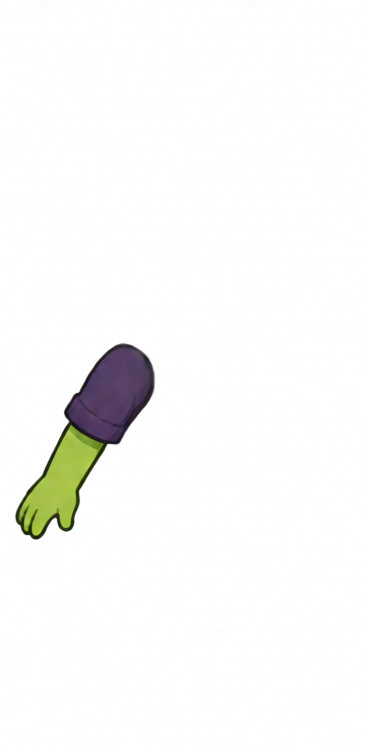
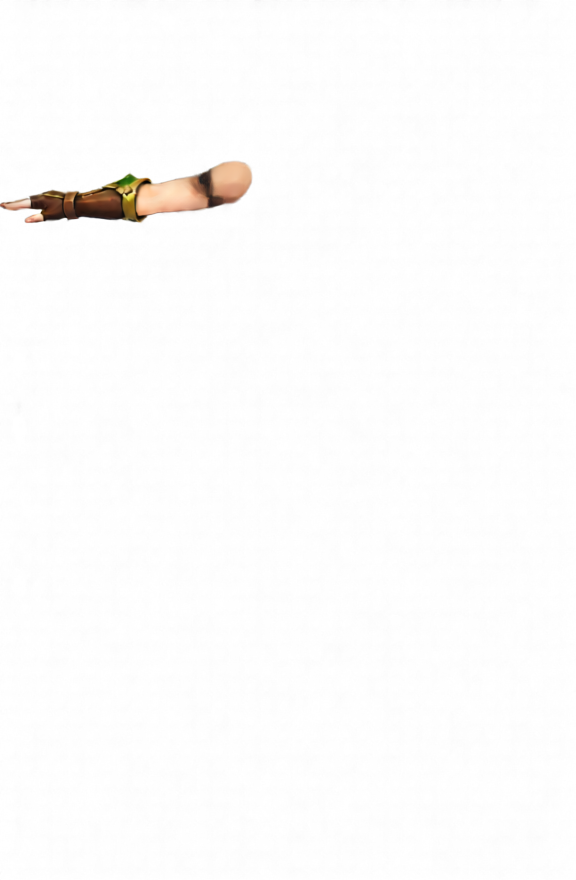
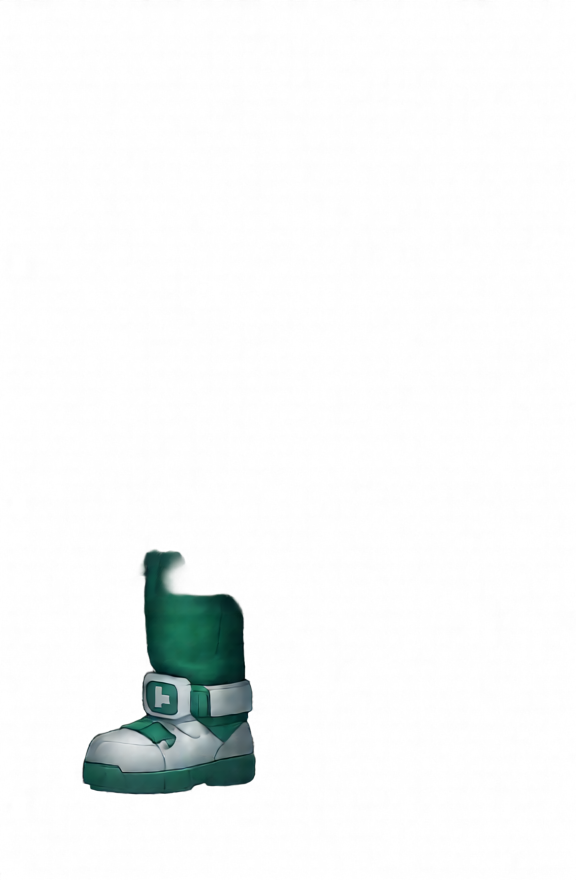
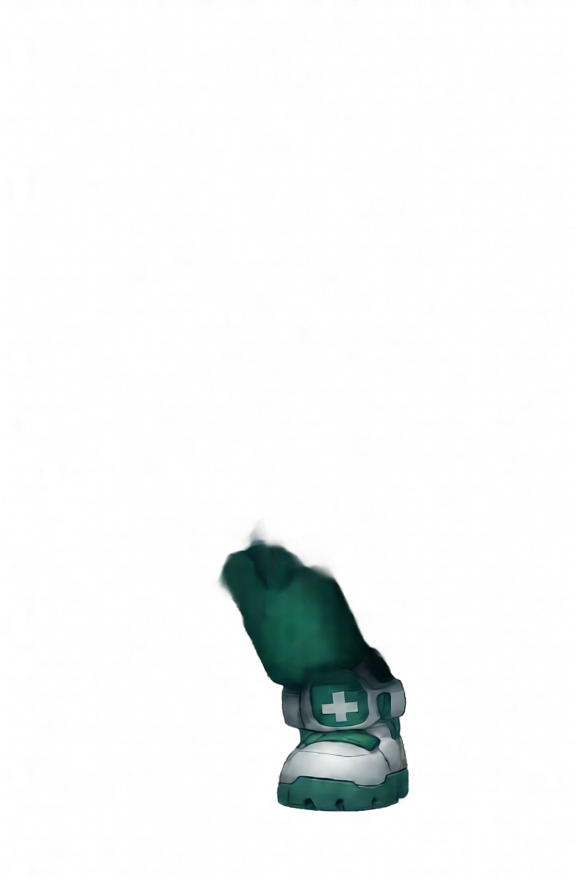
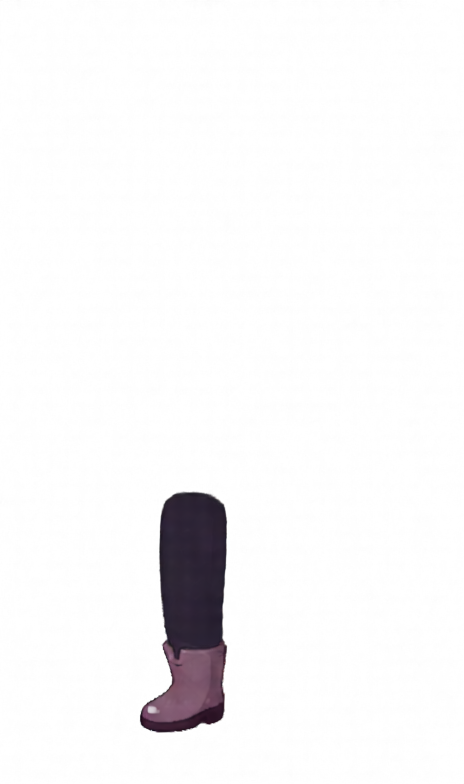
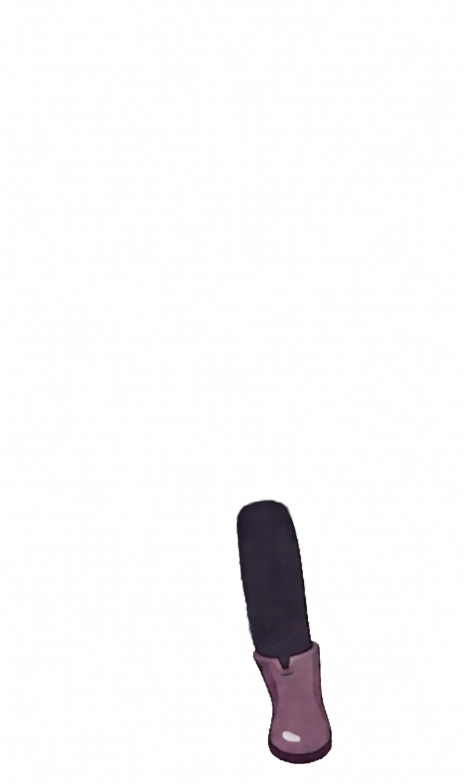
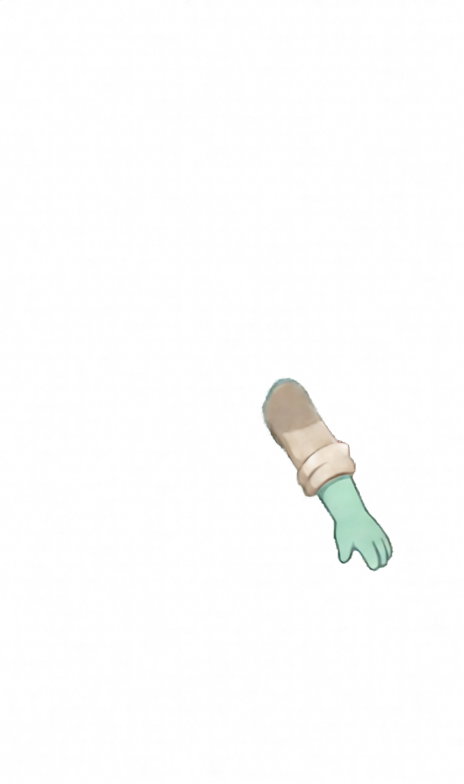
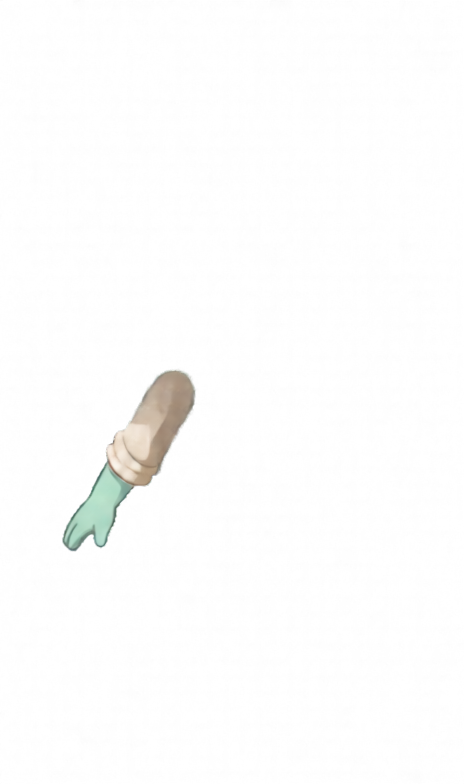
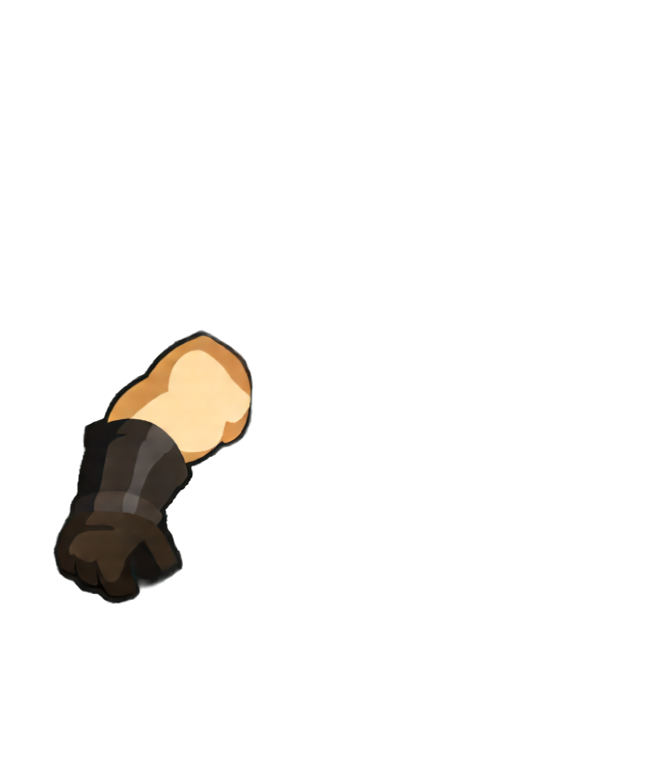
Arms and legs use a joint-marked 3-layer model (upper arm → forearm → hand, thigh → calf → foot) guided by elbow/wrist or knee/ankle cut points. Head and torso split into up to six pieces — the same granularity a professional Spine artist would cut.
3 · Auto rigging
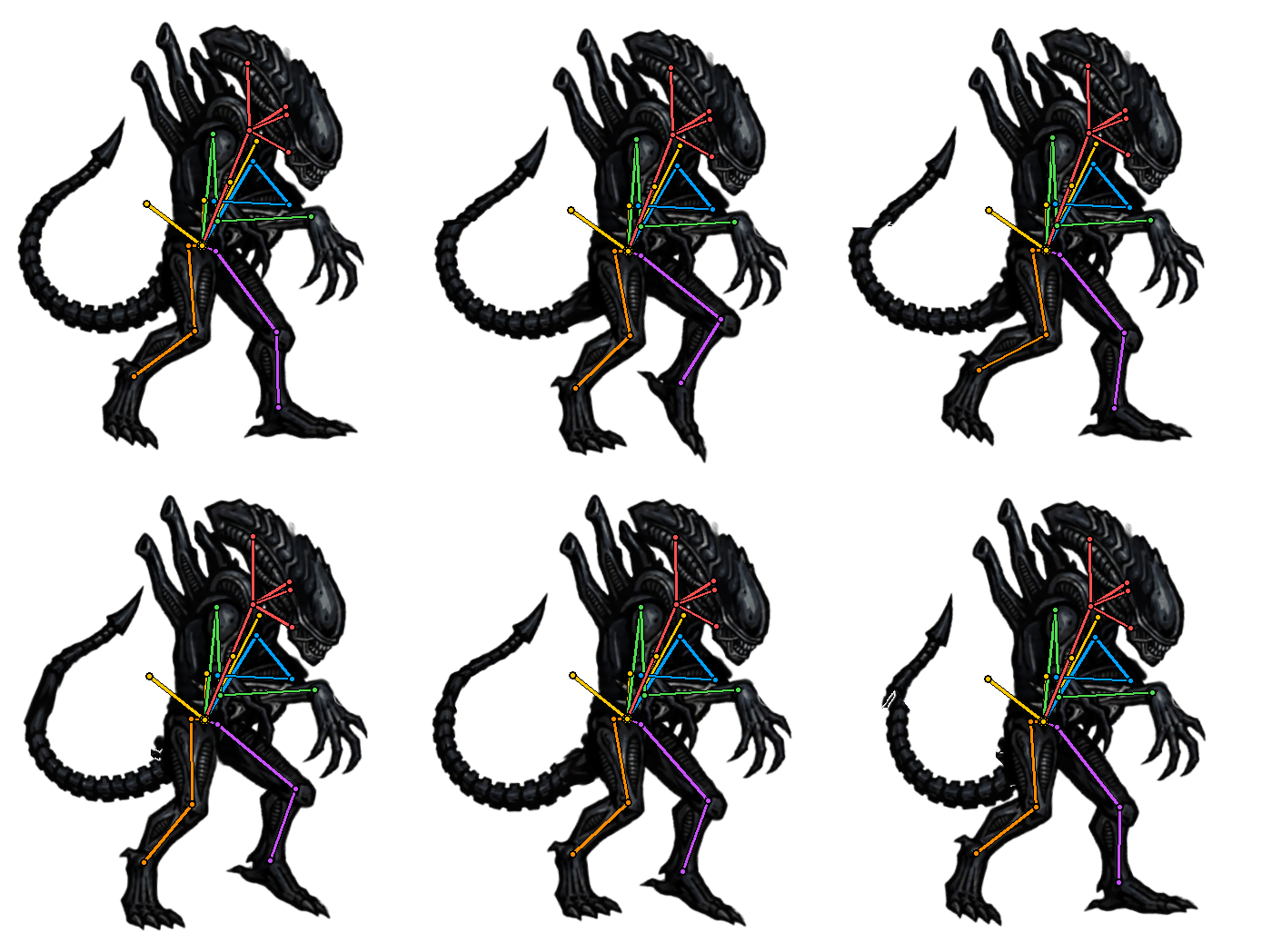
The AI infers the skeleton: which piece connects to which, and what each piece is (face, trunk, upper arm…). Built once per character, reusable forever.
4 · Animation & export
Pick from ~400 clips across fourteen motion categories and it is retargeted onto your rig. Take the result as transparent WebM and GIF, or as a Spine export (skeleton.json + atlas + PNG) — every render is written in all versions from 3.5 to 4.2, so it opens in whichever Spine runtime your project already uses.
Real skeletal animation — your artwork never gets repainted
Most AI animation tools redraw every frame from scratch, which is where flicker, melting details and off-model faces come from. This one works the way 2D skeletal animation software does: your artwork is cut into layered pieces and moved by bones.
Every frame is made of your exact pixels and line work — the character just moves. So the walk, the idle and the attack all look like the same character, because they are the same pieces on the same rig.
- One rig, many animations — Rig a character once and it stays saved as a project. Every clip you render afterwards takes 5–25 seconds.
- Spine export, 3.5 to 4.2 — Download skeleton.json, the atlas and the packed PNG, then load the rig in any Spine runtime — Unity, Godot, Phaser, or the web player. Every render is written in all seven versions, so an older project does not have to upgrade.
- Transparent WebM and GIF — VP9 alpha video drops straight into engines, web pages and video editors with no background removal.
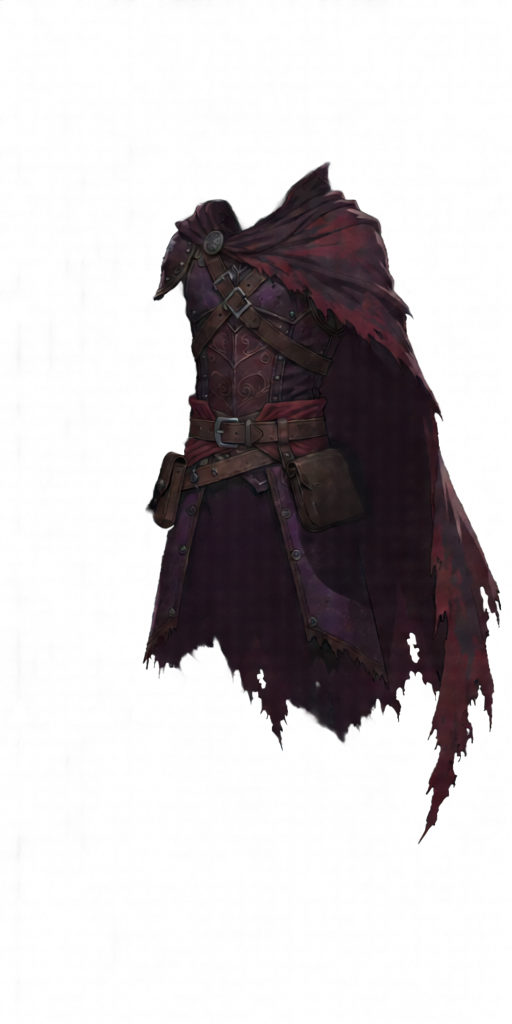
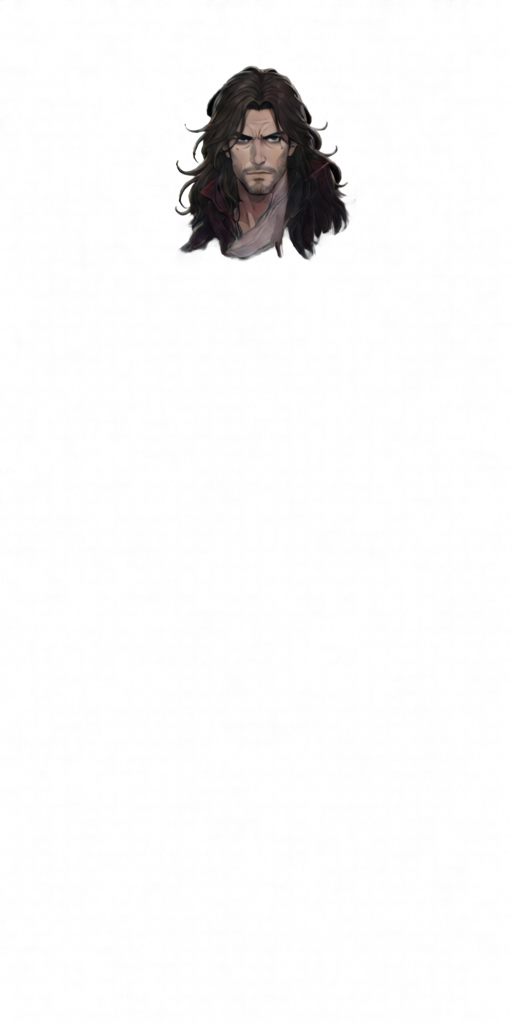
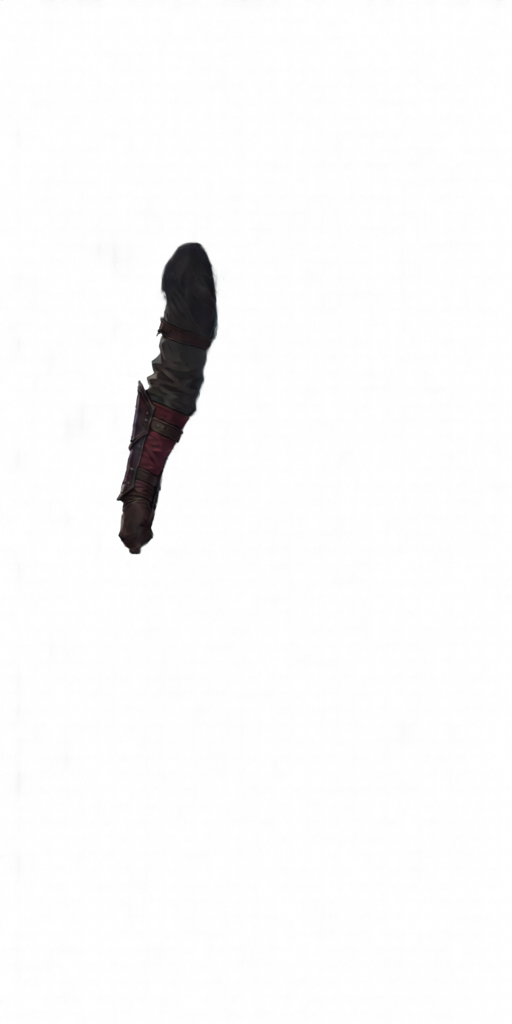
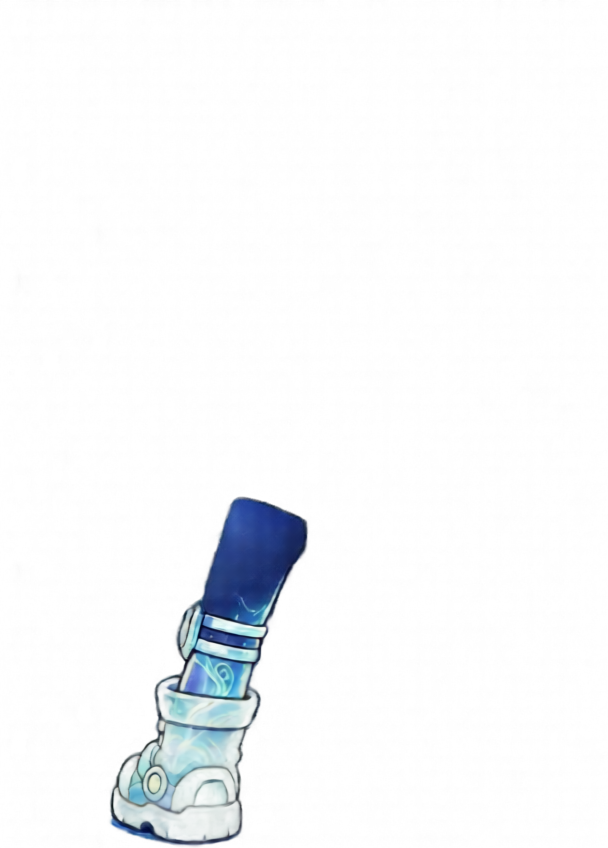
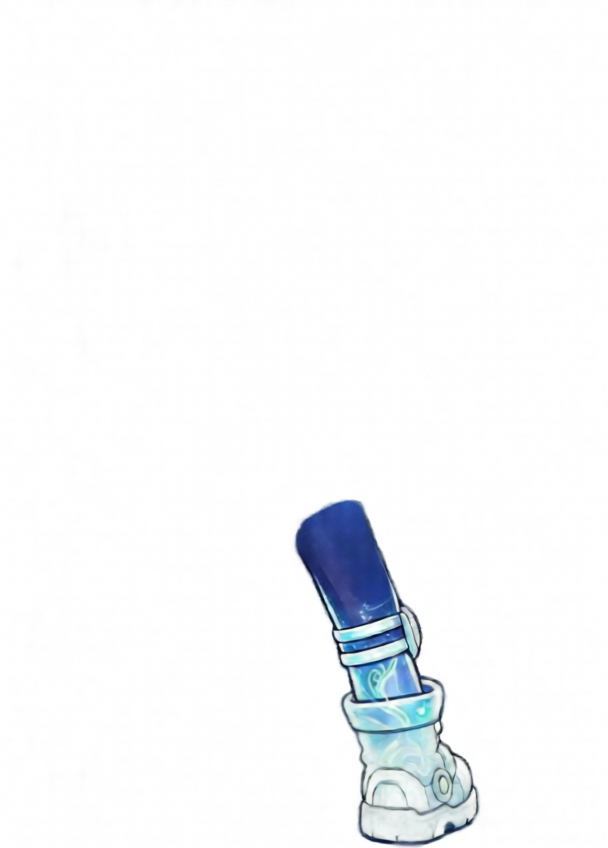
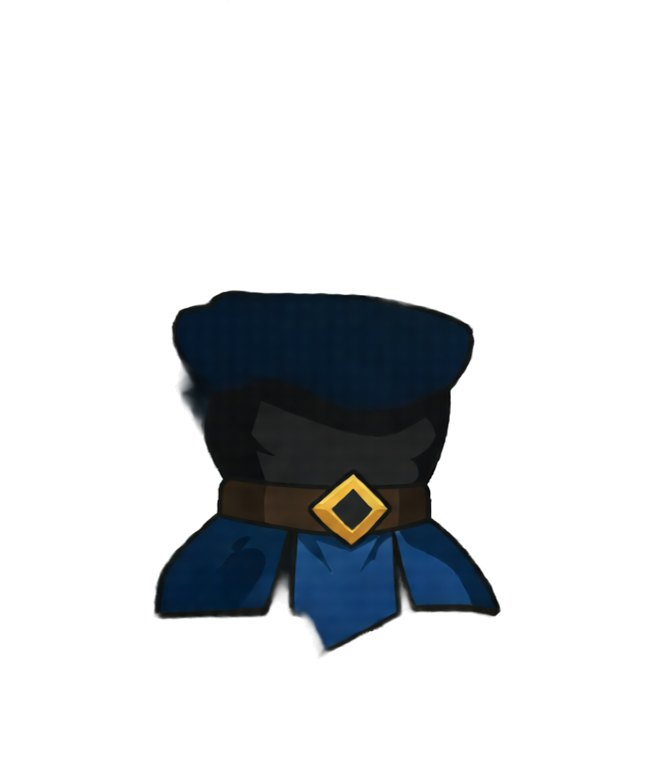
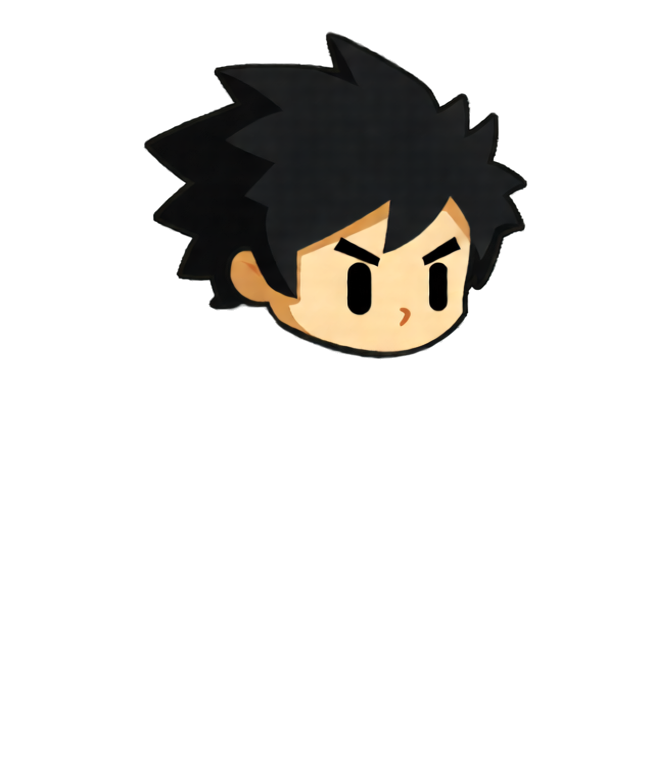
- Piece-level decomposition — Hair strands, forearms, hands and boots are separated automatically, including the artwork hidden behind overlaps.
- Cloth physics — Pick which pieces move on their own — capes, hair, skirts and sleeves trail behind the motion, and can bend along their length instead of swinging as rigid boards.
Export to Spine, or straight into your game engine
Every render gives you a flat video for quick use and the underlying rig for real production work.
Spine export, 3.5 to 4.2
A zip with skeleton.json, the .atlas and the packed .png, written in every Spine version from 3.5 to 4.2 — pick yours from the download menu. Load it with any official runtime — spine-unity, spine-godot, spine-phaser, spine-player — or import it into the Spine editor and keep animating by hand.
Transparent WebM
VP9 video with a real alpha channel. Drop it into a game engine, a video editor, or a web page without cutting out a background first.
Animated GIF
A transparent GIF for Discord, itch.io pages, store listings, and anywhere a video file is awkward.
Spine is a product of Esoteric Software. This tool writes their file format but is not affiliated with or endorsed by them — using the Spine editor or runtimes needs your own Spine licence.
What kind of character works best?
The AI was trained on full-body game character art — feed it a clean, whole character and the rig quality shines.
Full body, head to feet
The whole character should be visible, with limbs readable rather than tangled together. Anime and Arknights-style sprites are the sweet spot, and any orientation works — front, three-quarter or side.
Transparent background
An RGBA PNG with a clean transparent background gives the layer splitter the clearest signal. Around 700–1024px per side is ideal.
Avoid crops, shadows & busy scenes
Half-body portraits, drop shadows, and cluttered backgrounds reduce decomposition and rigging accuracy.
Working with pixel-art characters? Try the AI Pixel Art Sprite Generator — or for high-resolution frame animations, the AI Sprite Generator.
Pay as you go
No more subscriptions. Just pay for what you use.
🆕 💎 Monthly Subscription - Share & Generate Up to 200 generations per month
With our monthly subscription, you can use up to 200 generations per month by sharing your generation results publicly with our community, this works for the sprite generator, pixel art animation generator, 2D spine animation generator and 3D animation generator. Private generations will use your regular credits.
This helps showcase your work and your game, while helping other users learn how to use the product effectively.
💎 Monthly Subscription
Up to 200 generations with community sharing
- Up to 200 sprite generations per month
- No additional costs when you share publicly for sprite generator, pixel art animation generator, 2D spine animation generator and 3D animation generator
- No credit needed when you share publicly, 1 credit = 1 sprite generation (when private)
- Free access to edit animation, 360 rotation, UI generation, the pixel art animation generator, and more
- High-resolution animation upscaling
- Monthly billing cycle
- Cancel anytime
- Instant access to all features
- High-quality AI generations
- Community showcase participation
Popular Pack
Great for regular creators
- 30 credits included
- 1 credit = 1 sprite generation
- Credits never expire
- No subscription required
- Pay only for what you use
- Instant access to all features
- High-quality AI generations
- High-resolution animation upscaling
- API access, generate with API
Ultimate Pack
Best value for power users
- 125 credits included
- 1 credit = 1 sprite generation
- Credits never expire
- No subscription required
- Pay only for what you use
- Instant access to all features
- High-quality AI generations
- High-resolution animation upscaling
- API access, generate with API
Credit packs are one-time payments. Monthly subscription renews automatically. All purchases are final.
How the AI Spine Animation Generator is priced
One credit covers the whole character: charged on the first step of an upload, then unlimited re-splits and animations on that same character.
- 1 creditOne character (this upload) — Charged on the first step. Unlimited re-splits, retries, and animations on the same upload.
A new upload is a new character and is charged again. Rigs are saved as projects, so you can reopen a character later and keep rendering for free. Subscribers who share publicly pay no credits at all — that first step counts toward the monthly allowance instead.
Get up to 1,000 free credits!
Share God Mode AI on Social Media
Have followers on X, TikTok, YouTube, or other platforms? Share our product and earn free credits!
Enterprise & Game Studios
Supercharge your game development with custom AI solutions
Looking to scale your game development? Let's discuss how our AI solutions can transform your workflow.
Spine animation generator FAQ
Rigging, formats, pricing, and more
Commercial use is included on every plan. You own what you generate — ship it in your games, apps, films, and other commercial products. Details